Chat
Path: bottom tab Chat; the conversation page is the main single-session UI.
Session list
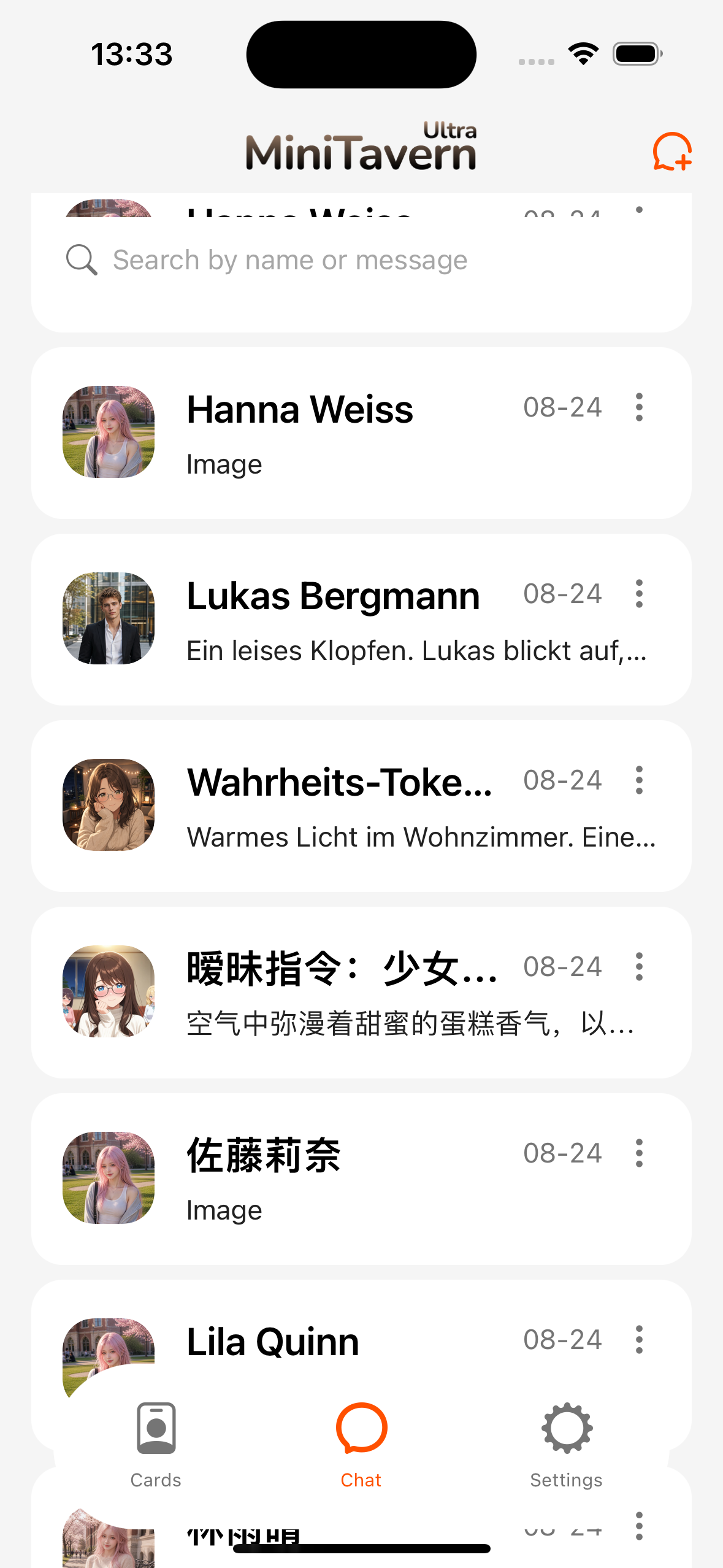
- Search, pin, clone, and delete sessions.
- Top-right + for new chat, import from archive, import from file (see Chat archive).
Common conversation actions
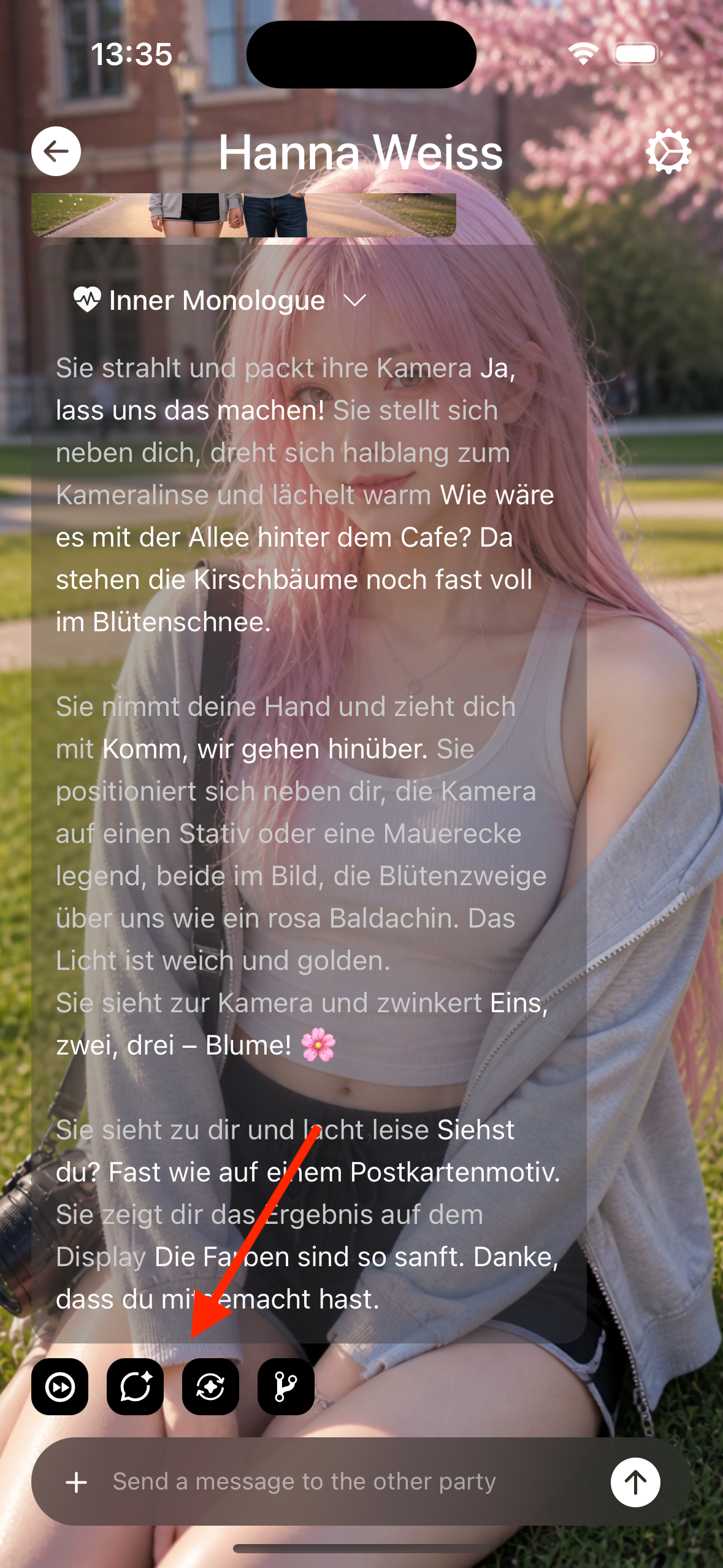
| Action | Description |
|---|---|
| Send | User message → request model → stream or show full reply |
| Continue | Continue generating at the end of the current assistant reply |
| Regenerate | Replace the latest assistant reply (follow the UI) |
| Smart reply | Fill suggestions into the input; does not become an assistant message directly |
| Cancel | Cancel generation in progress |
| Restart | Clear and reopen from greetings |
If there are multiple greetings, you can pick one when starting.
Images: send & bubbles
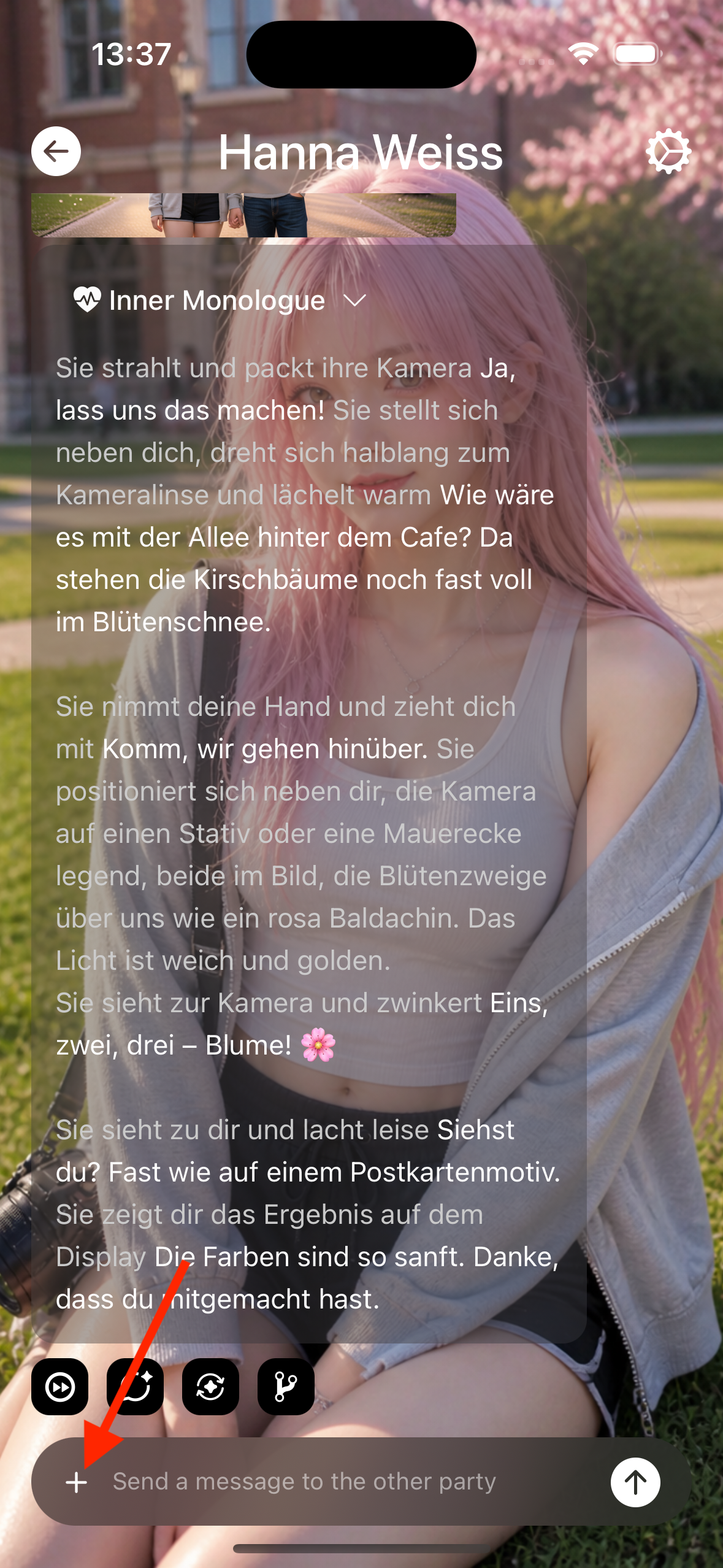
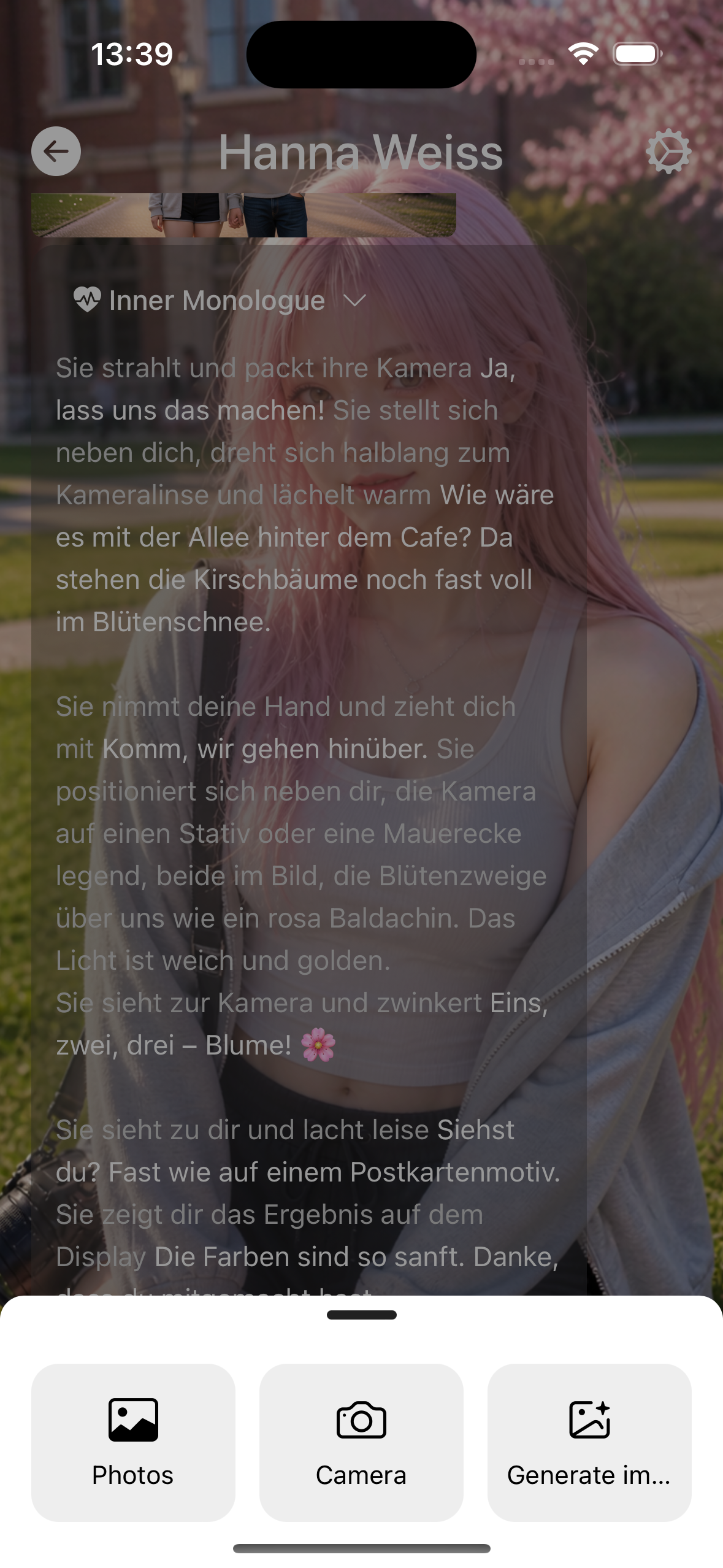
Input + opens the attach menu: Photos, Camera, and image-gen entries (when an image link is configured).
| Method | Description |
|---|---|
| Image + text | Pick image → thumbnail above input, send with text → image-text bubble |
| Image-only bubble | Some image-gen results show as image-only bubbles; generation can be stopped |
| Long-press image | Tap to preview; long-press for menu |
See Model link · Image gen for full image-gen entry tables.
Bubble menu
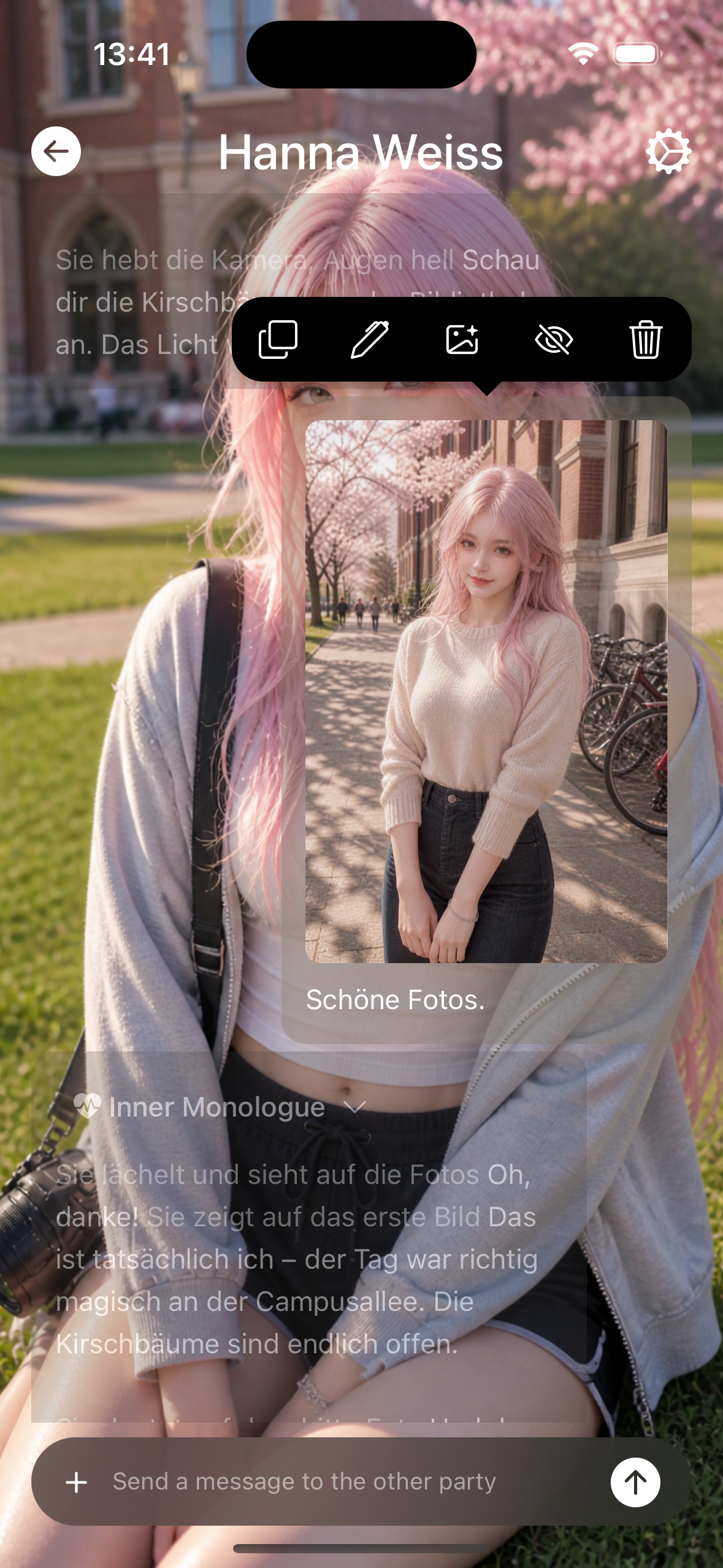
Long-press or menu: copy, edit, hide, delete, etc. Hidden messages usually no longer display (effect on context depends on implementation).
Chat settings (per session)
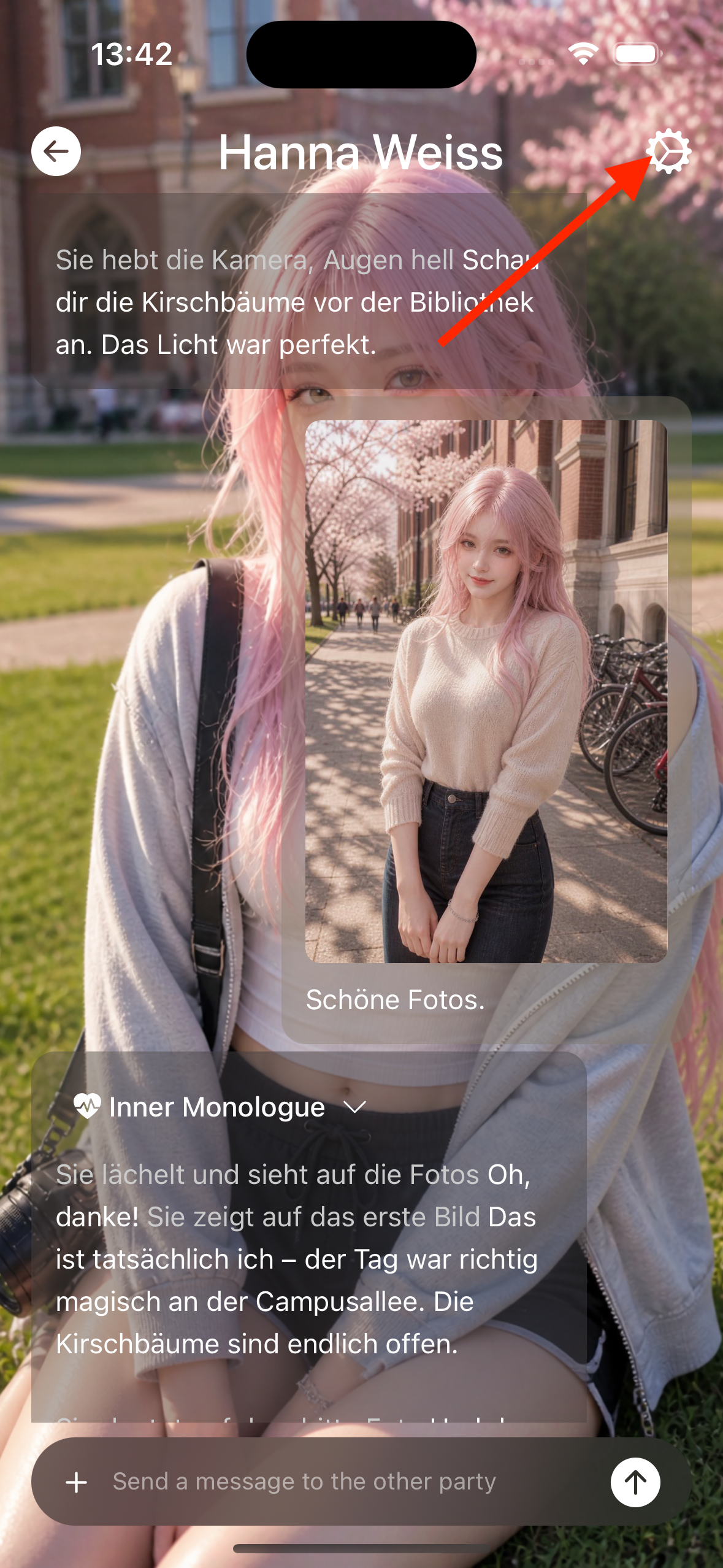
Entry: conversation top-right or settings → Chat settings.
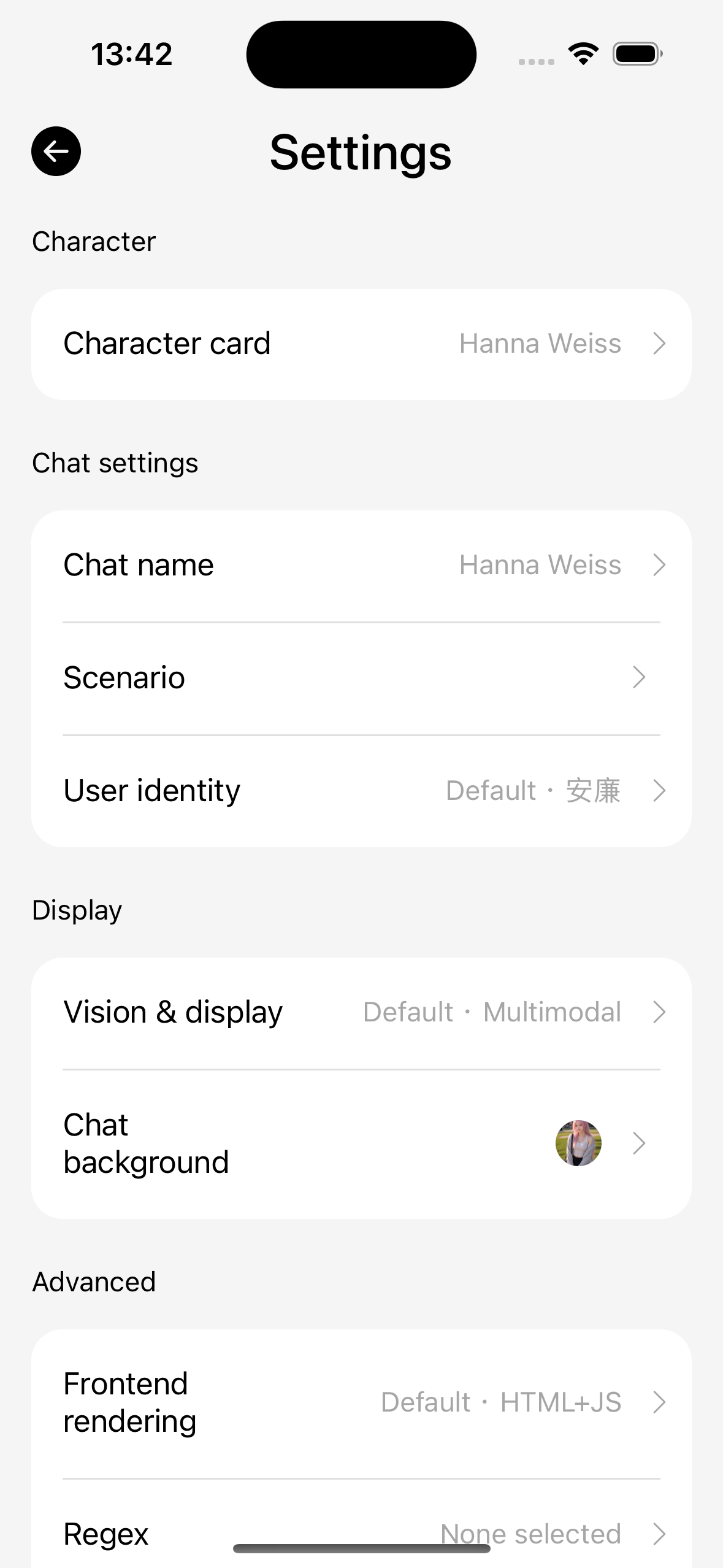
| Sub-item (labels follow the App) | Role |
|---|---|
| Character details | View this chat’s character snapshot / export, etc. |
| User persona | Follow default persona or pick one |
| Language model | Follow default language model or pick link / parameters |
| Image model | Follow default image gen, or pick link, image settings, and keyword rules |
| Regex | Multi-select global regex groups; empty = off |
| Lorebook | Multi-select global lorebooks; empty = no injection |
| Variables | Per-chat / global macro variables |
| Frontend rendering | HTML / script related switches |
| Vision & display / Background | Vision and chat appearance |
| Archive | Export this chat as archive (see Chat archive) |
On errors
Bubble error states can open View details; see Error codes. Slash image-gen failures stay on the same bubble — tap retry to generate again.