Settings and more
Path: bottom tab Settings.
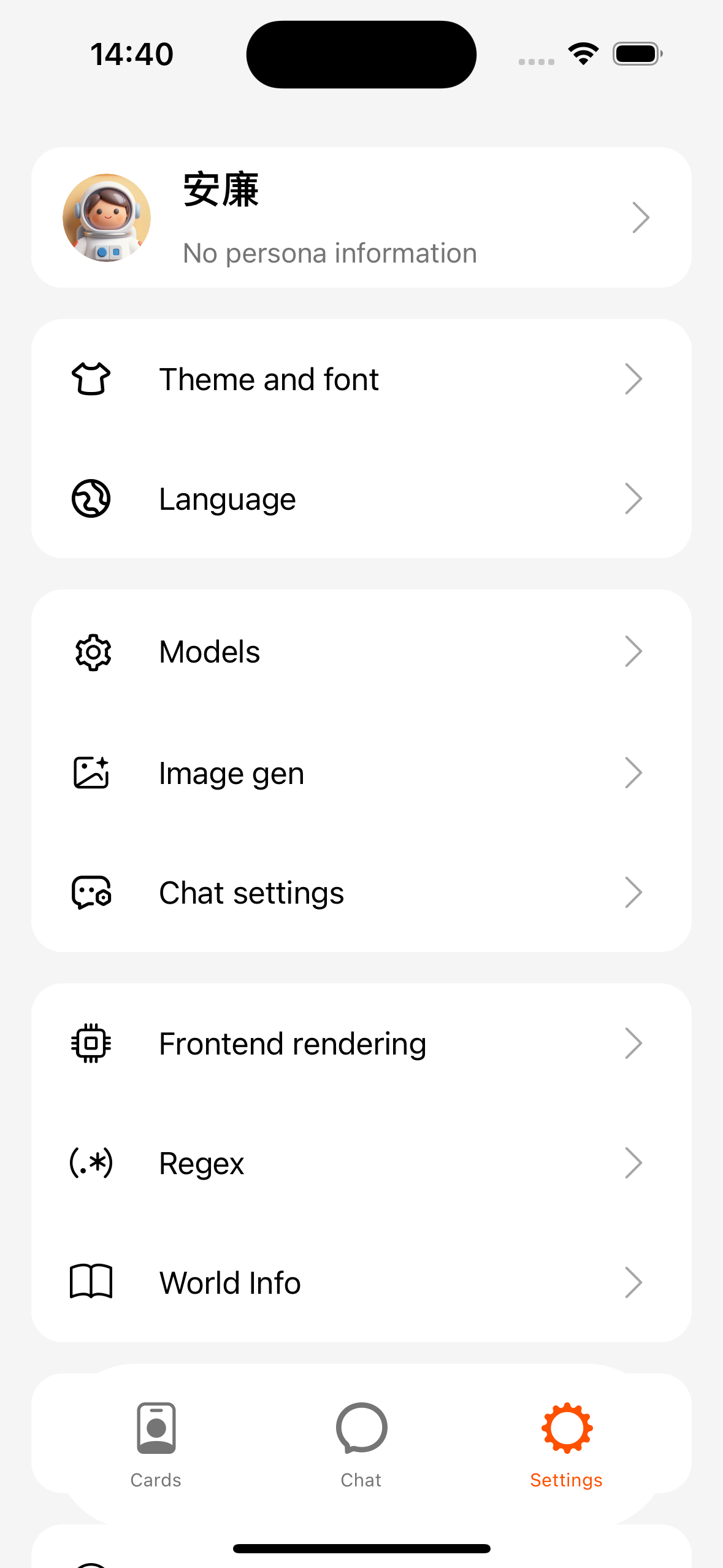
Common items
| Menu | Description |
|---|---|
| Theme & fonts | Light / dark / system; font size |
| Language | Simplified Chinese, English, 日本語, 한국어, Deutsch, Traditional Chinese (Taiwan / Hong Kong) |
| Models / Image gen / Chat | See Model link (includes vision and image-gen entries) |
| Scripts & safety / Frontend rendering | Global HTML and script switches |
| Regex / Lorebook / Persona | See the matching chapters |
| Data management | Backup and archives |
| About | Version, check for updates, privacy policy |
| Help & feedback | This manual, Free cloud APIs, Run local models, Report an issue, feedback email |
Report an issue
Path: Settings → Help & feedback → Report an issue.
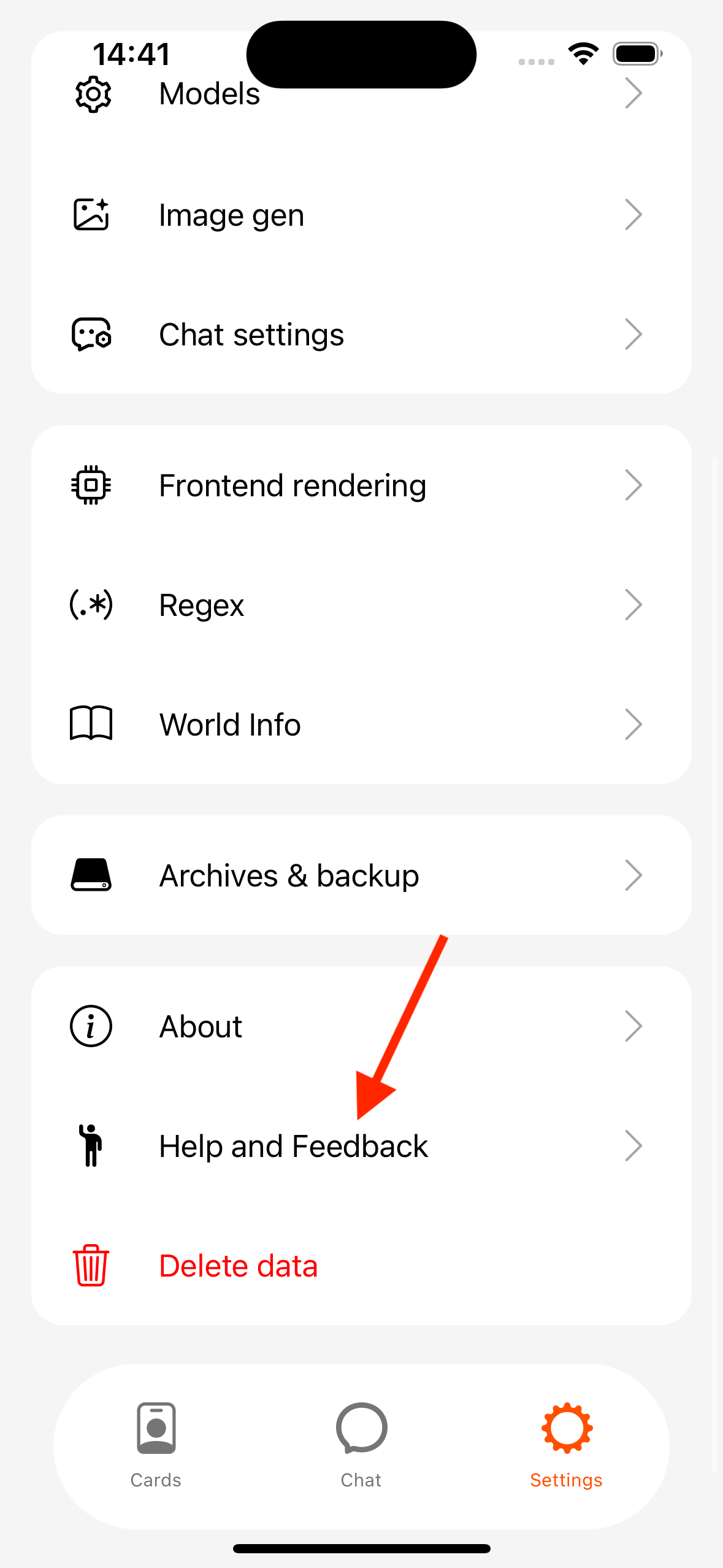
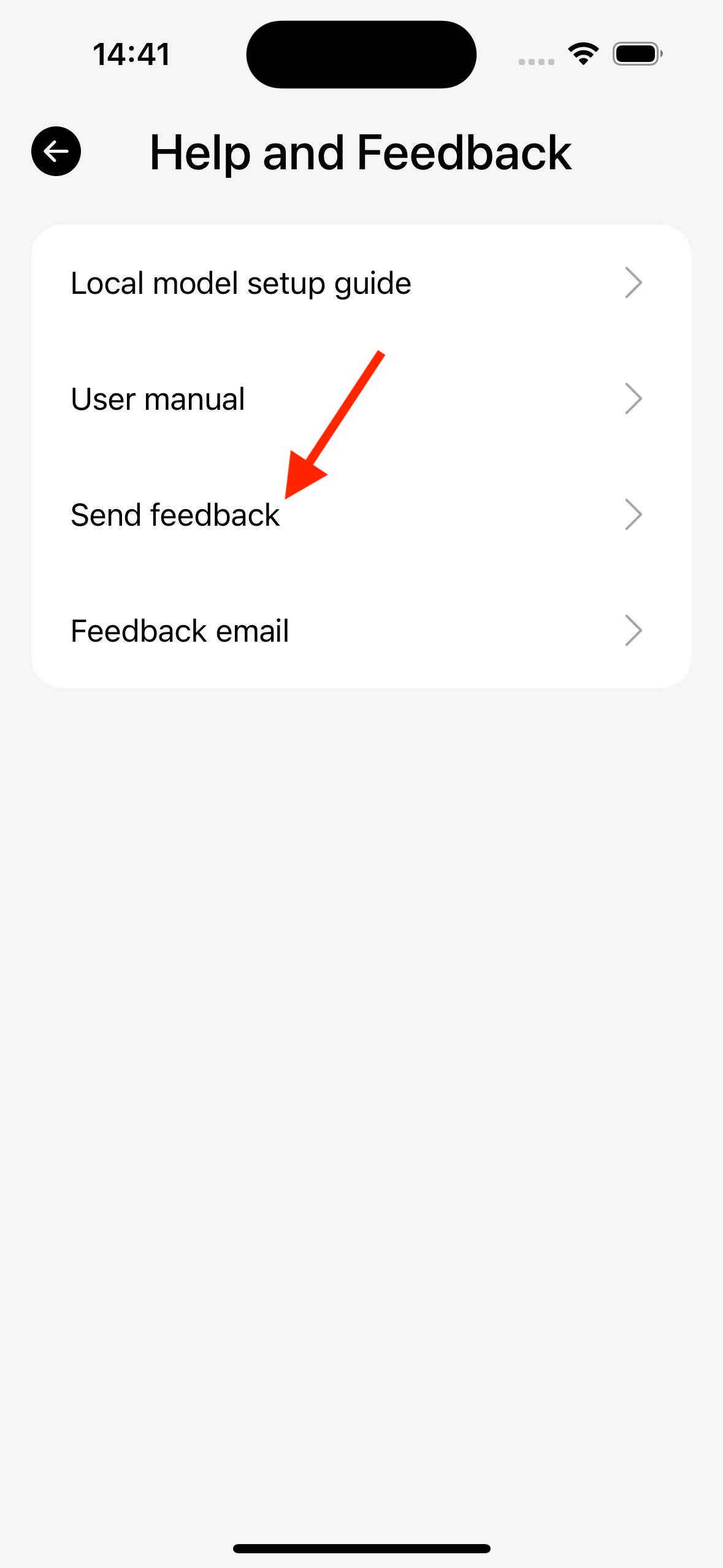
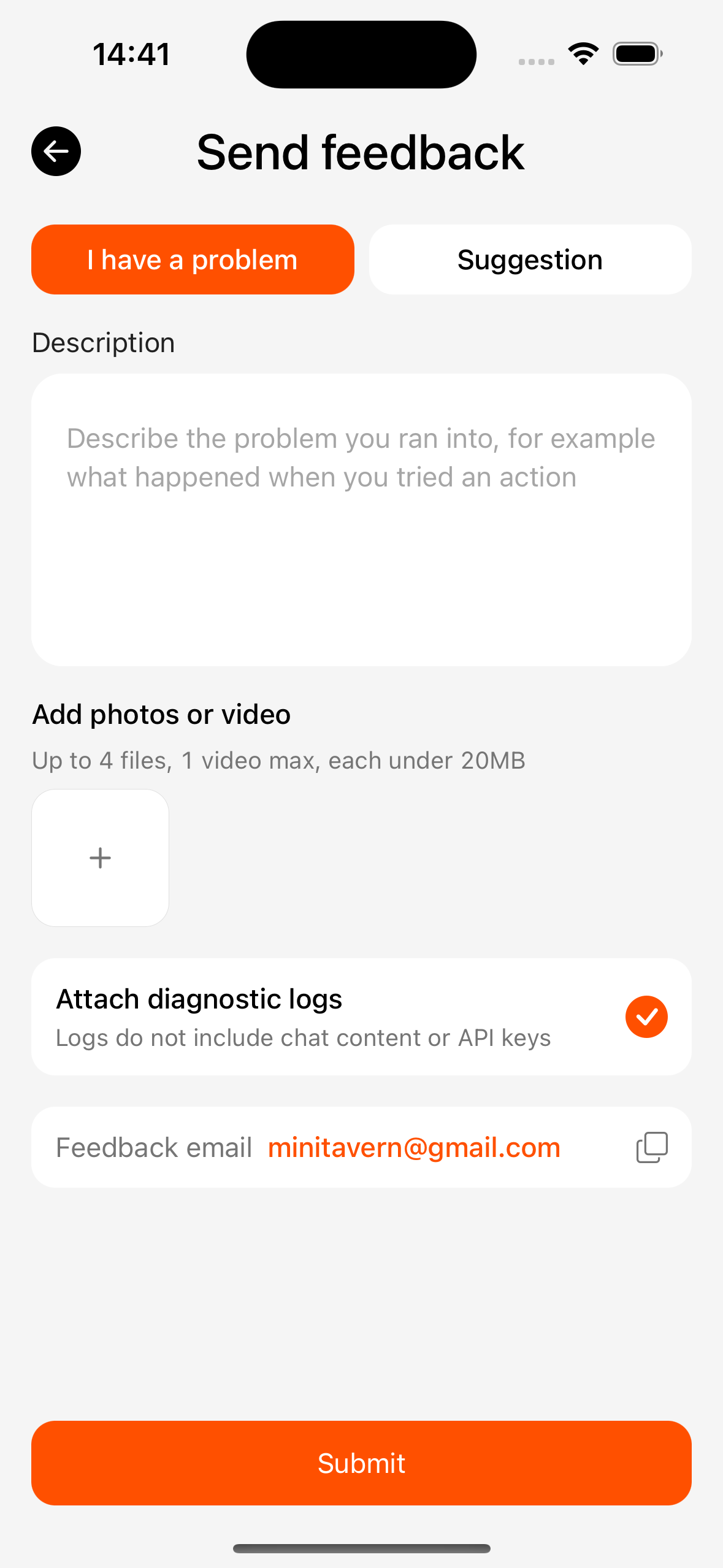
Choose “I have a problem” or “Suggestion”, describe what happened and how to reproduce, and optionally attach screenshots or a short video. When reporting problems, keep “Include issue logs” checked (logs do not include chat content or API keys). Submit first tries to open the system mail app; if none is available or it fails to open, it falls back to uploading to the server. If that still fails, you are asked to retry later, or you can copy the feedback email at the bottom of the page and send yourself.
Privacy and keys
- API keys live in the device secure store and are not casually leaked via ordinary plaintext backups (full backups that include keys are a separate case).
- The privacy policy opens from the About page.