Backup and archives
Full backup (ZIP)
Path: Settings → Data management (or “Archives & backup”) → backup-related entries.
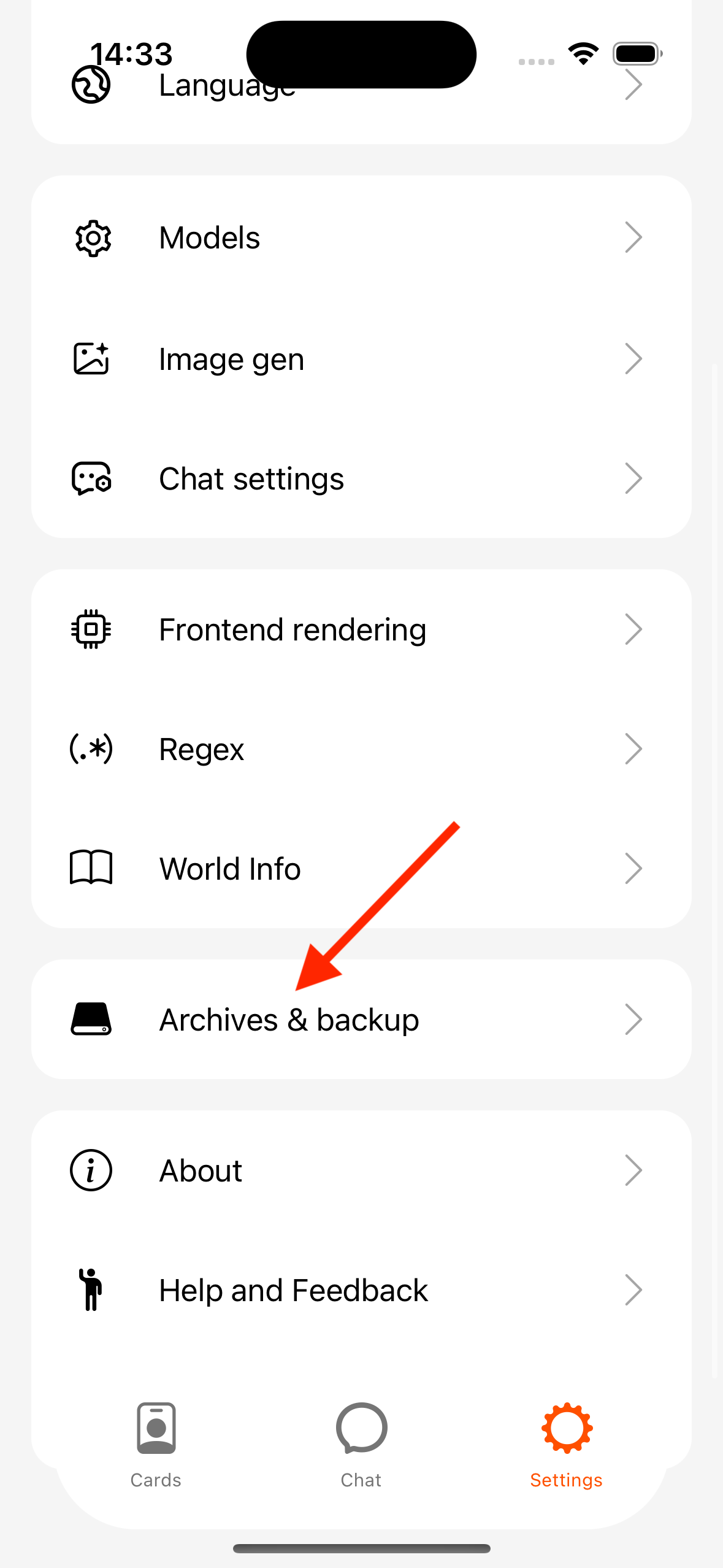
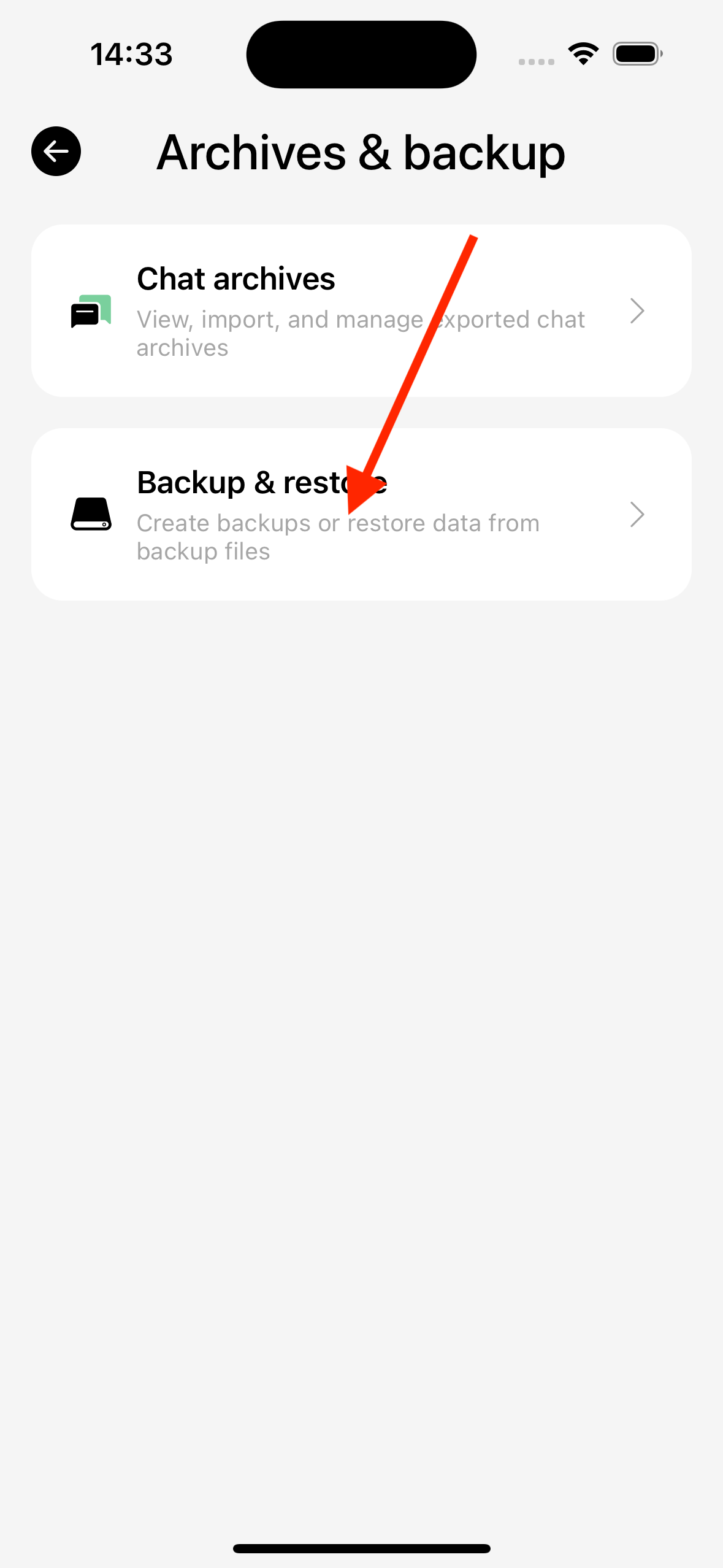
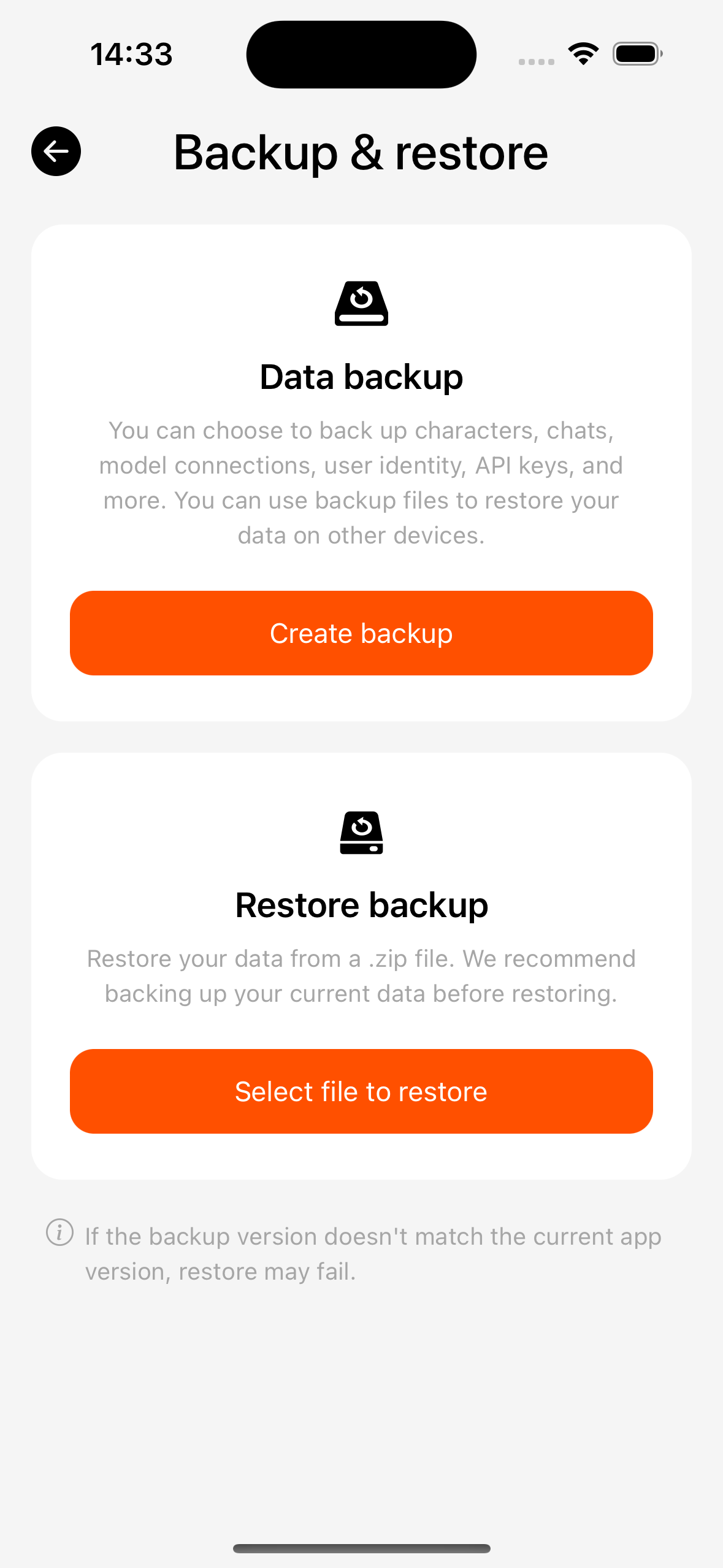
- Export: check categories to back up (characters, chats, lorebooks, regex, personas, etc.) → generate a ZIP → share or save to Files.
- Restore: pick a backup ZIP → Merge or Overwrite (overwrite is destructive; confirm carefully). A chat archive or invalid file shows an error in the restore progress dialog.
- Optionally include API keys (sensitive — watch who you share with).
- Enable backup reminders so you do not go long without a backup.
Chat archive (single-chat ZIP)
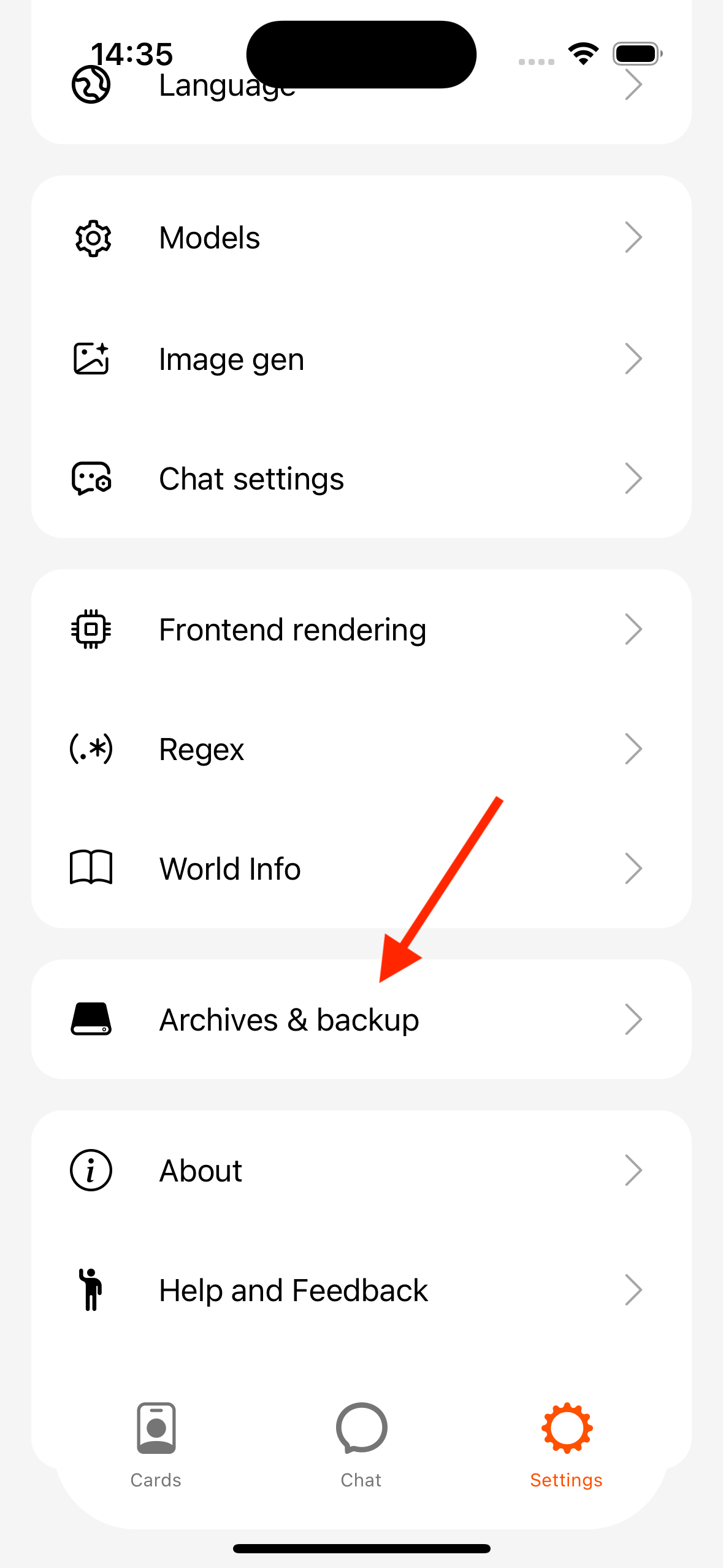
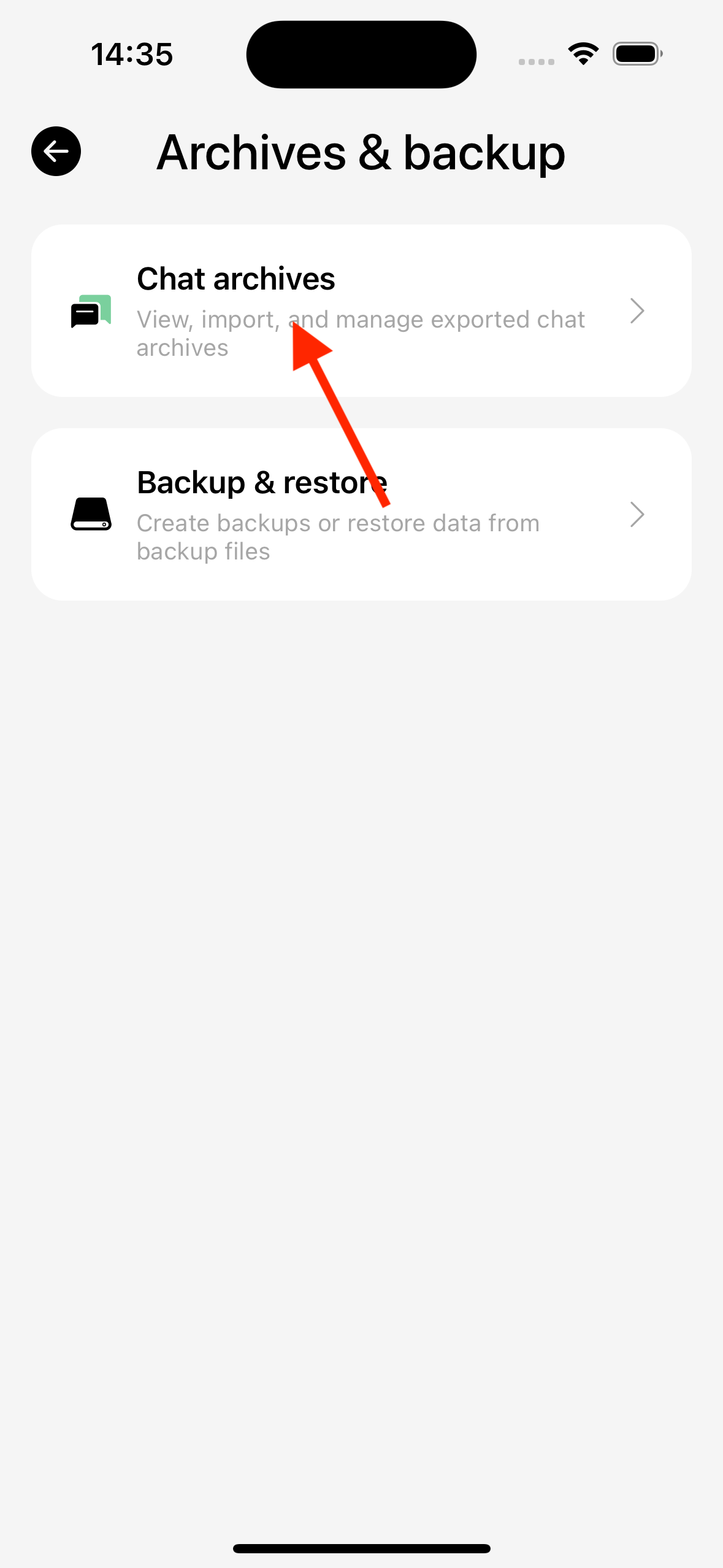
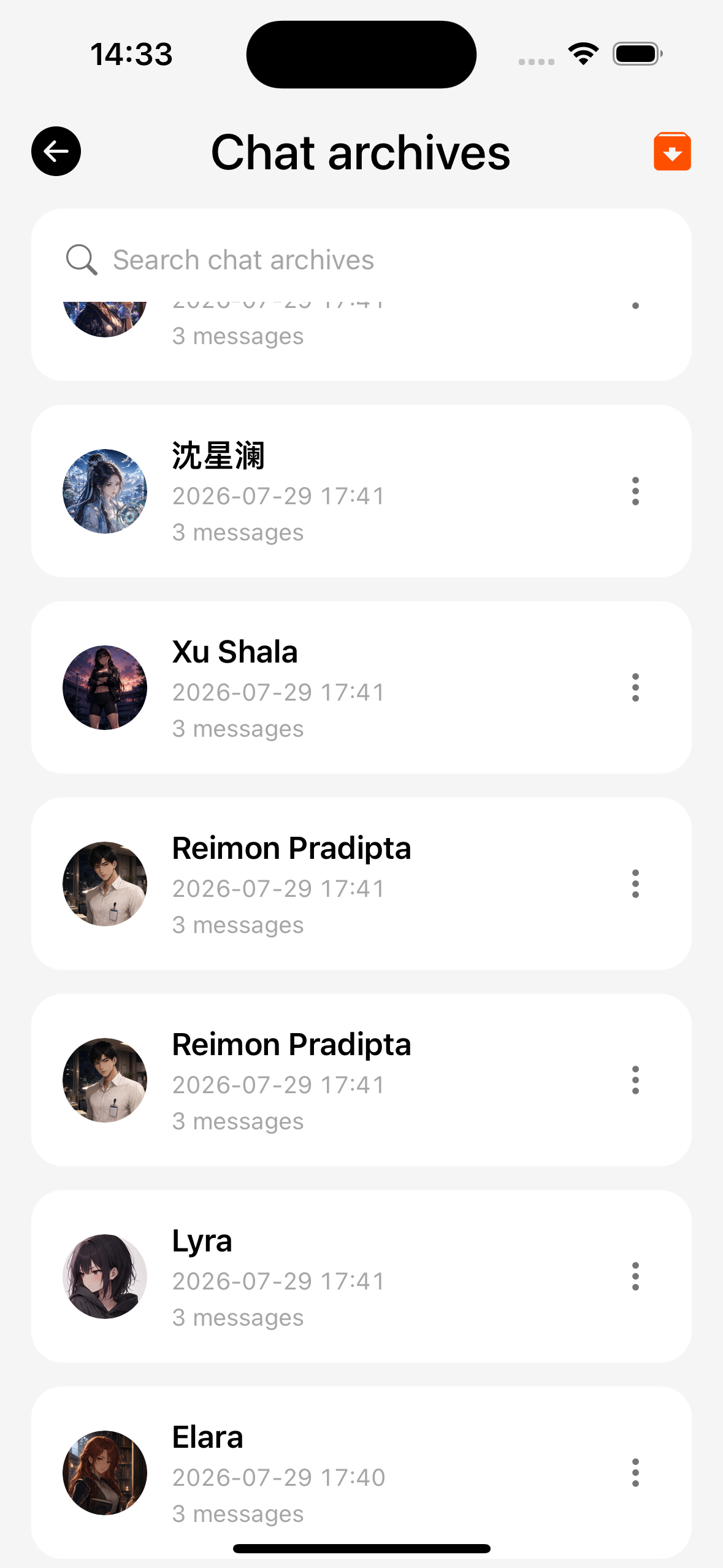
All export/import entries and steps: Chat archives.
Do not import single-chat archive ZIPs through the full backup restore flow (different package types).
Delete data
Settings can clear chat archives, backups, etc.; confirm you have a usable backup first.