Model link and parameters
BYOK: keys stay in on-device secure storage; requests go straight to the address you configure.
Without a paid API, start with Free cloud APIs; local deploy: Run local models.
Model link
Path: Settings → Models → Model link
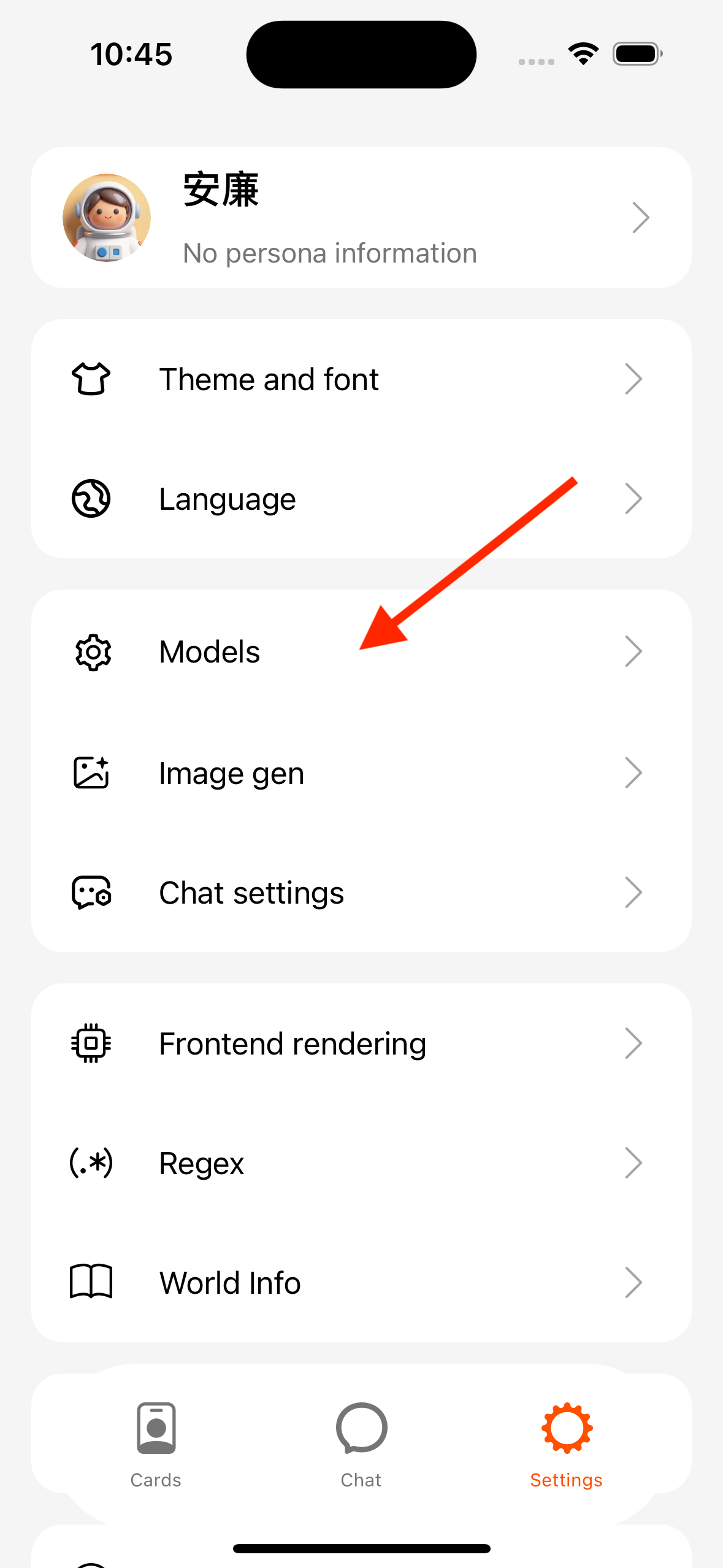
| Action | Description |
|---|---|
| New | Platform, key, Base URL, model |
| Edit / Copy / Delete | List overflow menu |
| Set as default | Used by new chats by default |
| Test | Before save or on the edit page. Must pick a text chat model; TTS / image-only IDs (e.g. Gemini *-tts) fail text chat — see Errors · textOutputUnsupported |
Platform types (common)
| Option (labels follow the App) | Use |
|---|---|
| Vendor presets | Auto-fill China / international Base URL |
| Custom (OpenAI) | Local Ollama / LM Studio, compatible gateways |
| Custom Gemini / Anthropic | Matching protocol endpoints |
Multi-site platforms can switch “Use international site”. Local models: Connect MiniTavern and Tools overview.
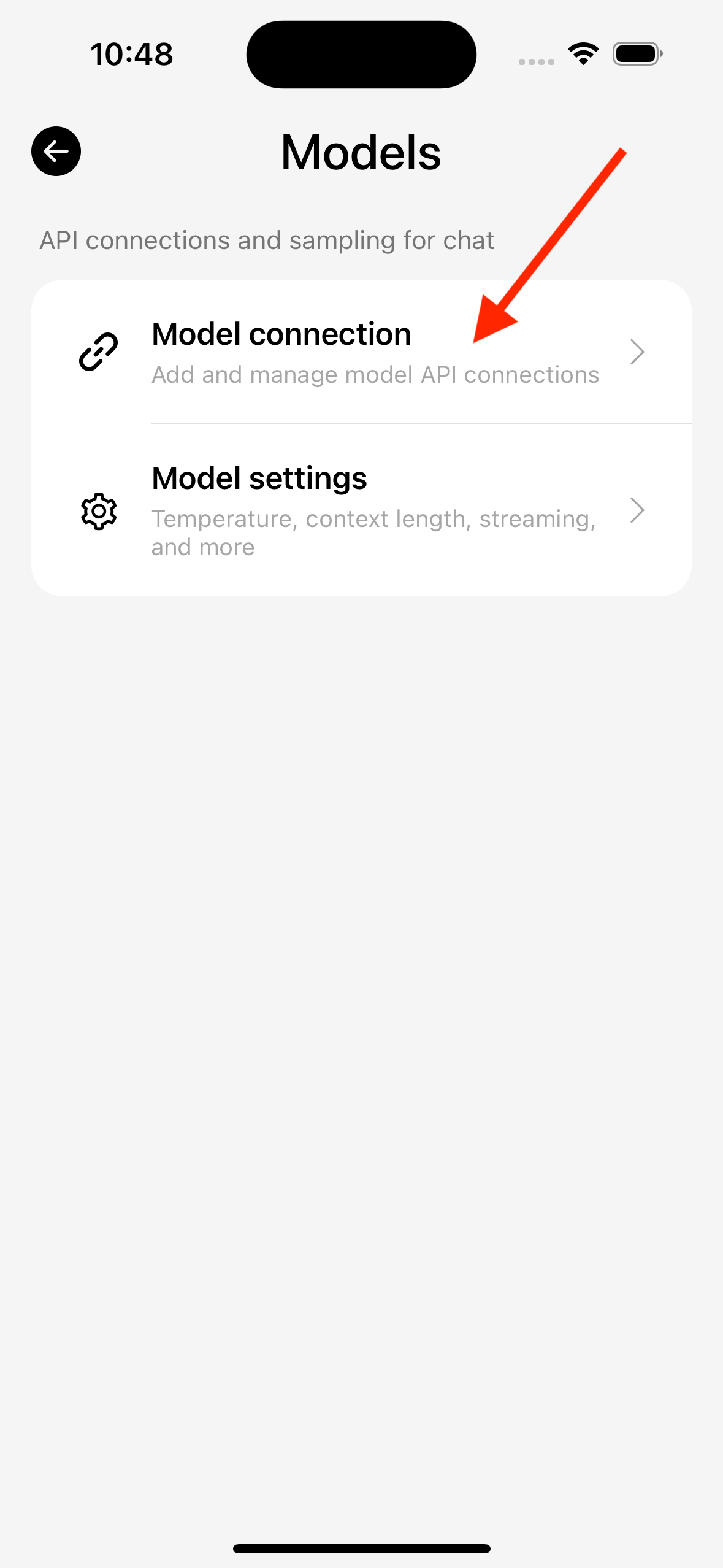
Model settings (global parameters)
Path: Settings → Model settings
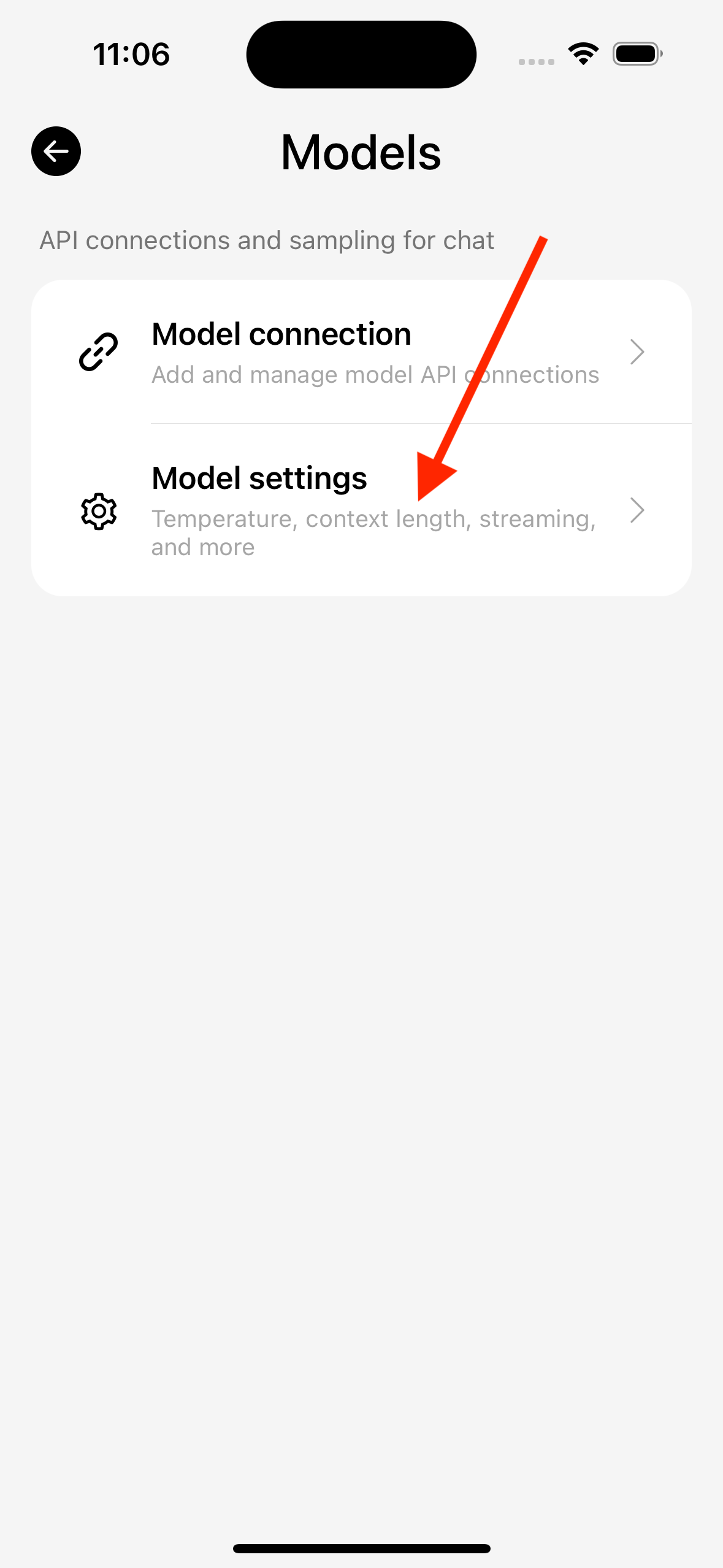
Common items (names follow the App):
- Memory length (related to history message count)
- Reply tokens (max tokens, up to 128000; some Claude cases must not be None)
- Temperature, Top-P / Top-K
- Whether to stream output
Per-chat overrides
Path: conversation → Settings → Model link / parameters
You can set link and sampling for one chat without changing the global default.
Vision in chat settings
Path: Settings → Chat → Vision settings
Per chat, Chat settings → Vision & display can follow defaults or override (caption model and prompts still use global).
- “Image caption” off: multimodal models receive the image directly (model must support vision).
- On: only when the current chat’s main model does not support image parameters — a caption model first turns image→text (can share one request with face ID), then the main model runs; captions are cached. If the main model already supports vision, images still go multimodal; this switch does not block them.
Send order when the main model lacks images and caption is on: caption (+ face ID) → main chat (if smart/keyword reply-image is on, may attach image-gen prompts) → if the reply carries image-gen data, side-path image gen.
If you see “current model does not support images”, see Errors · visionUnsupported.
Image gen (link / reply images / keywords)
Path: Settings → Image gen
- Image gen link / Image gen settings: API, size/quality, generation count (
/imagineonly), enhance/negative prompts (only/imagineand attachment-menu image gen; default quality words / low quality·blur·extra fingers·watermark, etc.) - Reply images (in image gen settings): turn the switch on, then pick a trigger. When off, chat does not auto-generate images (slash commands, attachment menu, and long-press bubbles are unaffected)
- Smart detect: the model decides whether this turn needs an image; aspect ratio follows the scene (phone selfie 3:4, camera shot 3:2); on hit, exactly 1 image. You can attach a reference (e.g. “draw in this style”); the attachment is style reference only, not character/user identity
- Keyword trigger: user message matches a keyword rule (attachments allowed); scene and aspect follow the chat; on hit, exactly 1 image
- Keyword image triggers: configure rules. To actually fire, enable reply images in image gen settings and choose keyword trigger
Image gen in chat:
| Entry | Description |
|---|---|
/imagine prompt | Main chat model first decides relevance and whether to use character/user refs, then builds the prompt and generates. Attachments via “+” are seen by the main model when writing the prompt and used as refs during gen; they do not skip character/user image decisions. Those images show as small previews on the image-gen bubble, not as a chat message. Count uses “Generation count” in image settings. On failure the bubble remains with retry |
/imagine scene / Attach → From story | Draw the current scene from recent dialogue, 1 image |
/imagine last / Attach → From last message | Draw from the last message, 1 image |
| Attach → Generate background | Draw an environment background, 1 image; then you can set it as chat background |
| Long-press bubble → Image gen | Draw from that bubble, 1 image |
Example: “Give me a selfie of you” uses character refs and chat context; “a photo of a puppy” is treated as a standalone request without the character’s face.
Local A1111 / ComfyUI: Image model deploy · Connect App.
Cloud free tiers: Free cloud · Image gen.
When no image gen link is configured, the four attachment image modes and sending /imagine show “Go to settings / Cancel” without clearing the input. Smart / keyword auto image gen uses Toast. Enabling “Reply images” without a link shows a modal and keeps the switch off.
Troubleshooting entry
Test or chat failure → Toast / bubble → View details (error code + cause + suggestions) → Error codes.