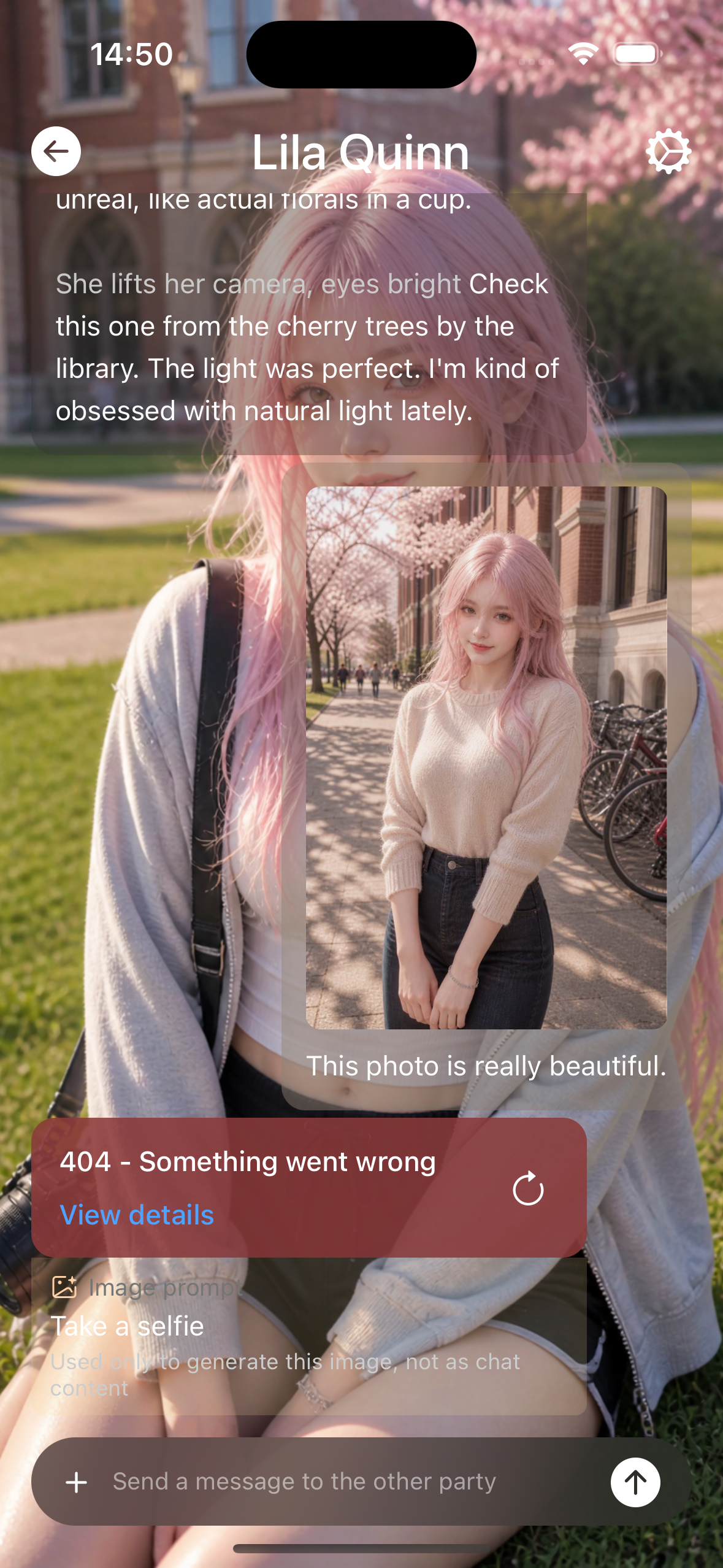
Error codes
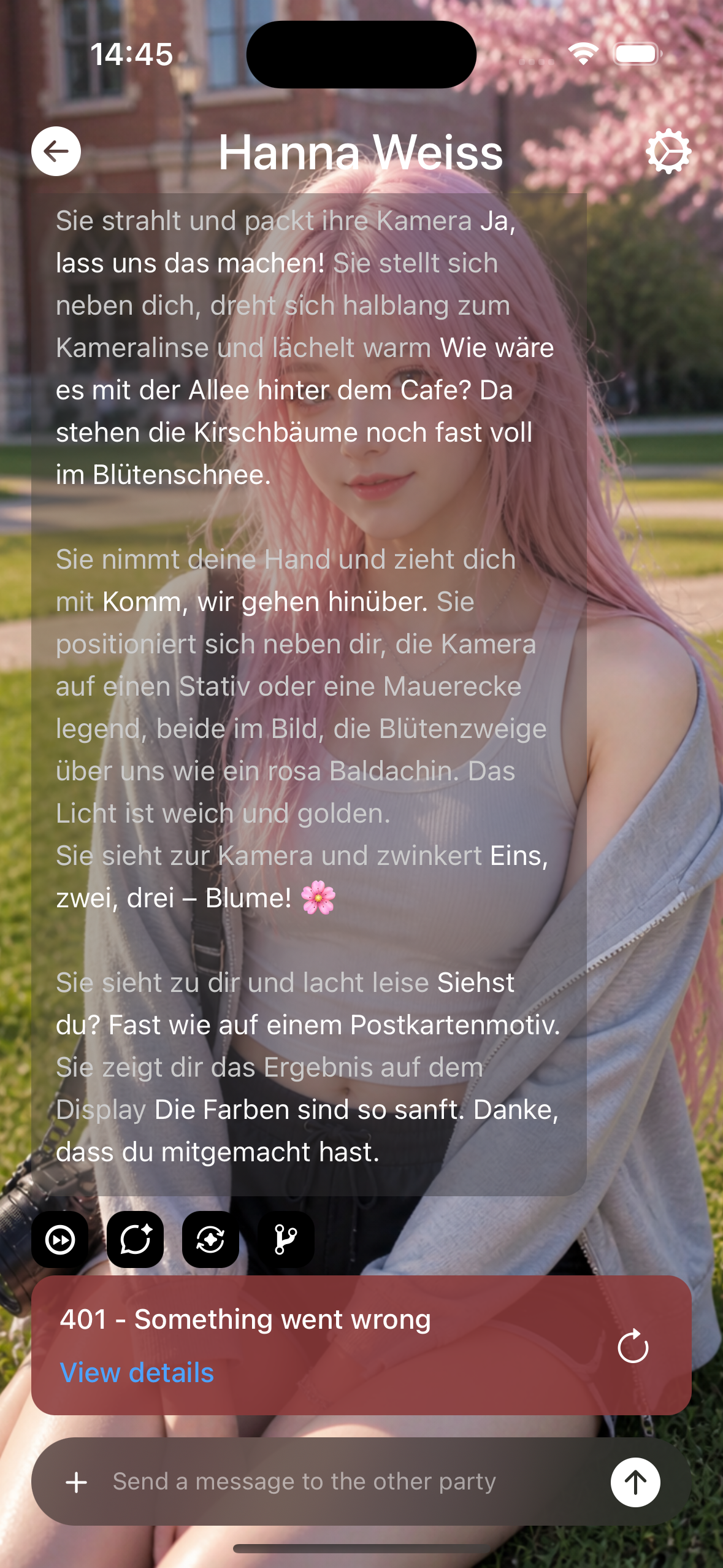
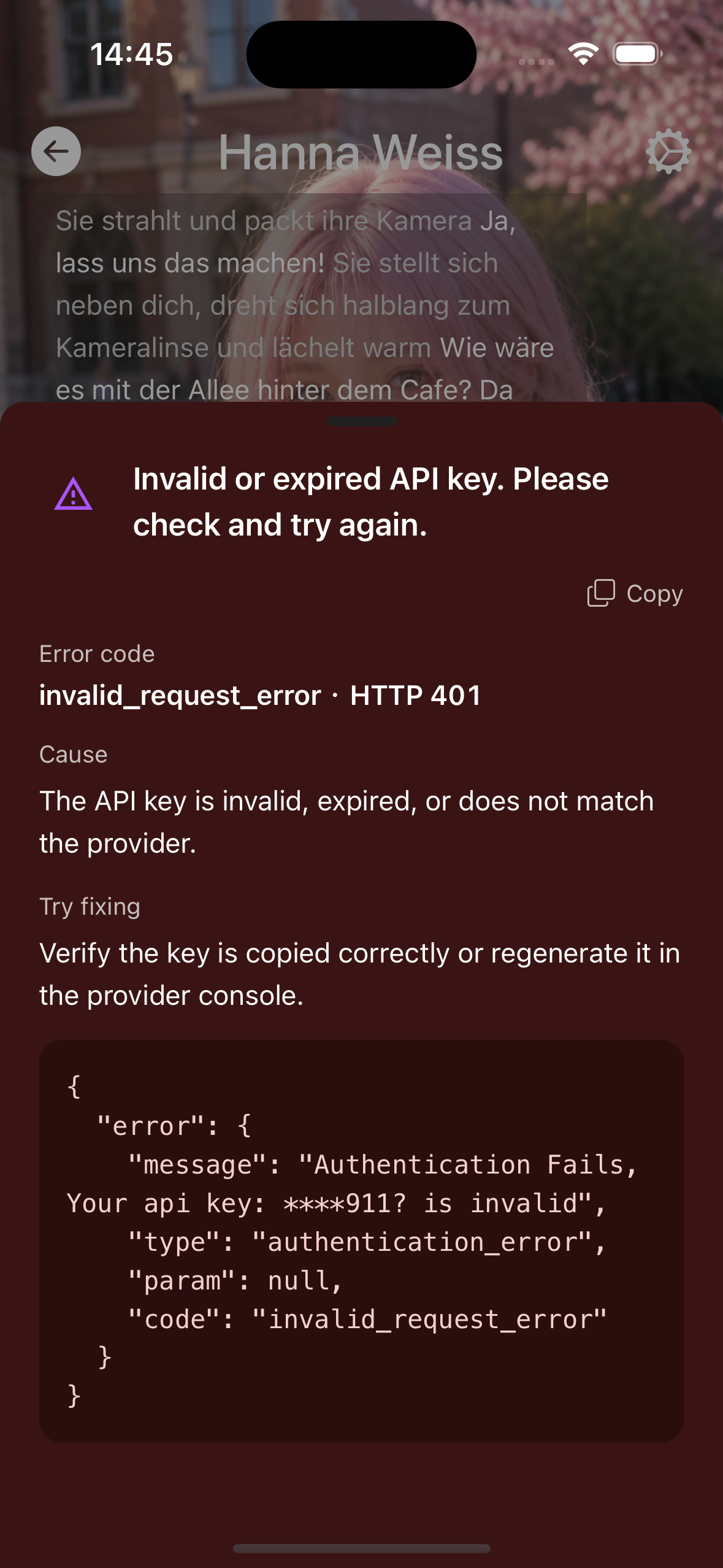
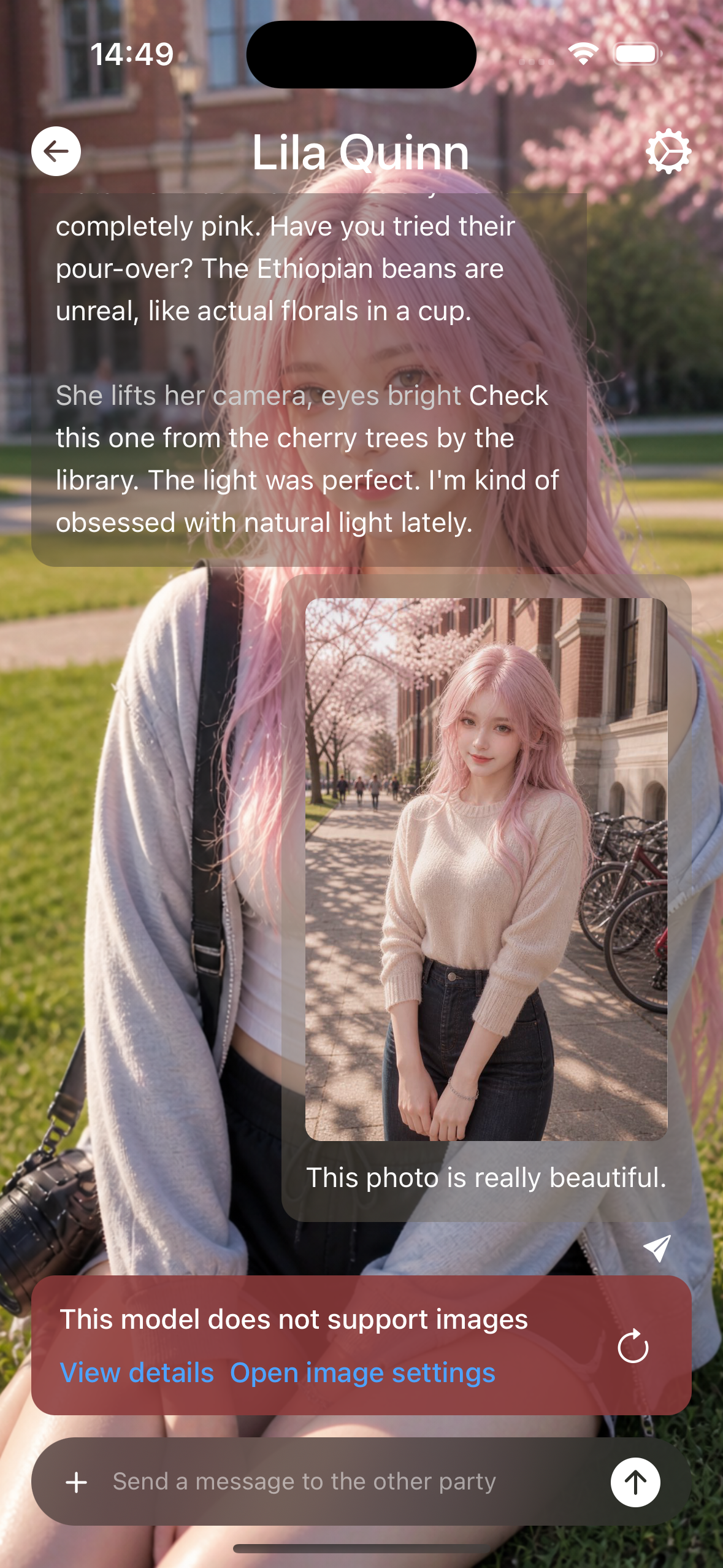
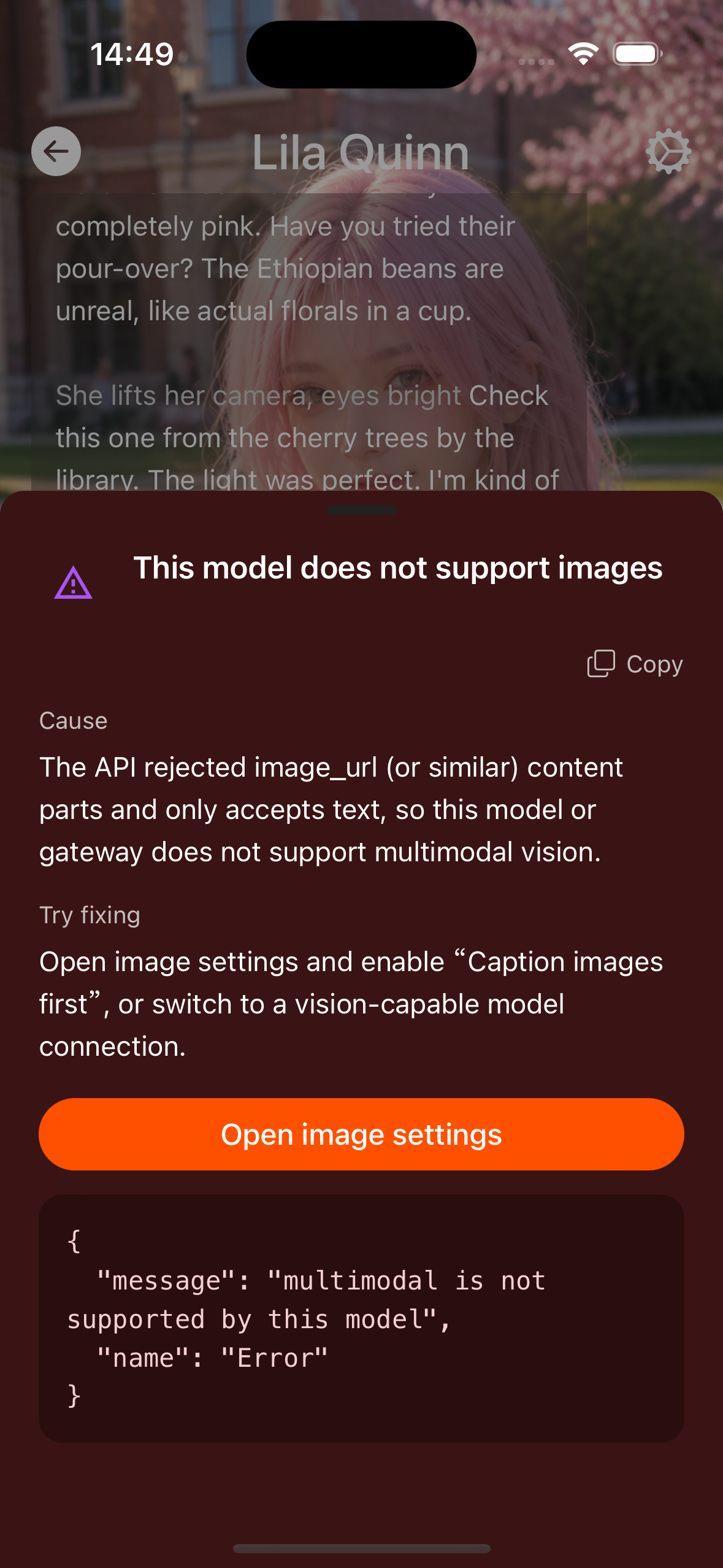
When Test fails or a chat bubble errors, tap View details and match the error code (or message keywords) on this page.
Details usually include:
- Error code (English id, e.g.
invalidApiKey) - Cause
- Suggested fixes
Codes below match the names shown in the App error details.
Quick reference
| Error code | User-facing summary | First steps |
|---|---|---|
missingApiKey | Enter an API key first | Fill the key in Model link |
invalidApiKey | Key invalid or expired | Check full copy; regenerate in console |
forbidden | Access denied | Permissions; model enabled? |
regionForbidden | Region unavailable | Change network / proxy / international site |
network | Network connection failed | Network, Base URL, firewall |
timeout | Request timed out | Network; raise timeout for local models |
modelNotFound | Model not found | Verify model ID |
modelRetired | Model retired | Pick a currently available model from the list |
rateLimit | Too many requests | Wait and retry |
freeTierQuota | Free-tier request quota | Wait for Please retry in …; slow down or upgrade |
insufficientQuota | Quota exhausted | Top up / change key |
spendingCapExceeded | Monthly spend cap | Raise spend cap in console |
providerReturnedError | Upstream error | Switch model / avoid same-vendor :free / OpenRouter BYOK |
contextLengthExceeded | Context too long | Lower memory; set reply tokens to None; larger-context model |
anthropicMaxTokensRequired | Claude missing max_tokens | Enable “Reply tokens” in model settings |
badRequest | Bad parameters | Check params and compatible API format |
serverError | Server error | Retry later |
requestFailed | Request failed | Read detail text |
contentPolicy | Safety filter | Regenerate / switch model / rewrite |
emptyContent | Empty reply | Retry; check reasoning-model fields |
modelAtCapacity | Model at capacity | Wait or switch model |
productNotActivated | Product not activated | Enable the model in the vendor console |
visionUnsupported | Images not supported | Use a vision model or remove attachments |
textOutputUnsupported | Text chat not supported | Pick a text chat model; do not use TTS/image-only IDs |
Category details
missingApiKey
- Symptom: Cannot request without a key.
- Fix: Settings → Model link → fill API Key. Local Ollama etc. can use a placeholder if non-empty validation applies.
invalidApiKey
- Symptom: 401-class, invalid key.
- Fix: Copy with no spaces; match China / international site to the key; regenerate the key.
forbidden / regionForbidden
- Symptom: 403, region limits.
- Fix: Confirm model permissions; use a proxy or international Base URL.
network / timeout
- Symptom: Cannot connect or no response for a long time.
- Fix:
- Check Base URL (on the phone do not use
localhost— use the PC’s LAN IP). - Allow the port in the PC firewall; phone and PC on the same Wi‑Fi.
- Weak network or slow local model: raise timeout, use a smaller model.
- Check Base URL (on the phone do not use
modelNotFound
- Symptom: Wrong model ID.
- Fix: After Test, re-pick from the list; local IDs must match
ollama list/ LM Studio display names.
modelRetired
- Symptom: HTTP 404 with
no longer available to new users/use a newer model(e.g.models/gemini-2.5-flash-lite). - Difference: The vendor retired it or closed it to new users — not a typo.
- Fix: Refresh the list in Model link and pick a live Gemini (e. for example
gemini-flash-latest). You do not need the Interactions API. Catalog: Gemini models.
rateLimit
- Fix: Send less often; retry later; upgrade the plan.
freeTierQuota
- Symptom: Gemini etc. return
HTTP 429+generate_content_free_tier_requests(often limit: 20) withPlease retry in …s. - Difference: Free-tier RPM / daily request limits — not “no money” and not project monthly spend cap.
- Fix: Wait the stated seconds; reduce send rate; check AI Studio usage; enable billing / paid tier for higher limits. Docs: Gemini rate limits.
insufficientQuota / spendingCapExceeded
- Difference: Quota emptied vs project monthly spend cap (retrying later usually does not help the latter).
- Fix: Top up; or raise spend cap in the console (e.g. Google AI Studio Spend page).
providerReturnedError
- Symptom: OpenRouter etc. return
HTTP 429: Provider returned error(common on:freemodels). - Fix: Retry later; switch to another vendor’s idle model; or OpenRouter BYOK.
contextLengthExceeded
- Fix: Settings → Model settings → lower memory length; set “Reply tokens” to None (if applicable); use a larger-context model.
anthropicMaxTokensRequired
- Fix: Claude requires max_tokens → enable “Reply tokens” in model settings; do not set None.
badRequest
- Fix: Check temperature and other params; whether the third-party gateway truly speaks OpenAI/Anthropic format.
serverError / requestFailed / modelAtCapacity
- Fix: Retry later; change endpoint or model; if it persists, contact the vendor with the detail text.
contentPolicy
- Fix: Regenerate, rewrite, or switch to a looser model; some NSFW cards often trigger output filters.
emptyContent
- Fix: Retry; some reasoning models only return reasoning → check full fields in details or switch model.
productNotActivated
- Fix: Enable the product/model in the vendor console, then reuse the current key.
visionUnsupported
- Fix: Use a vision-capable model; or do not send images / enable vision caption flow for text-only descriptions.
textOutputUnsupported
- Symptom: HTTP 400 with
response modalitiesandTEXTnot supported (e.g.models/gemini-2.5-flash-preview-ttsonly acceptsAUDIO). - Difference: You picked a TTS / image-only model for chat Test — not a wrong key or sampling params.
- Fix: In Model link pick a text chat model (e.g.
gemini-flash-latest). Do not pick IDs withttsorimage. Configure voice/image under those features.
Local models
Cannot reach Ollama / LM Studio on your PC: see Troubleshoot.
App Test / chat errors (including codes): see Manual · Error codes.
Screenshot