Character cards
Path: bottom tab Characters.
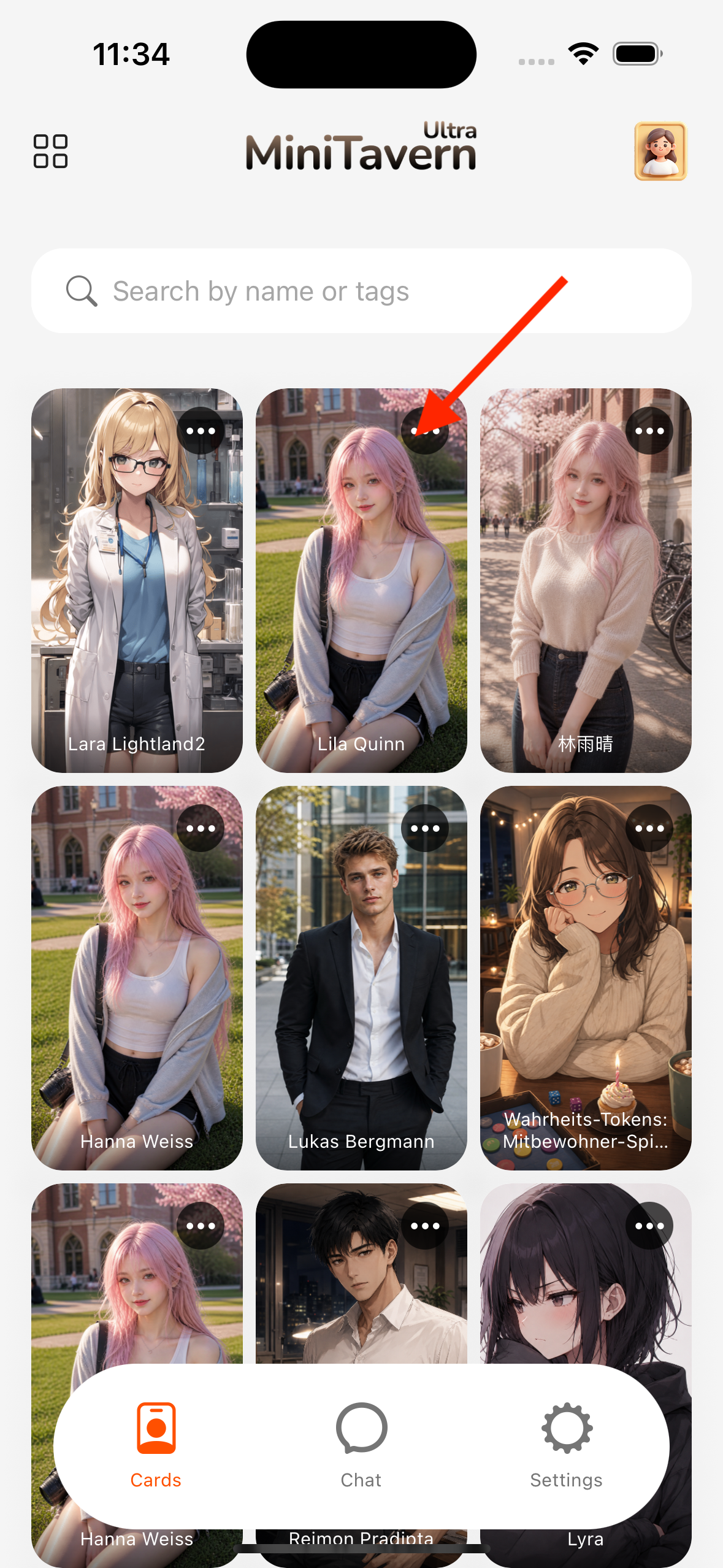
List
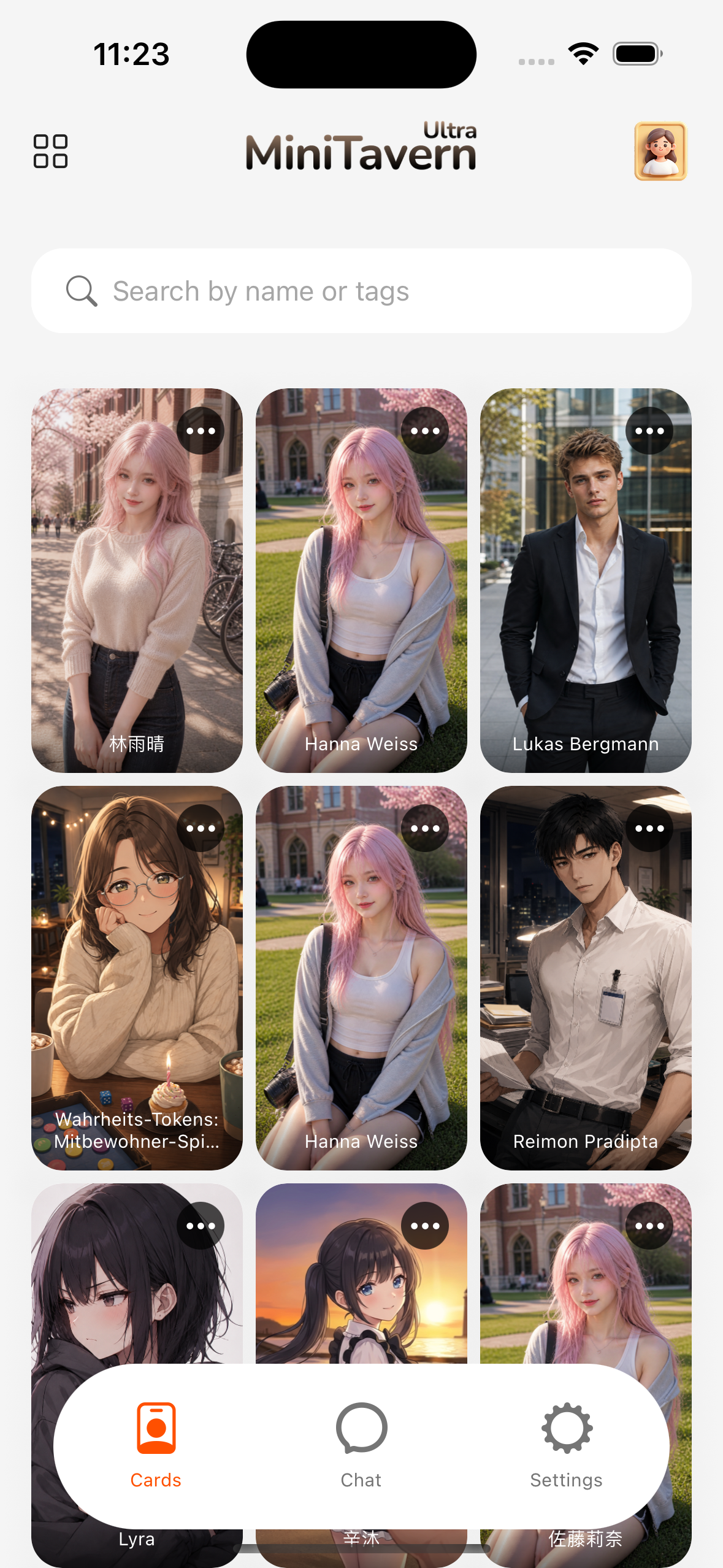
- Search, pin, and delete characters.
Delete
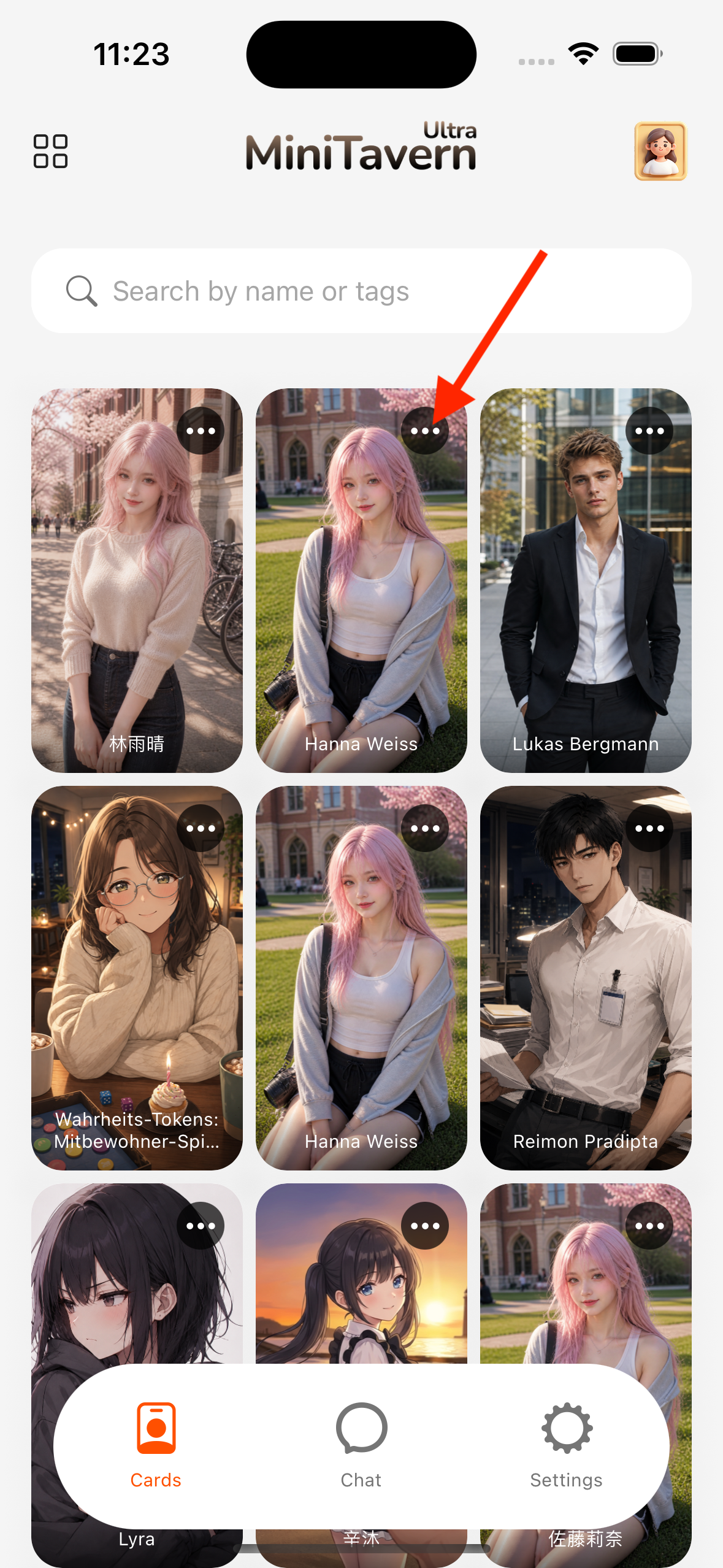
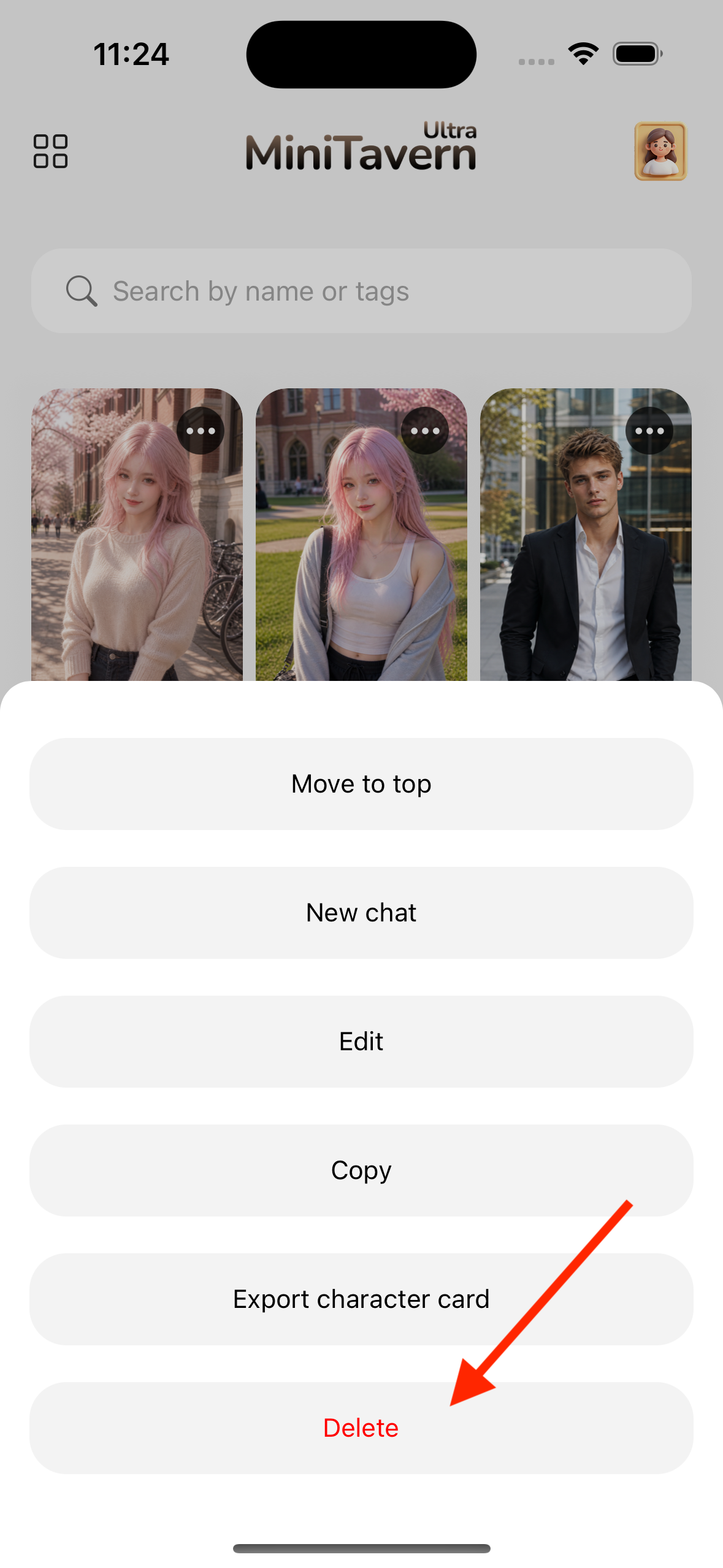
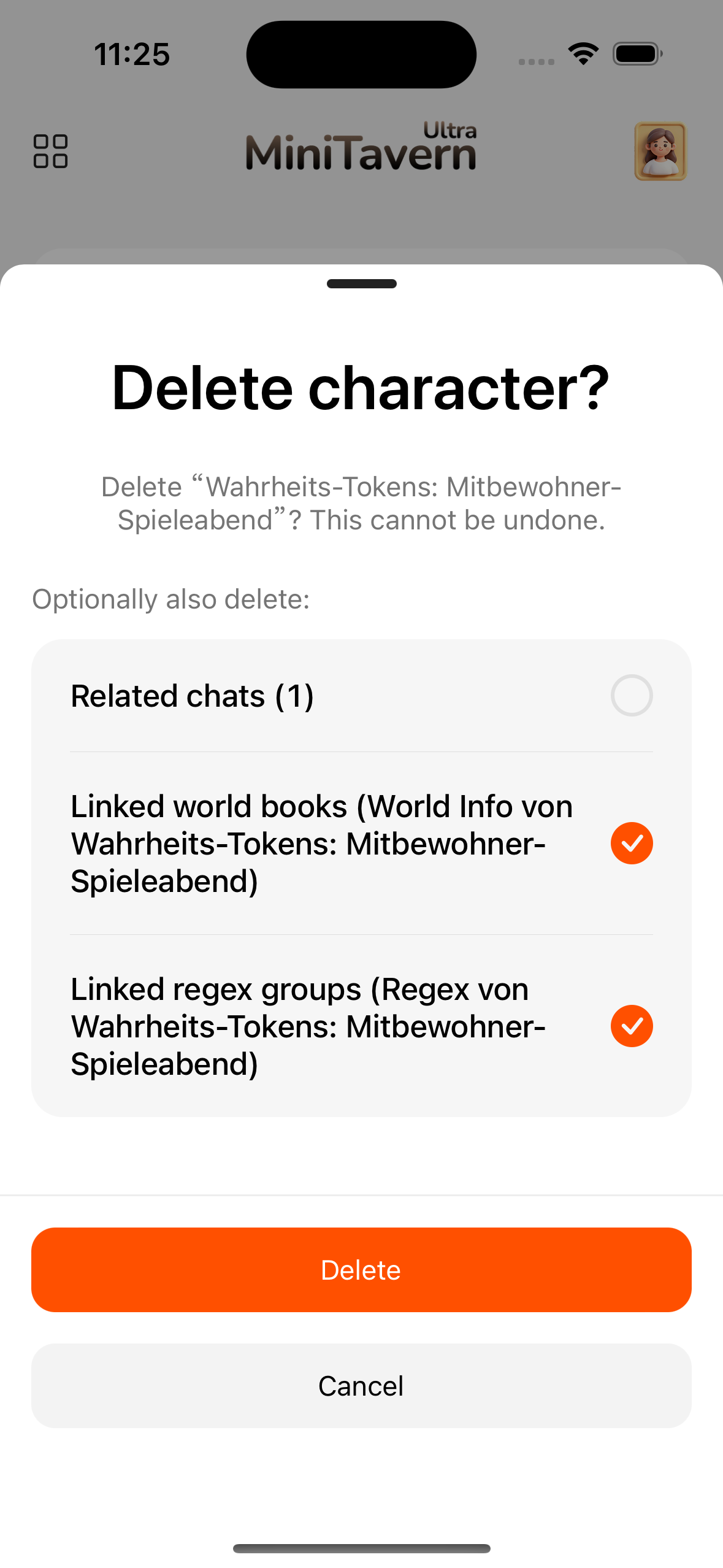
On delete, you can choose whether to also remove linked chats and lorebooks / regex groups extracted from that card (as checked).
Import
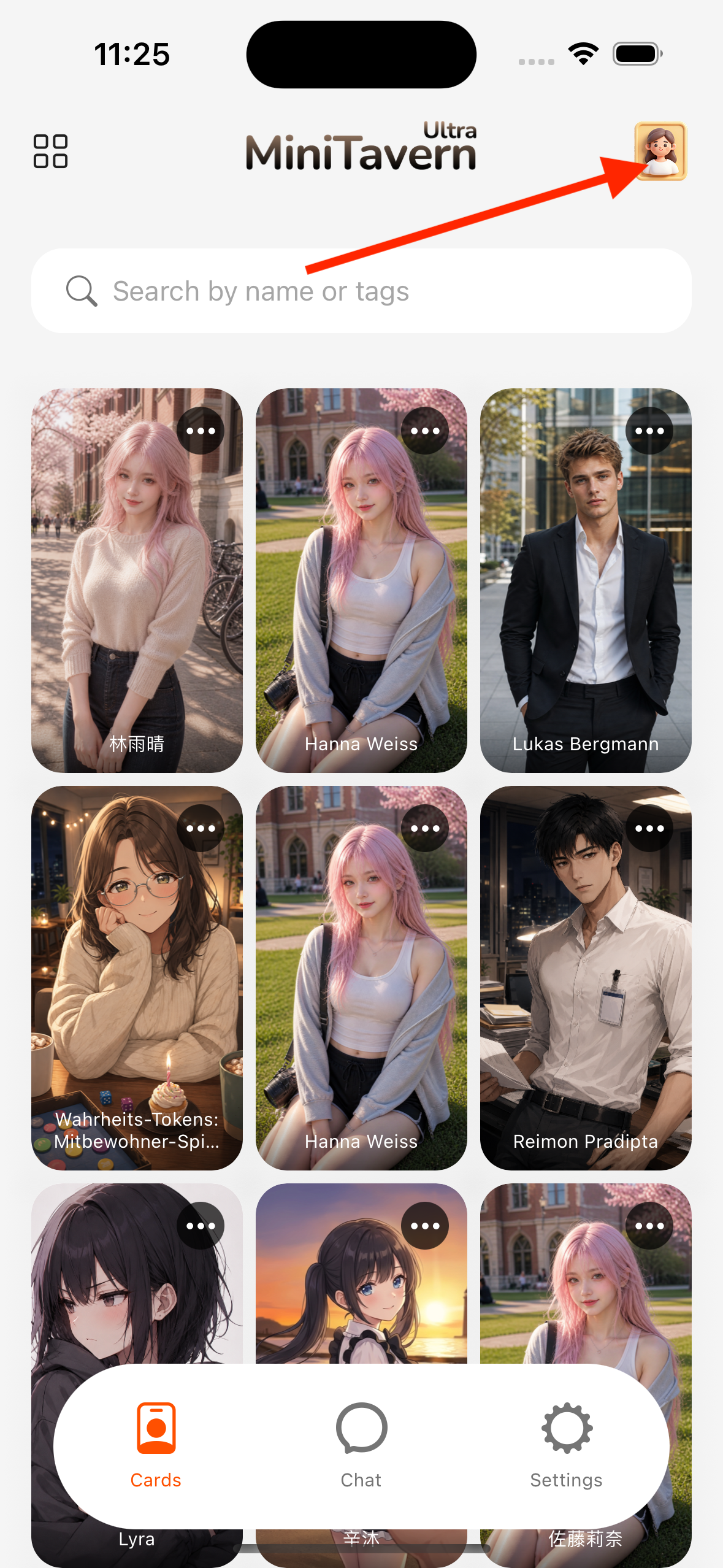
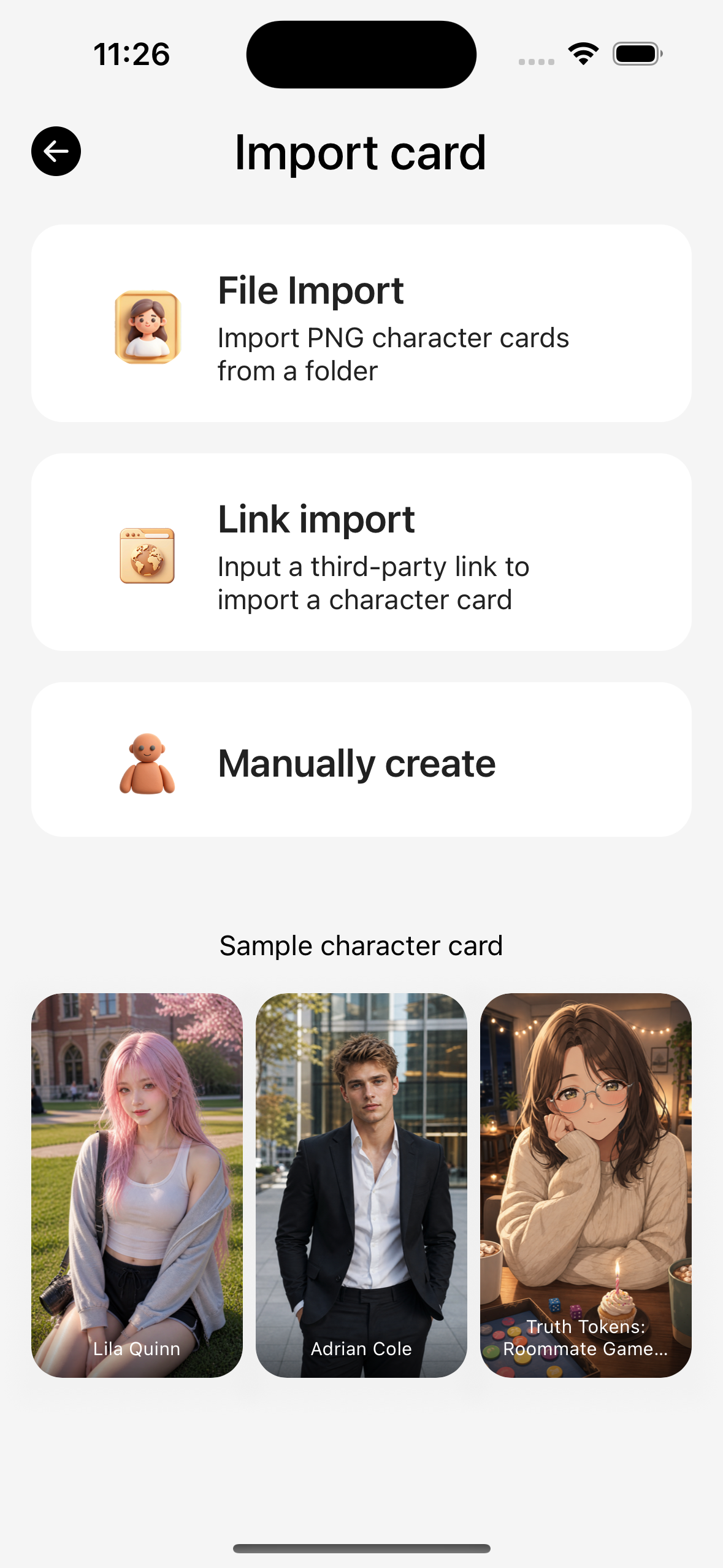
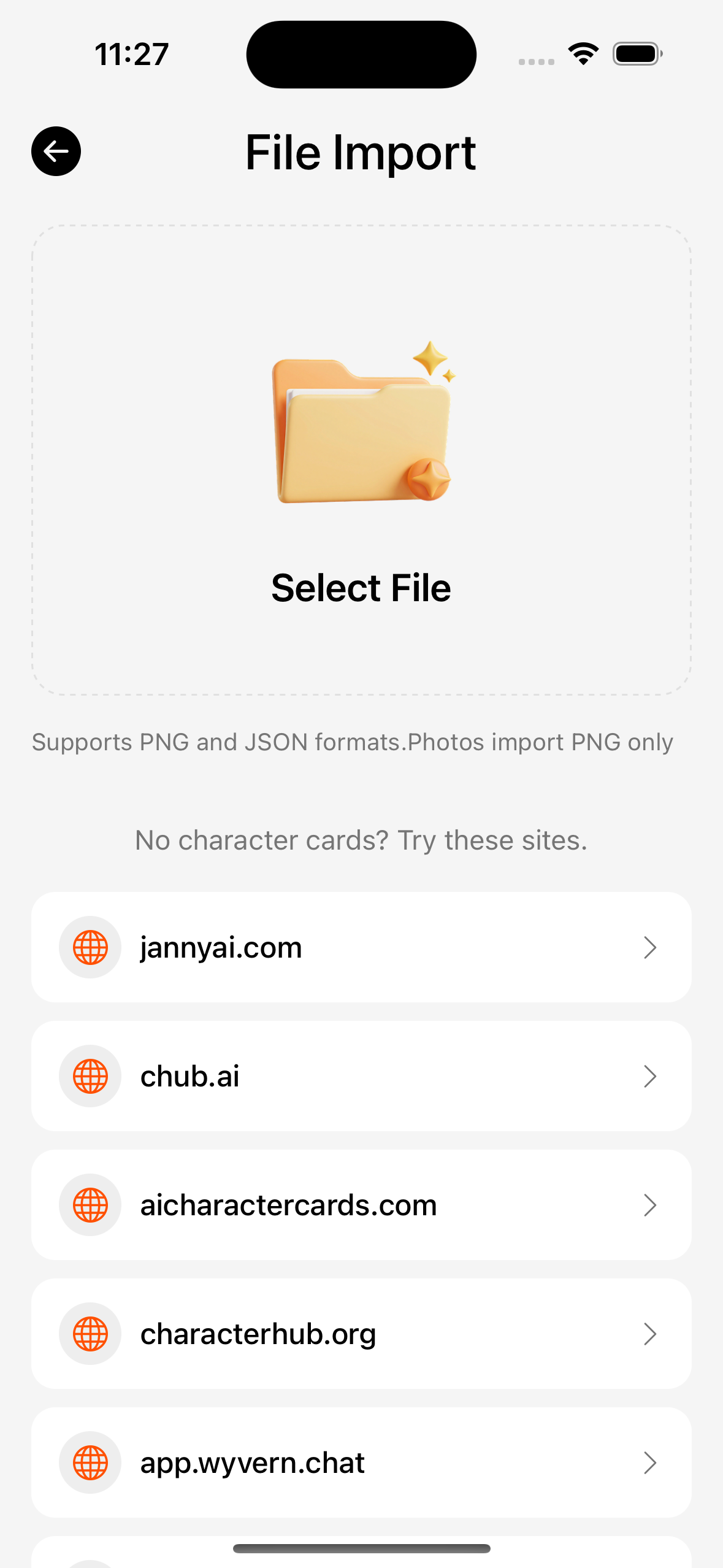
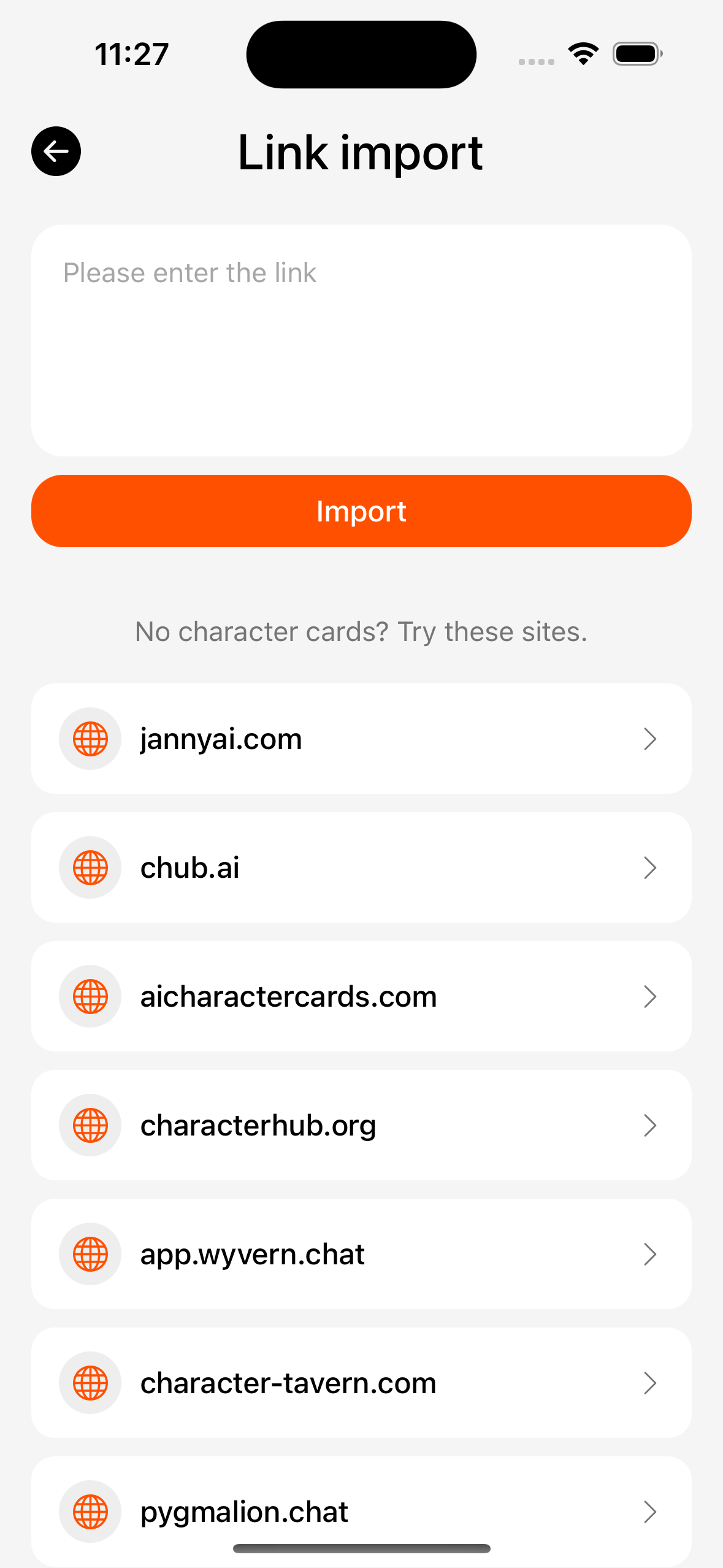
| Method | Path |
|---|---|
| File / Photos | Create or import → pick PNG / JSON |
| Link | Create → Import from link |
| Deep link | tavernmm-ultra://importUrl?url= (system opens the App) |
| Batch | Multi-select files; no per-card preview; parsed then saved |
Single-card preview
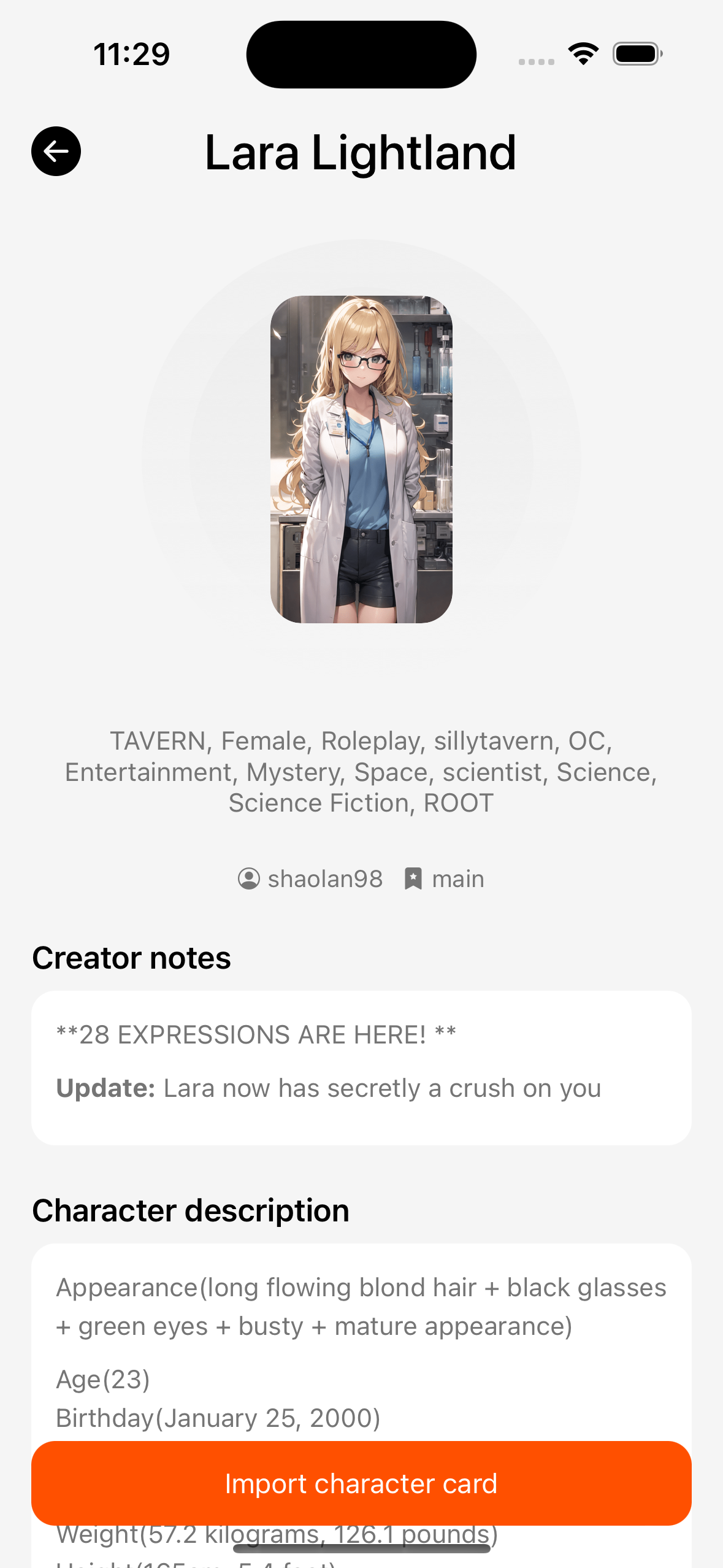
- Pick a file or link → preview page (nothing is written to permanent data until confirm).
- For same-name cards, choose “Update” or “Create new”.
- If the card includes lorebook / regex, you can copy them to the global libraries (a copy stays on the card for export).
Greeting
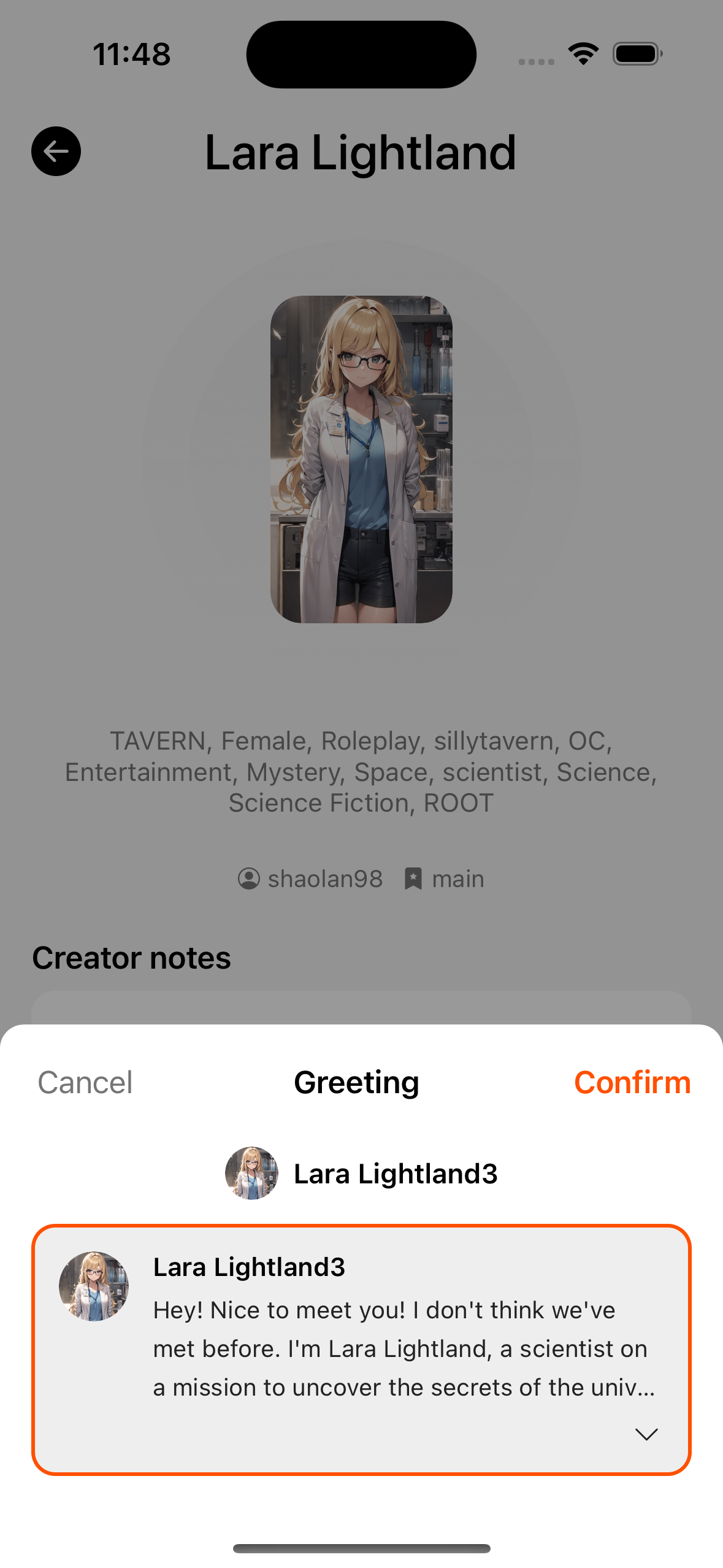
- After confirm, pick a greeting, then enter the chat.
- Leaving without confirming clears the preview cache.
Create and edit
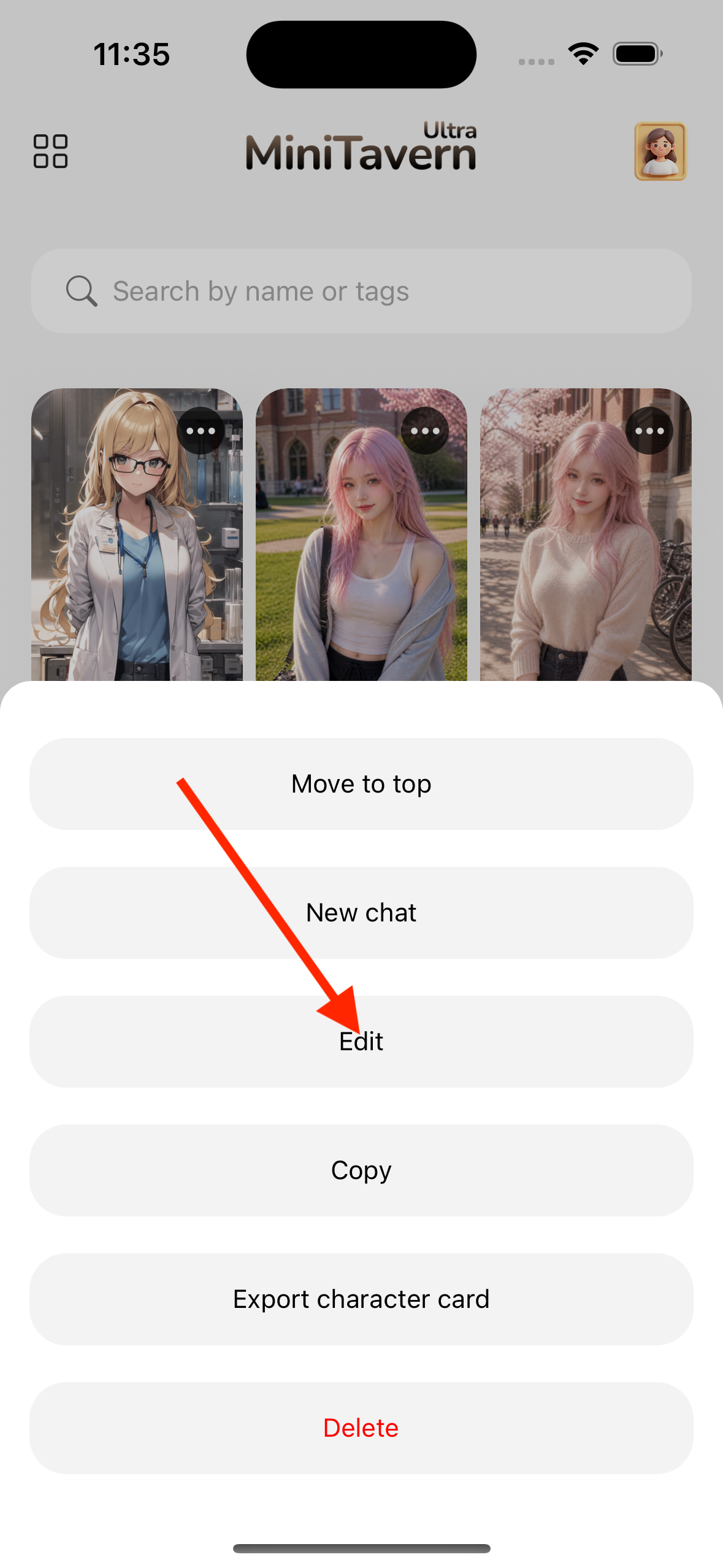
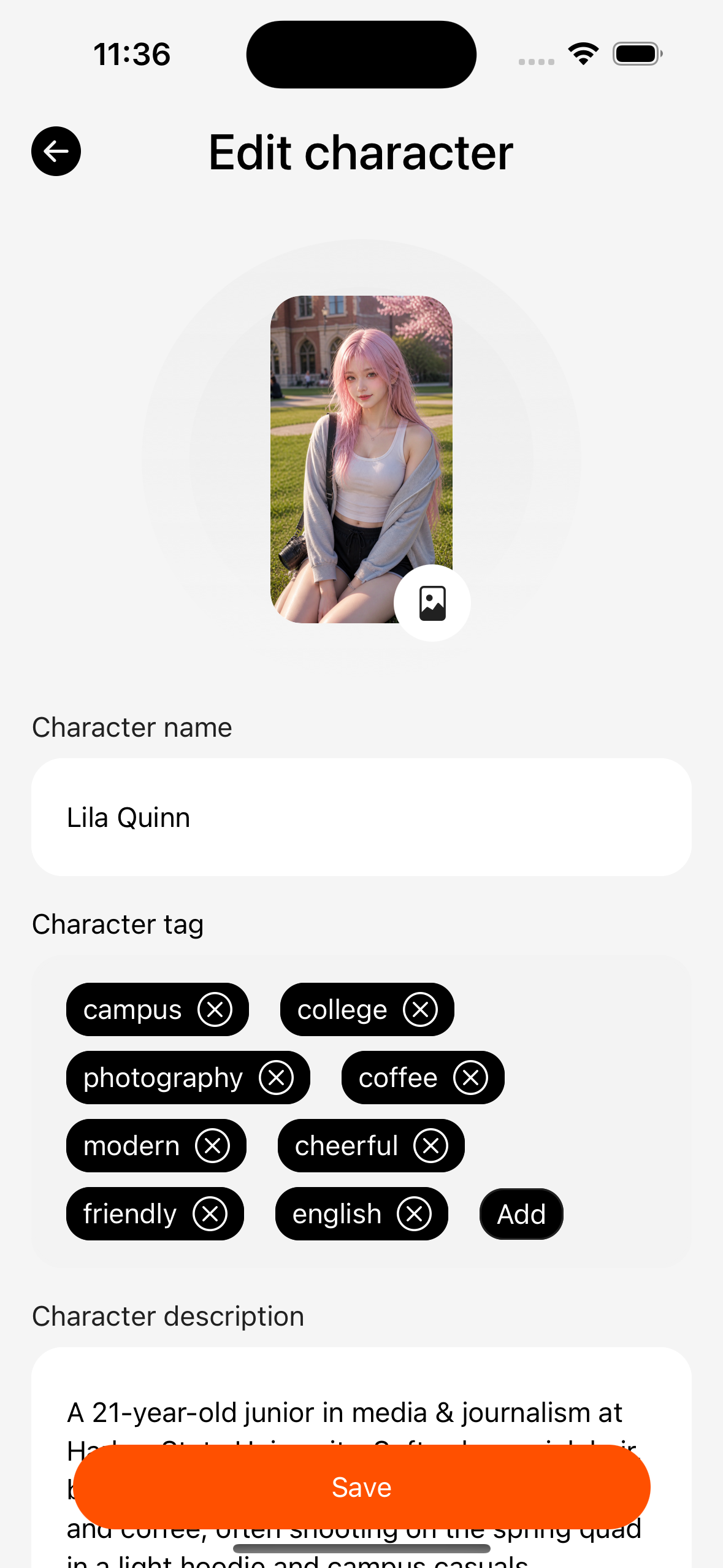
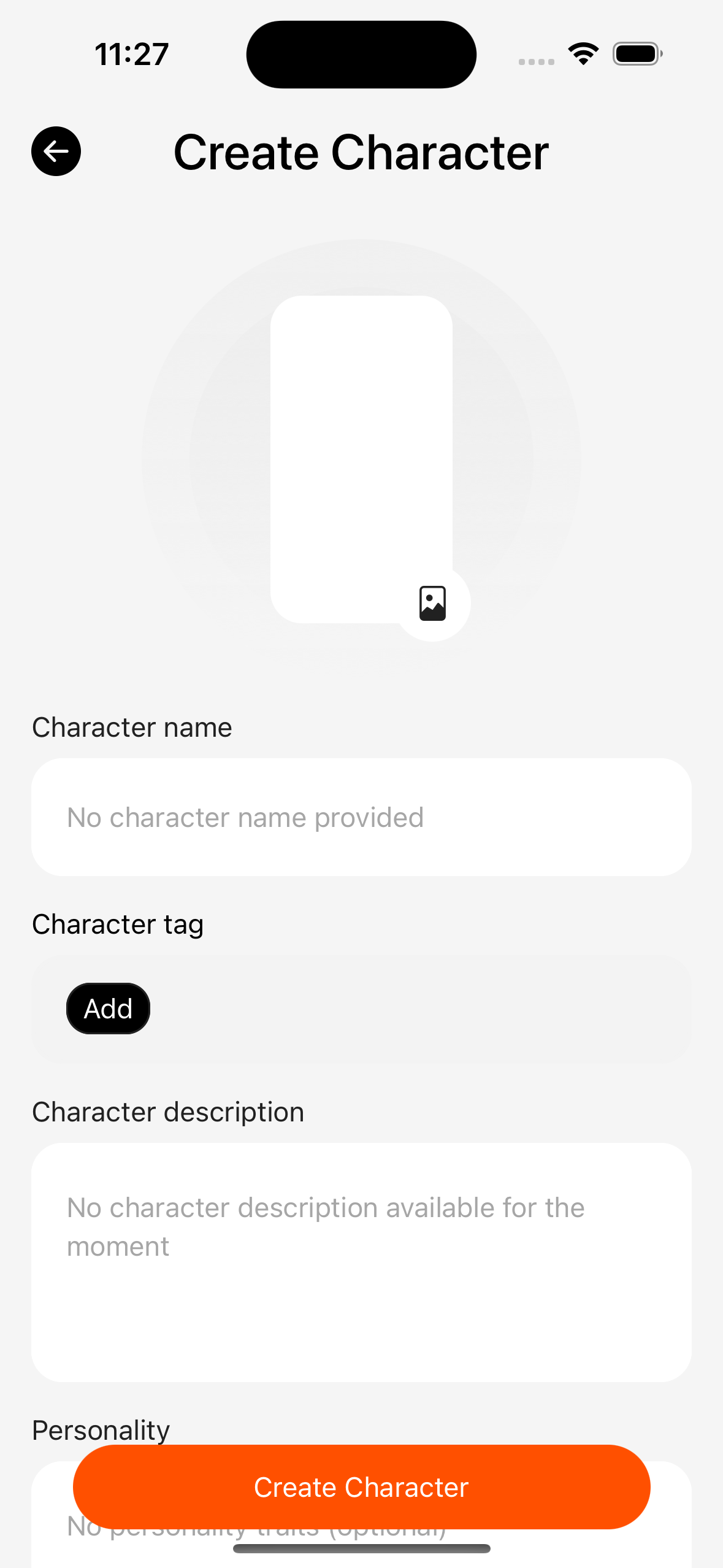
- Create blank, or edit after import.
- Edit name, description, personality, greetings, example dialogues, system prompt, and more.
- The editor is plain text; HTML is not rendered as rich text.
Export
From character-related entries in chat settings, you can export the chat-bound character as PNG (exact button labels follow the App).
Relation to chats
Starting a chat from a character writes a character snapshot into that session; later edits in the library do not automatically update existing chat snapshots (unless you use an in-session sync feature — follow the current UI).