Regex
Path: Settings → Regex; session binding under Chat settings → Regex.
Global regex groups
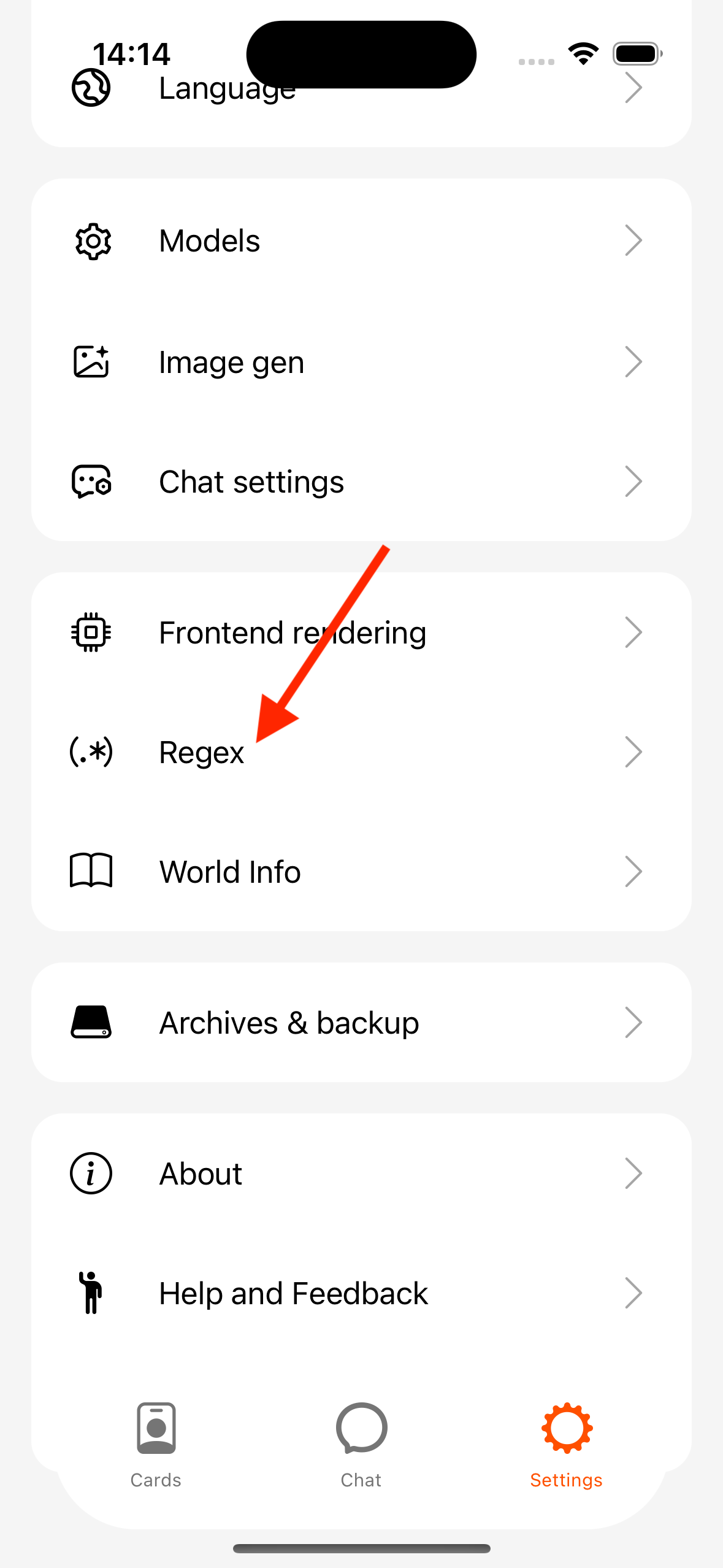
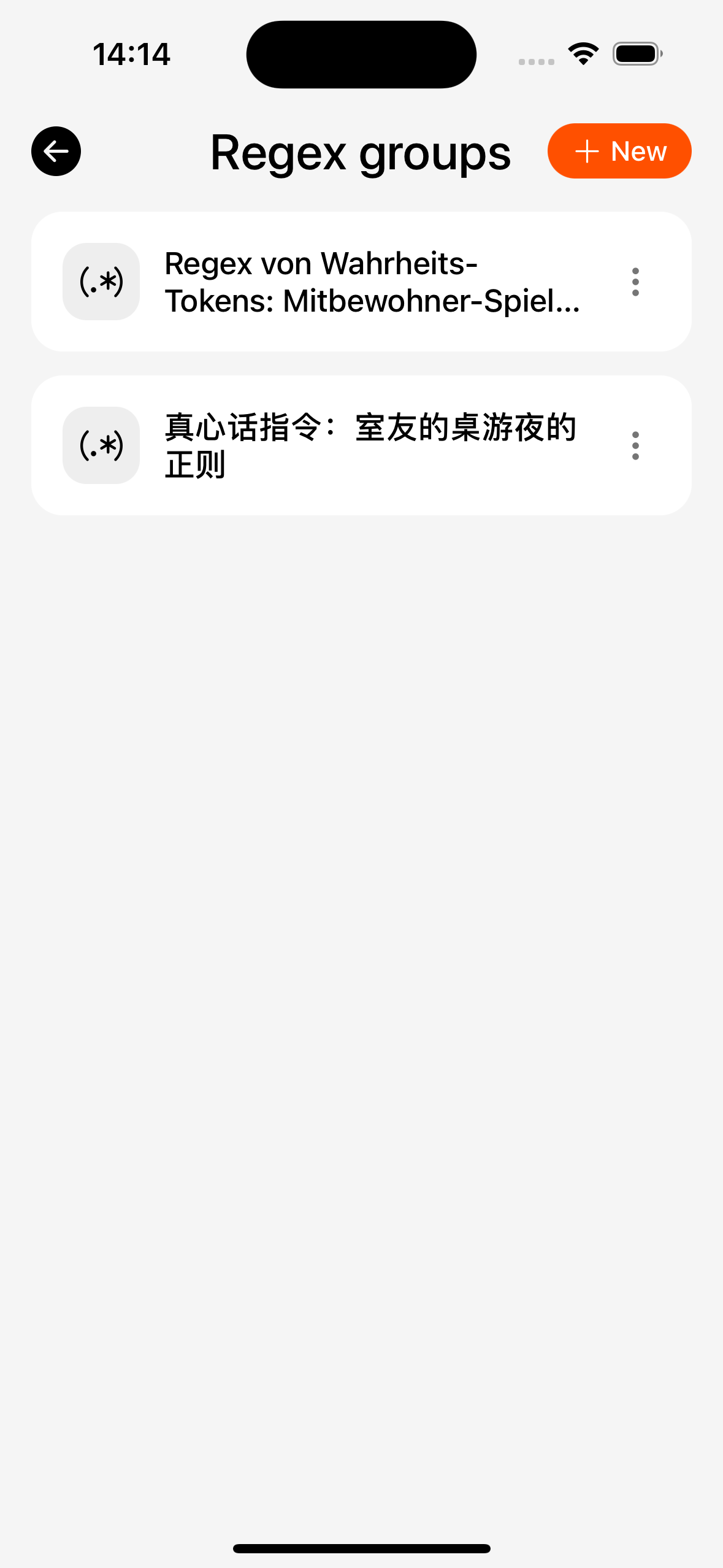
- Manage groups: create, reorder, pin, delete, copy.
- Edit scripts in a group: find/replace, toggles, phase (prompt or display-only, etc.).
- Import / export:
- JSON (common in SillyTavern)
- ZIP (some community / Tavo-style layouts)
Session binding
Path: conversation → Settings → Regex

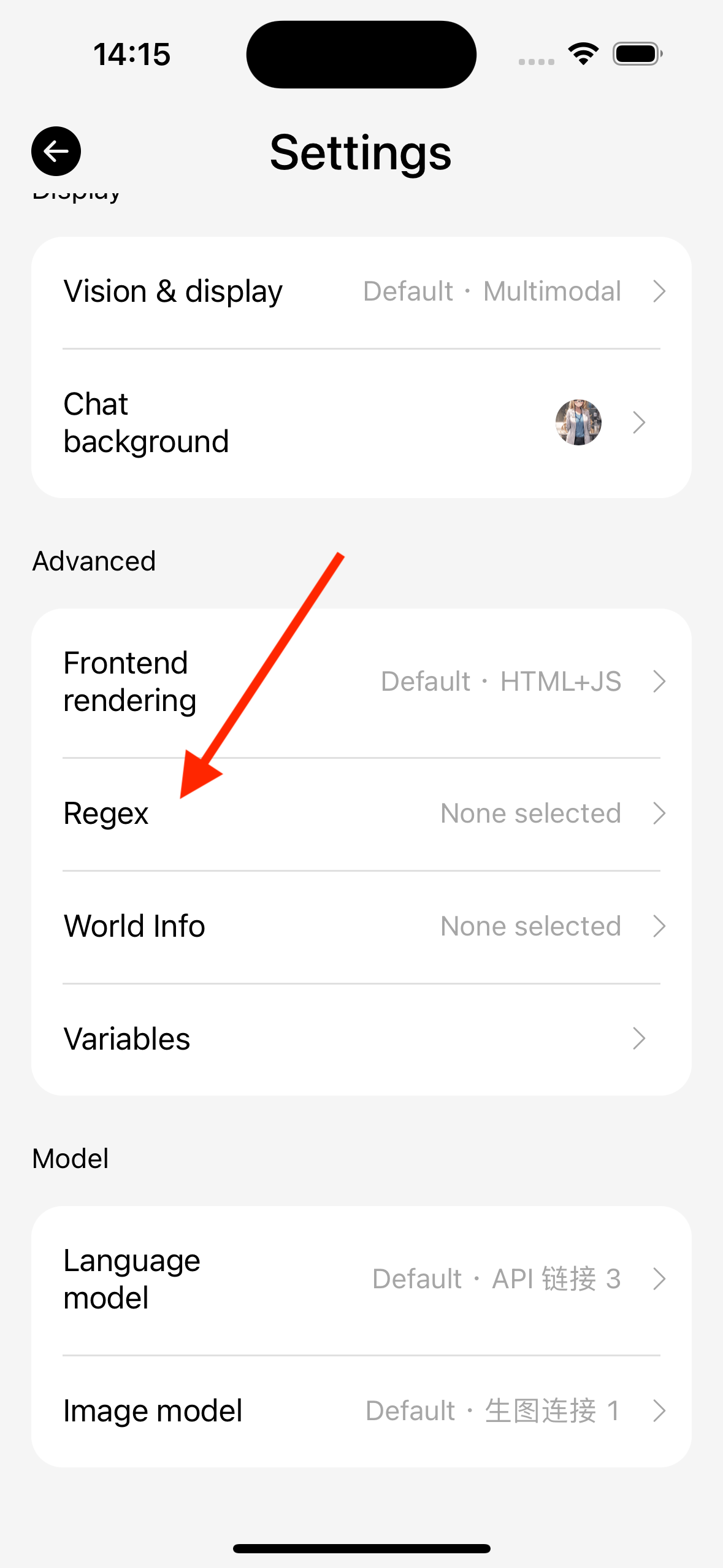
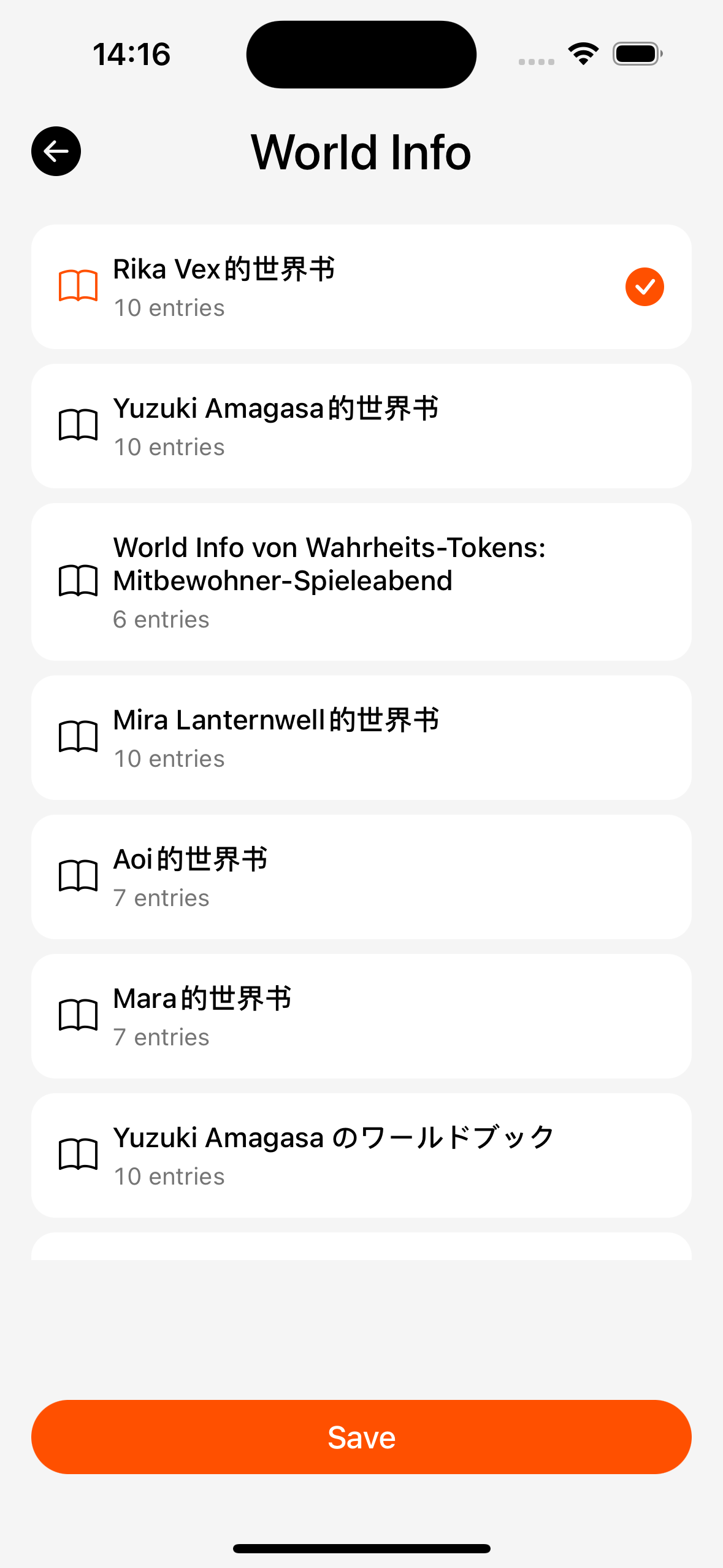
- Multi-select regex groups.
- Empty selection = off for global groups in this chat (card-level scripts may still run — follow implementation).
- New chats often copy groups linked on the character card.
When scripts run (what you see)
| Phase | Effect |
|---|---|
| On prompt | Changes text sent to the model |
| On display | Changes what you see in bubbles; may not rewrite stored history |
If a complex card UI breaks, try clearing regex groups for this chat or turning off frontend rendering switches (chat settings).