Persona (user identity)
Path: Settings → Persona (or the default identity entry at the top of Settings); session binding under Chat settings → User persona.
Persona library
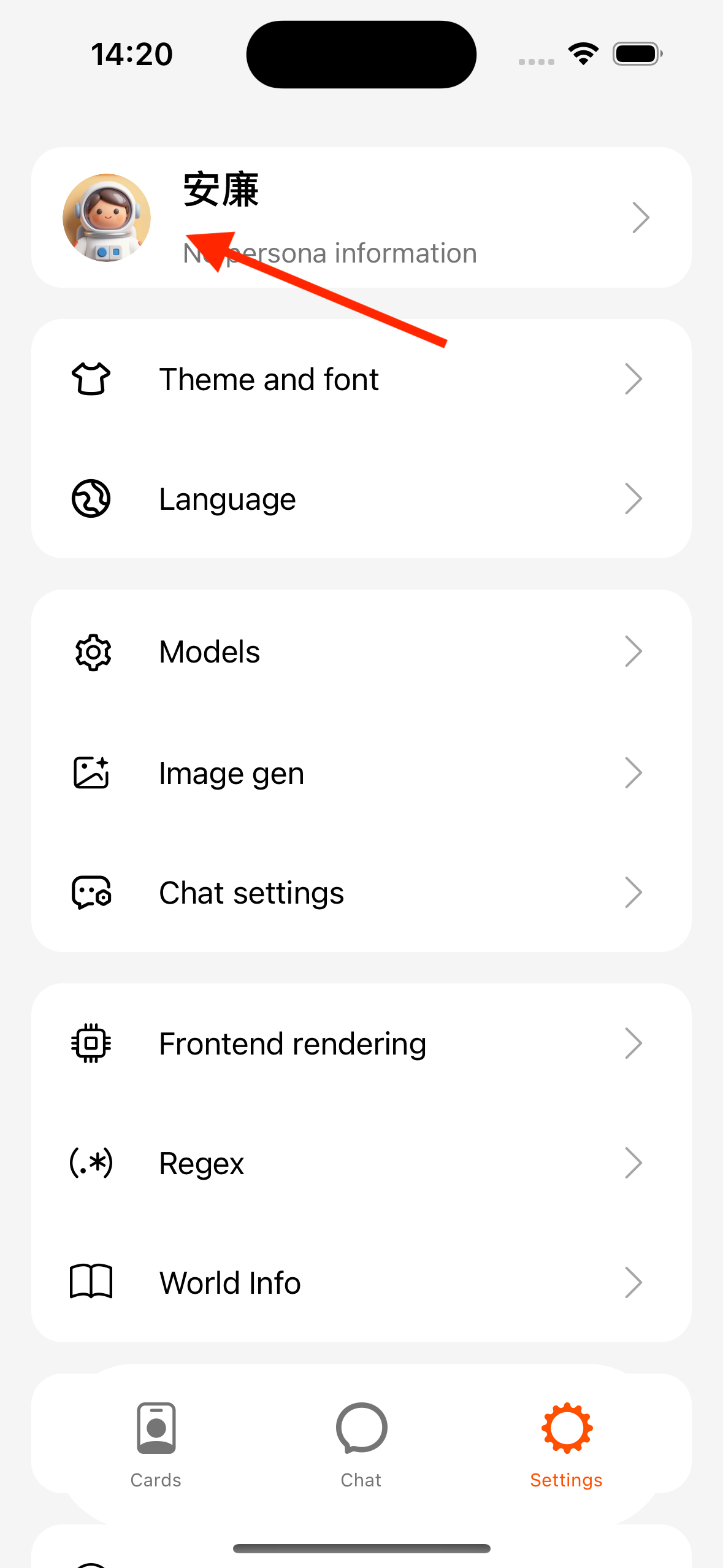
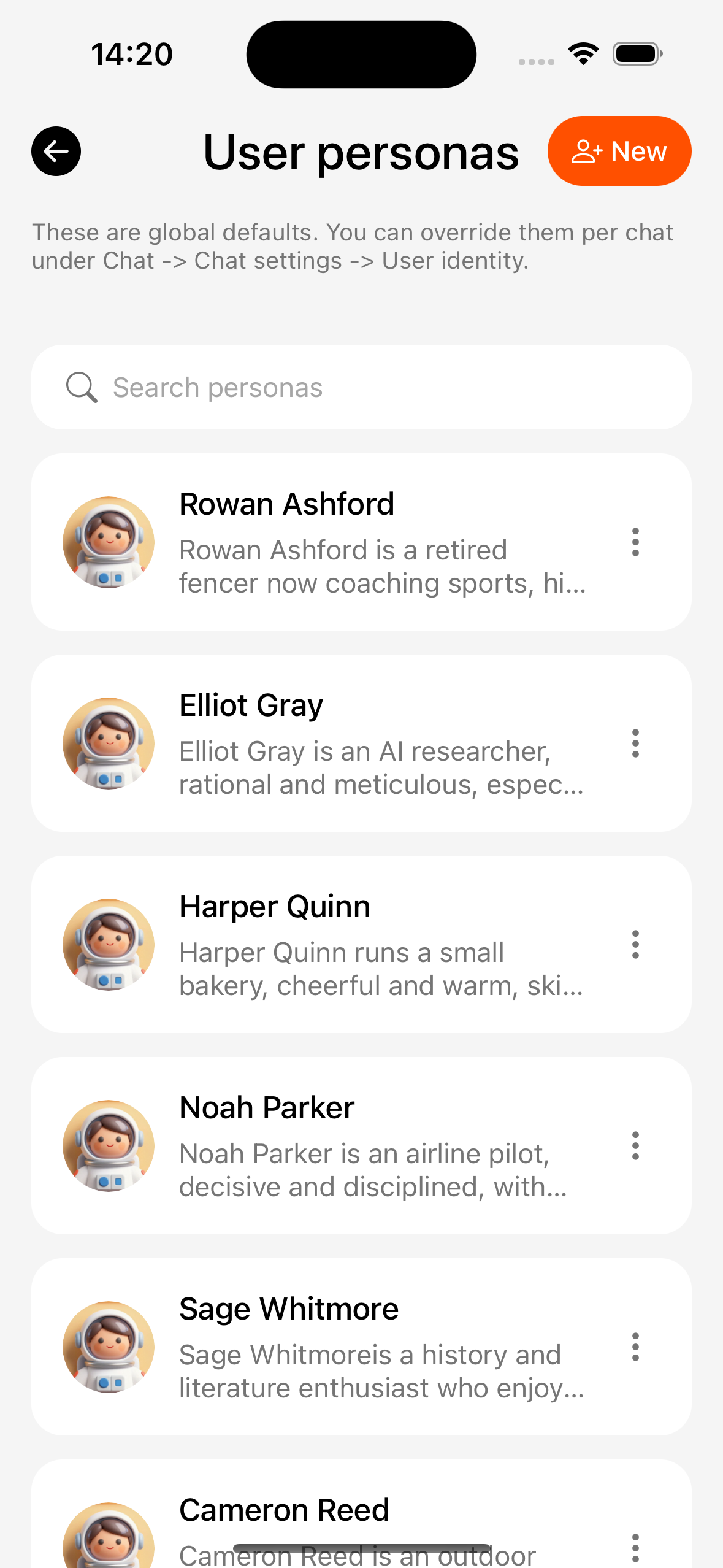
A persona describes “who the user is” and is injected into dialogue context (works with card macros such as ).
- Create / edit a persona (name, description, avatar, etc.).
- Set as the default persona.
Session binding
Path: conversation → Settings → User persona
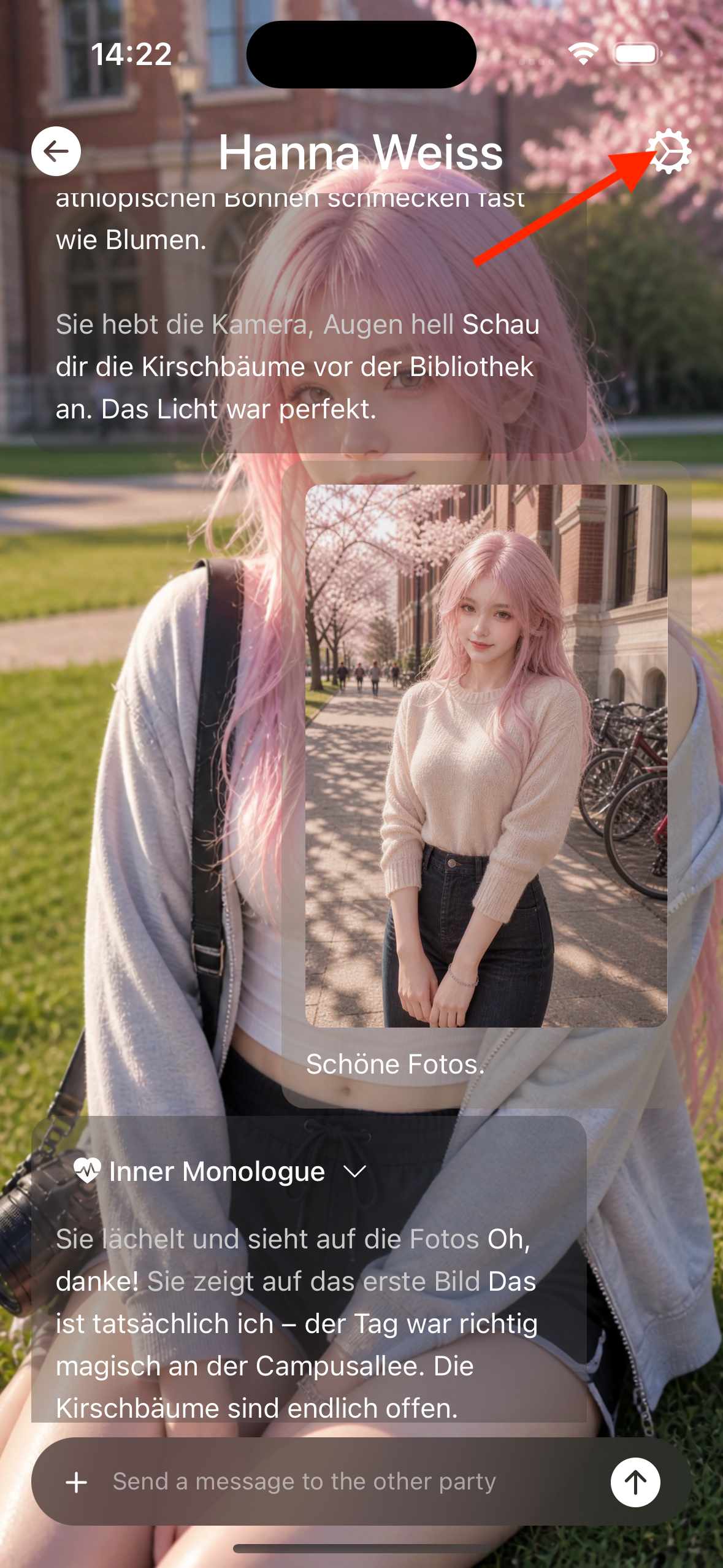
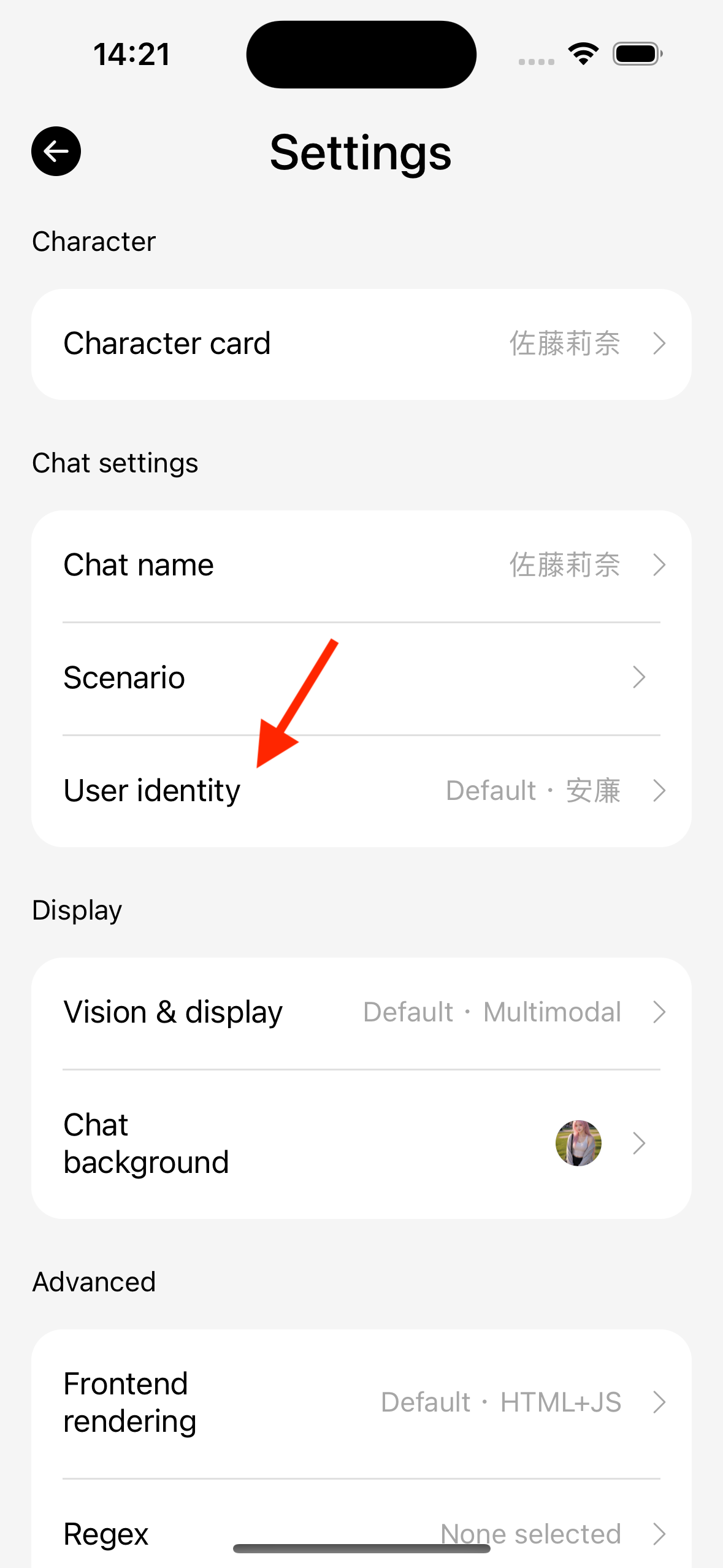
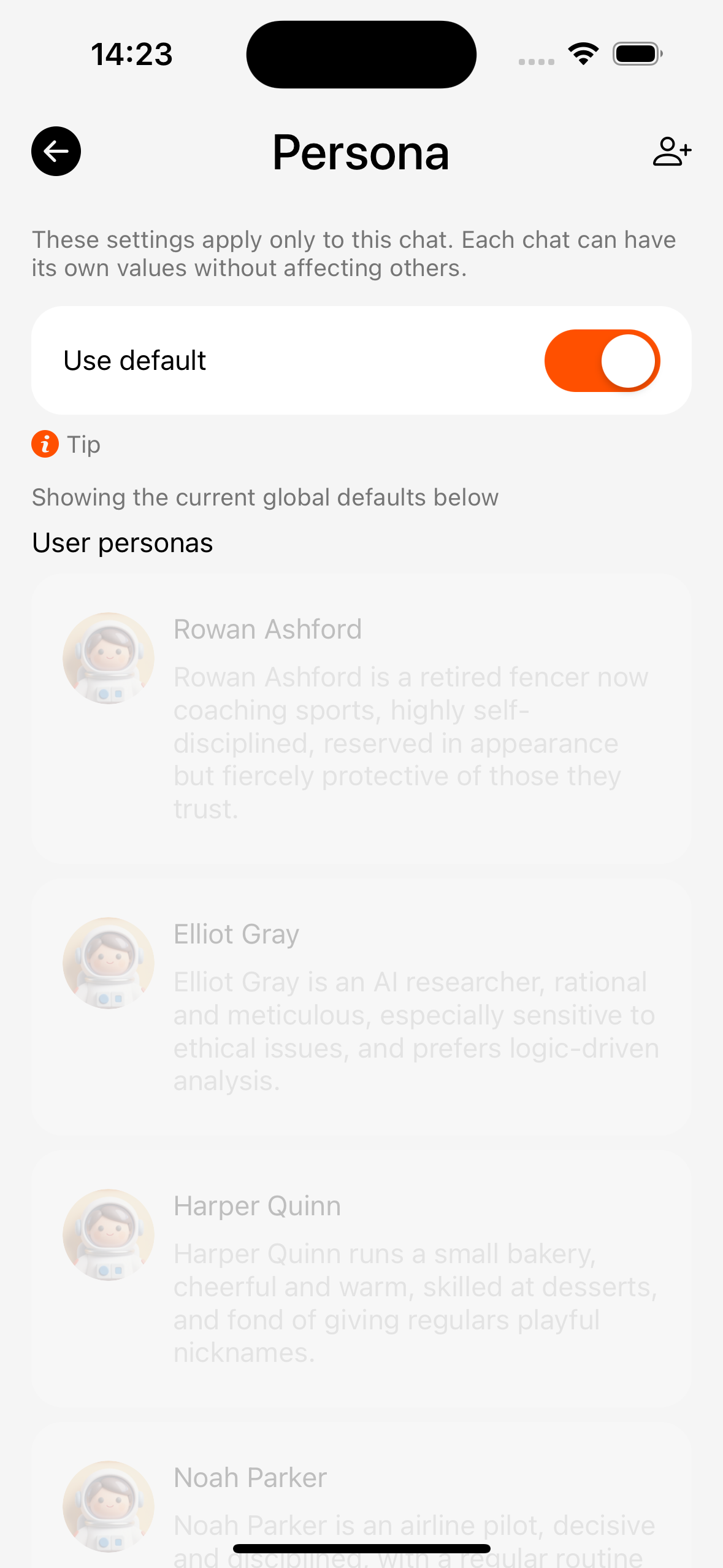
- Follow the default persona, or assign one for this chat only.
- New chats often use the default or character-related settings (follow the App).