Chat archives
A chat archive is a single-conversation ZIP. Use it for long arcs, device migration, or sharing. Not interchangeable with full backup ZIP files (full vs single-chat packages).
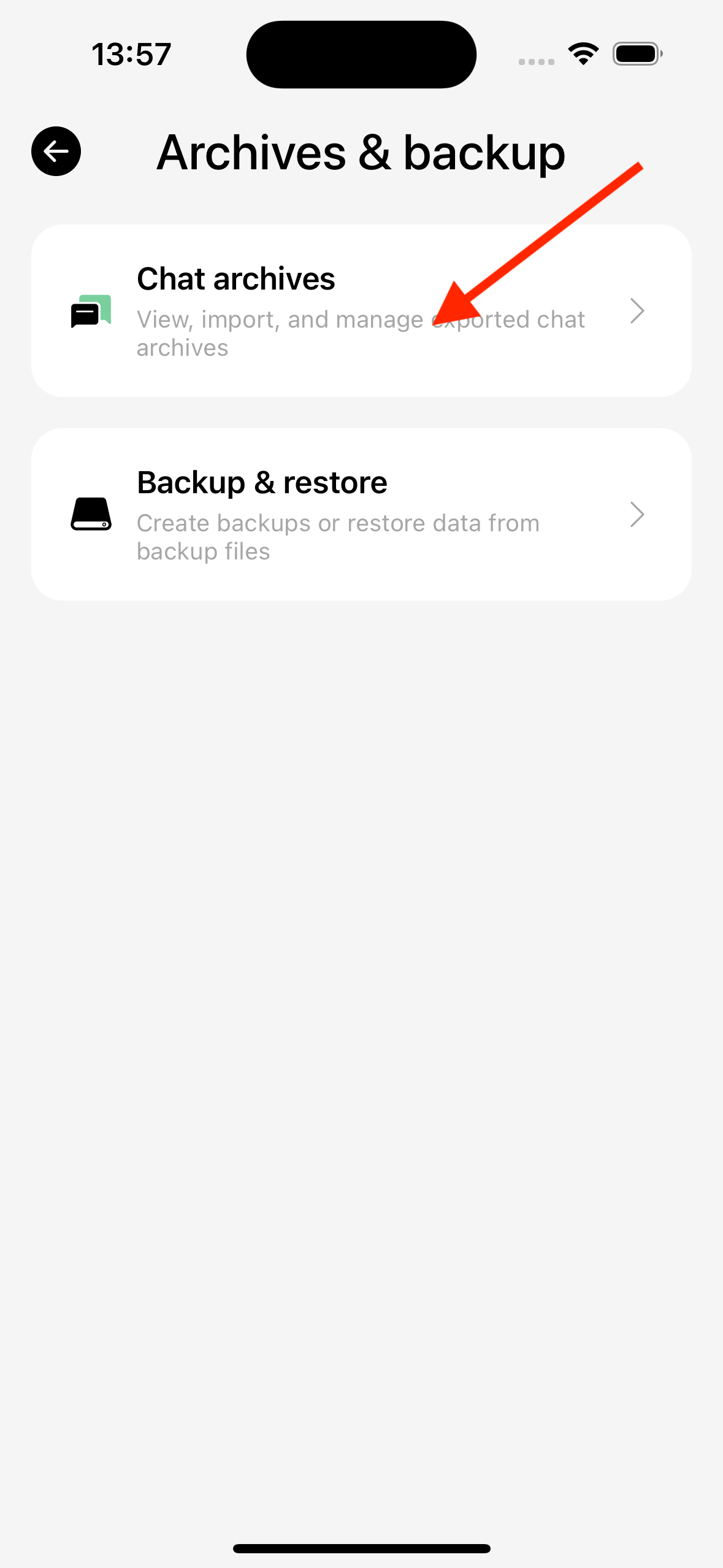
Path: Settings → Data management → Chat archives.
Export (create archive)
Export packs messages, session settings, and related local assets; the ZIP is saved to the in-app archive list and can be shared when done.
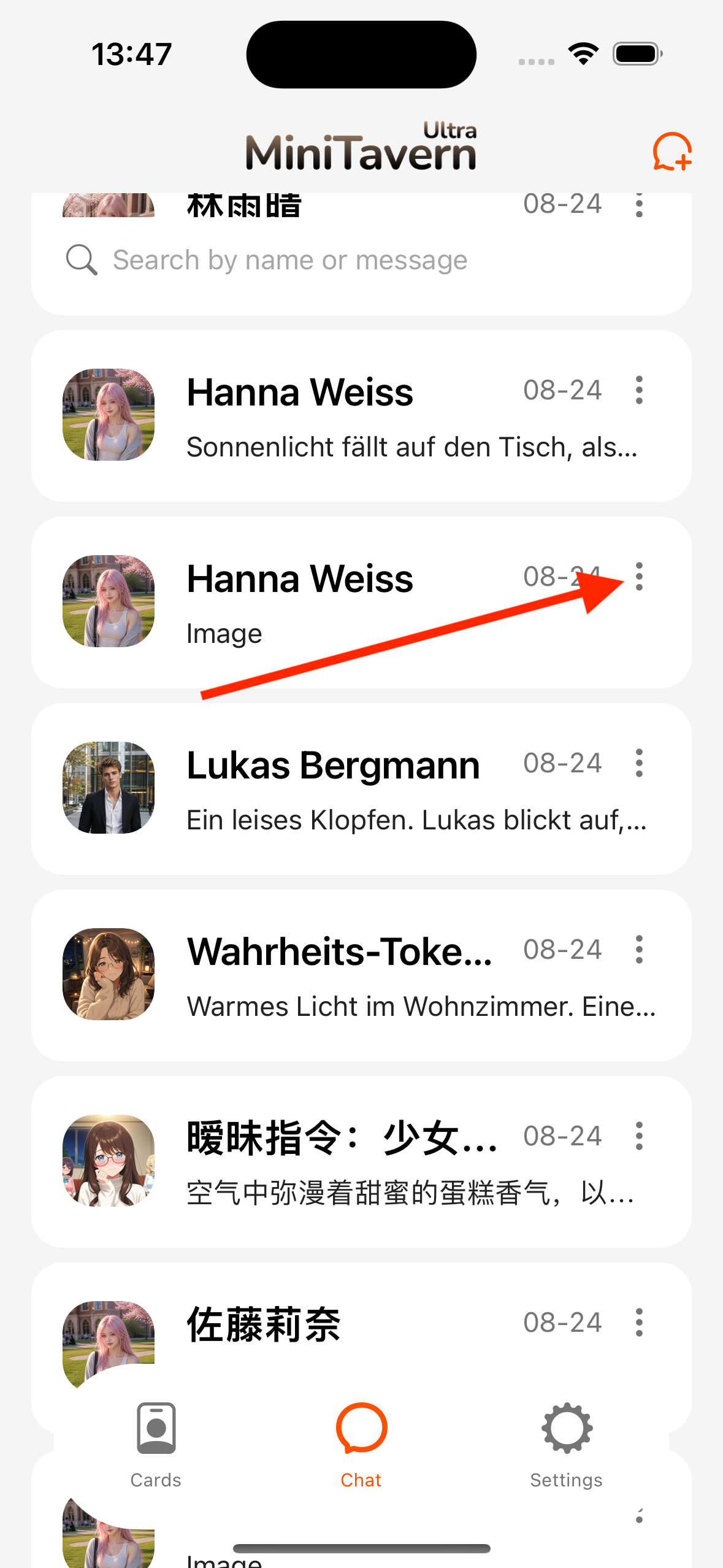
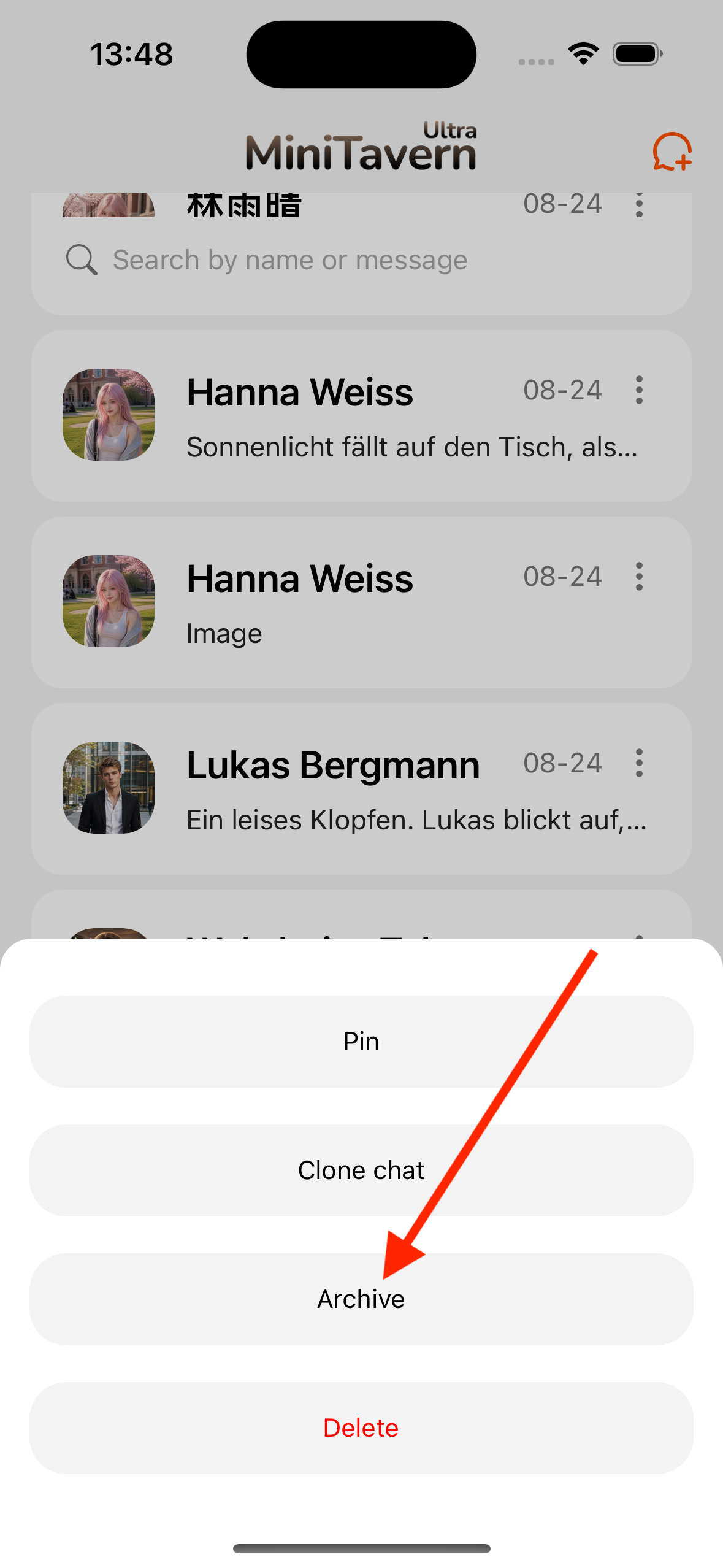
Chat list · action menu
Chat tab → ⋯ on a session → Archive.
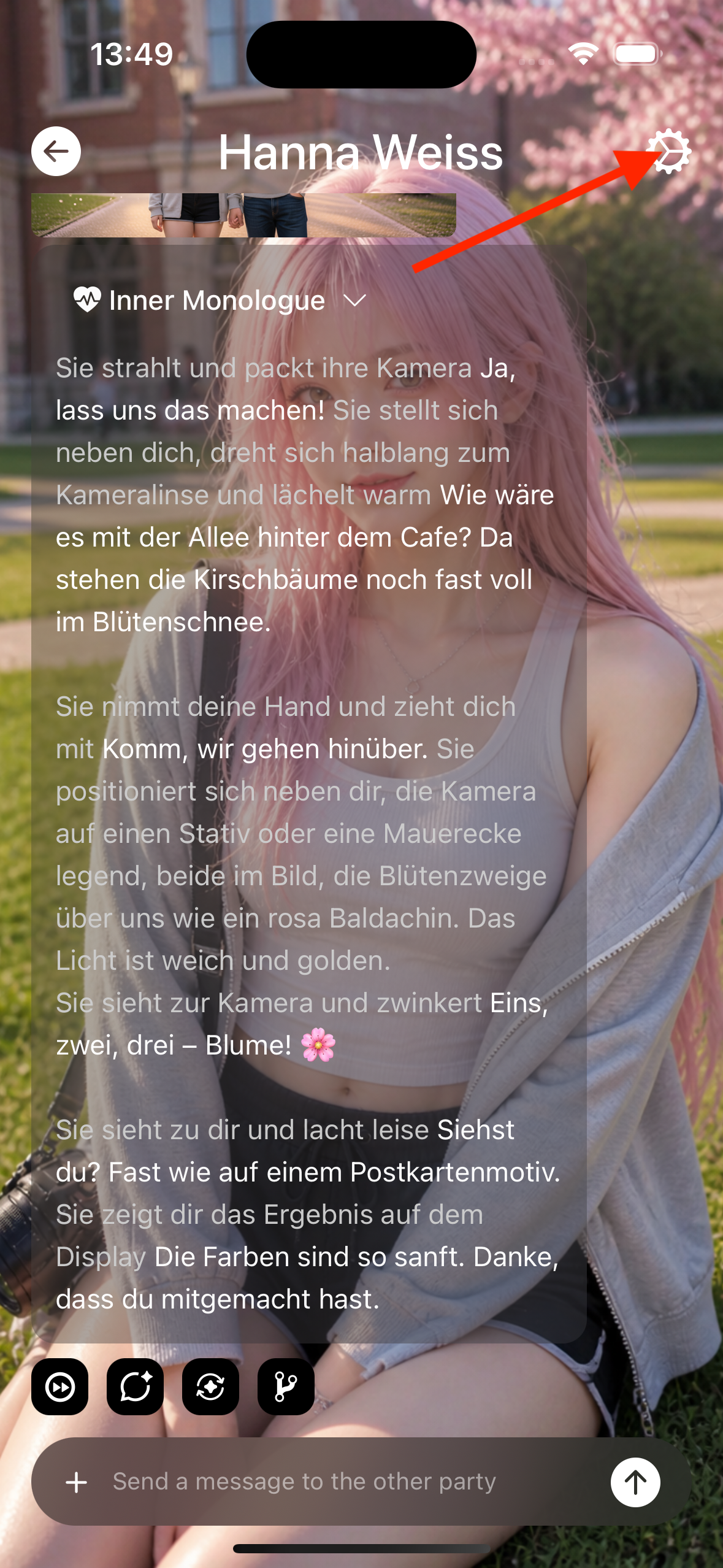
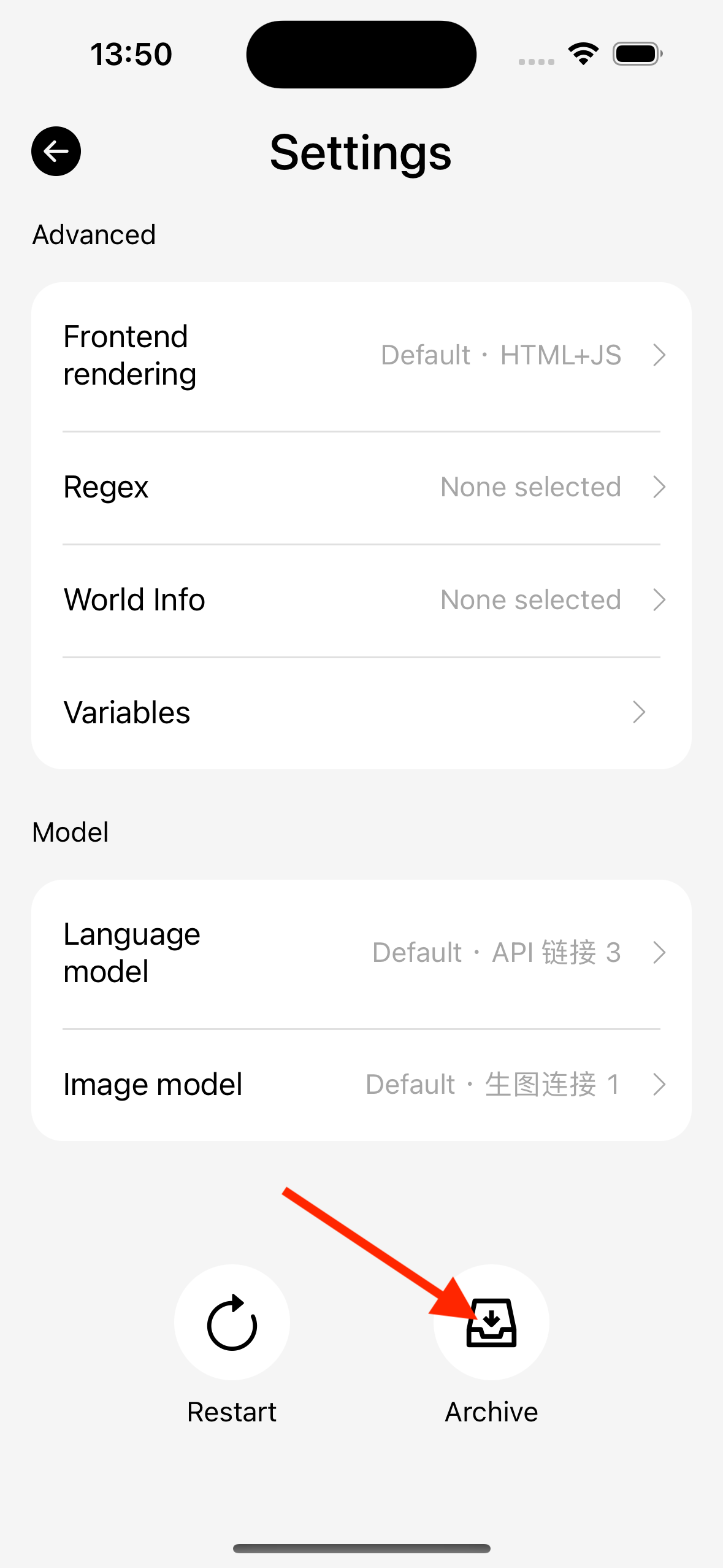
Chat settings · bottom button
Conversation → Chat settings → scroll to bottom → Archive (next to Restart).
Chat archive list · create
Settings → Data management → Chat archives → + → Create archive → pick a session.
Import
Invalid or full-backup files show an error in the progress dialog.
If the same conversation ID already exists on this device:
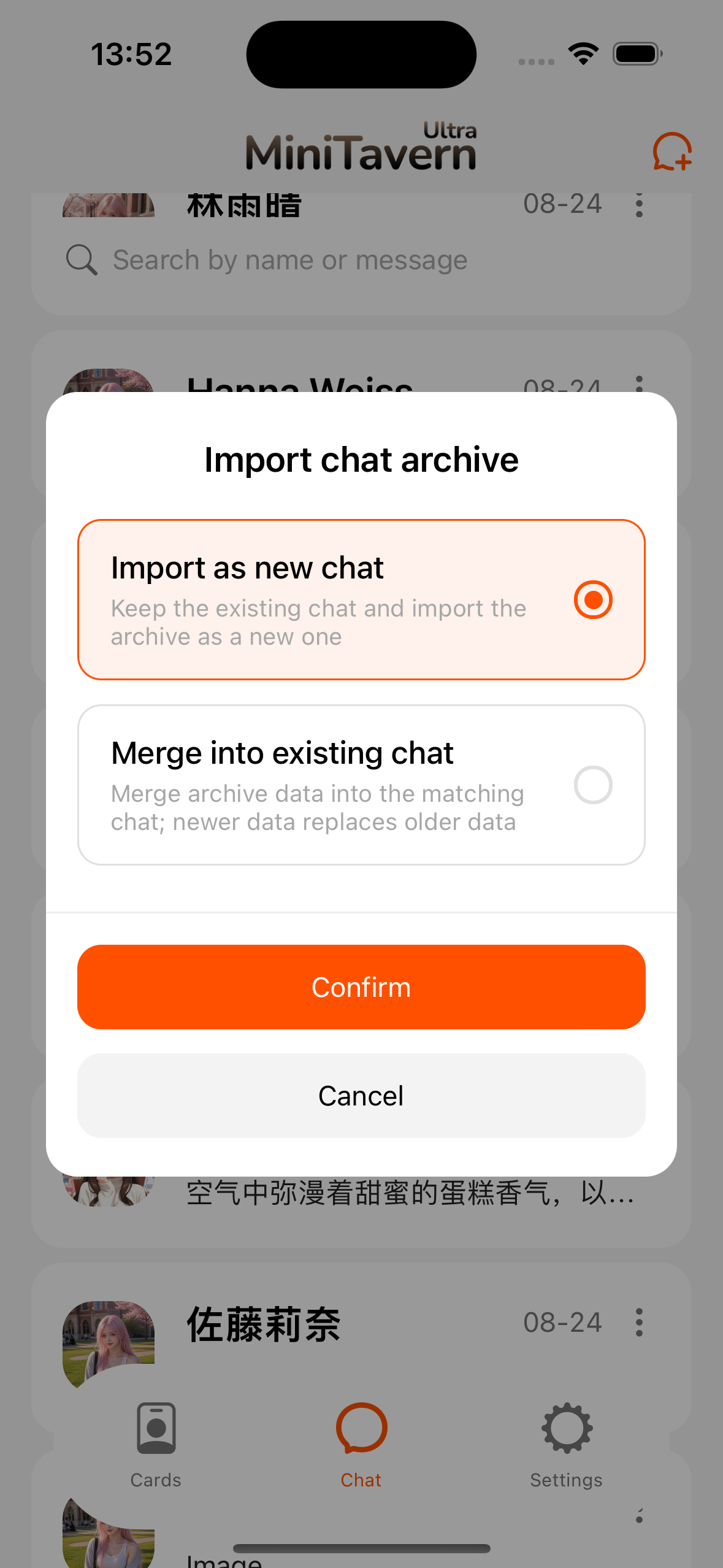
| Mode | Behavior |
|---|---|
| Merge into existing chat | Merge archive into the existing session |
| Import as new chat | Keep current chat; archive becomes a new session |
Chat tab · top-right +
| Item | Behavior |
|---|---|
| Import from archive | Pick a saved in-app archive |
| Import from file | System file picker for external ZIP |
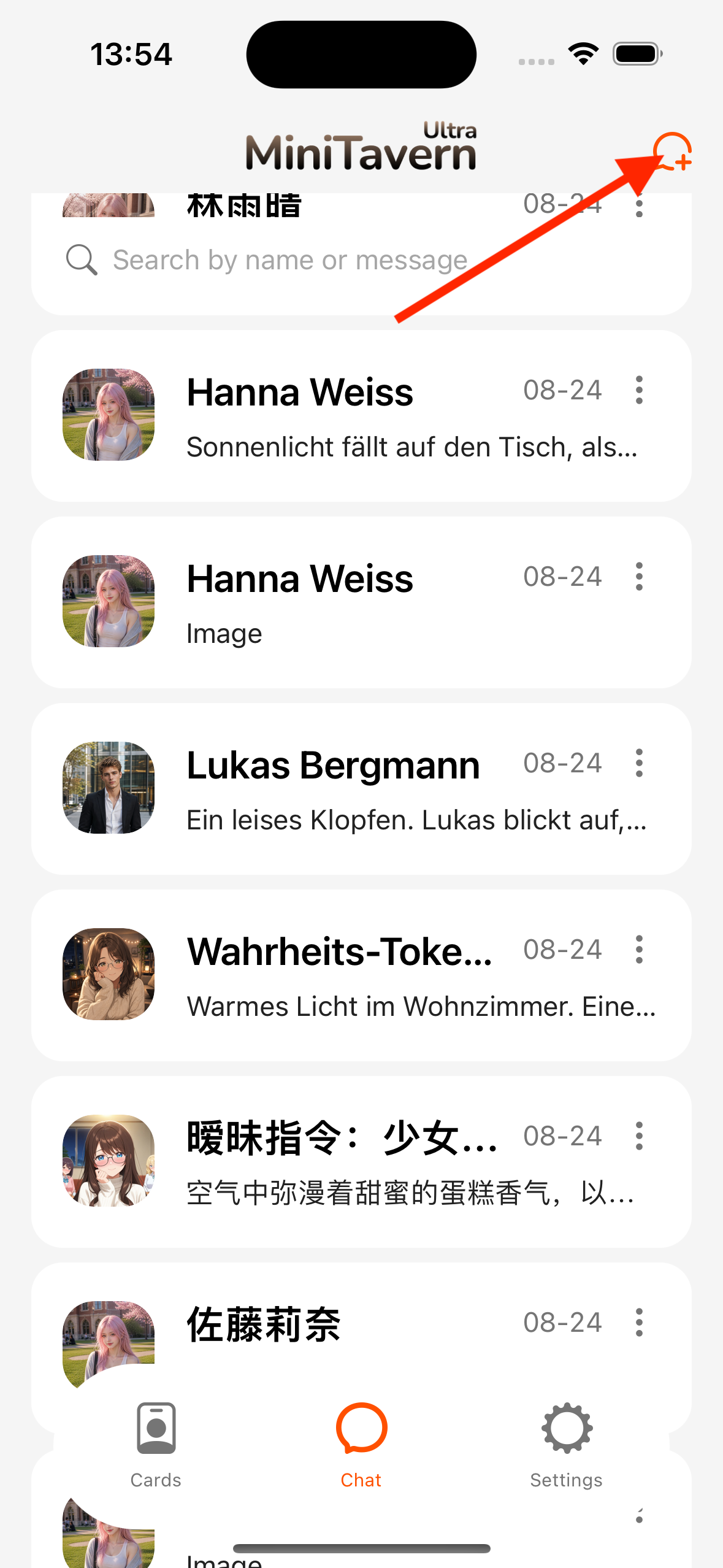
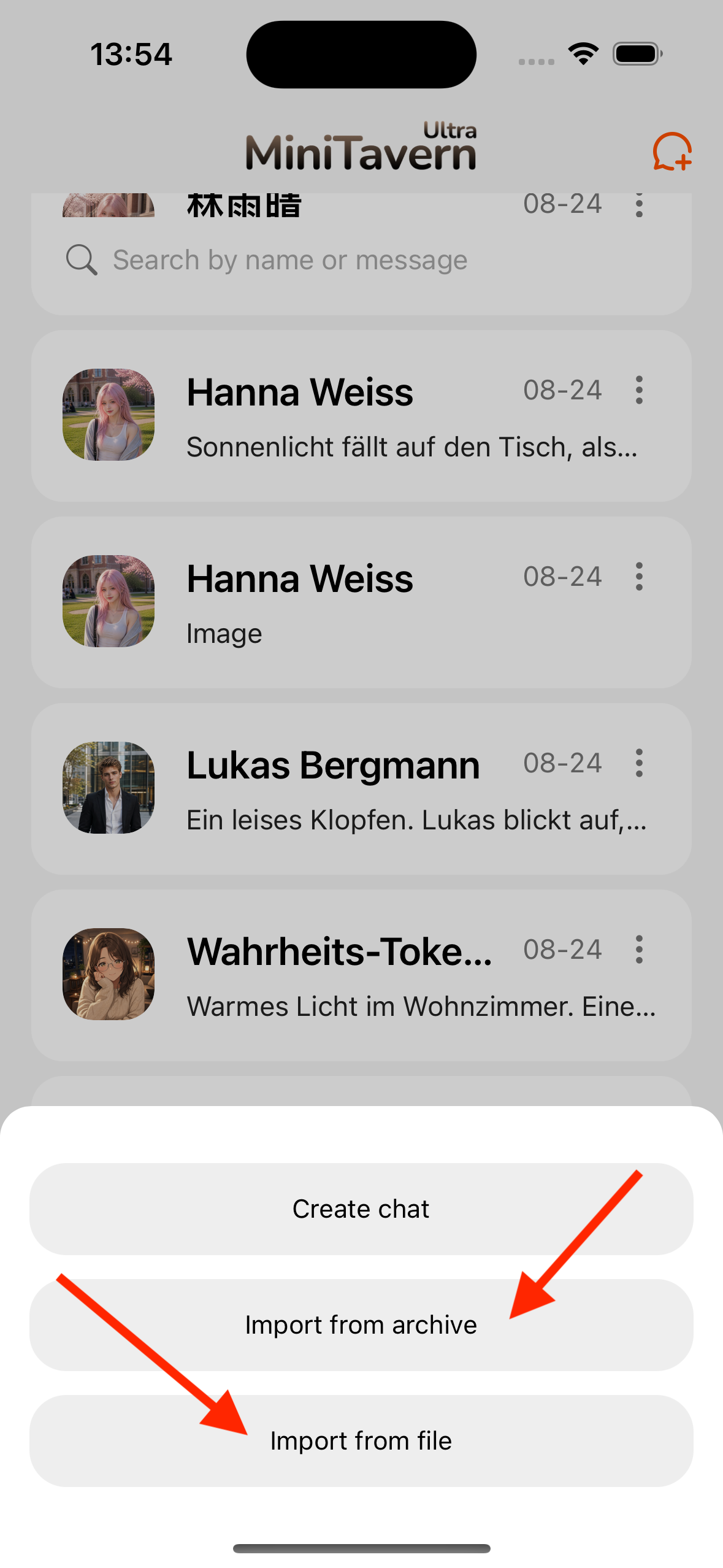
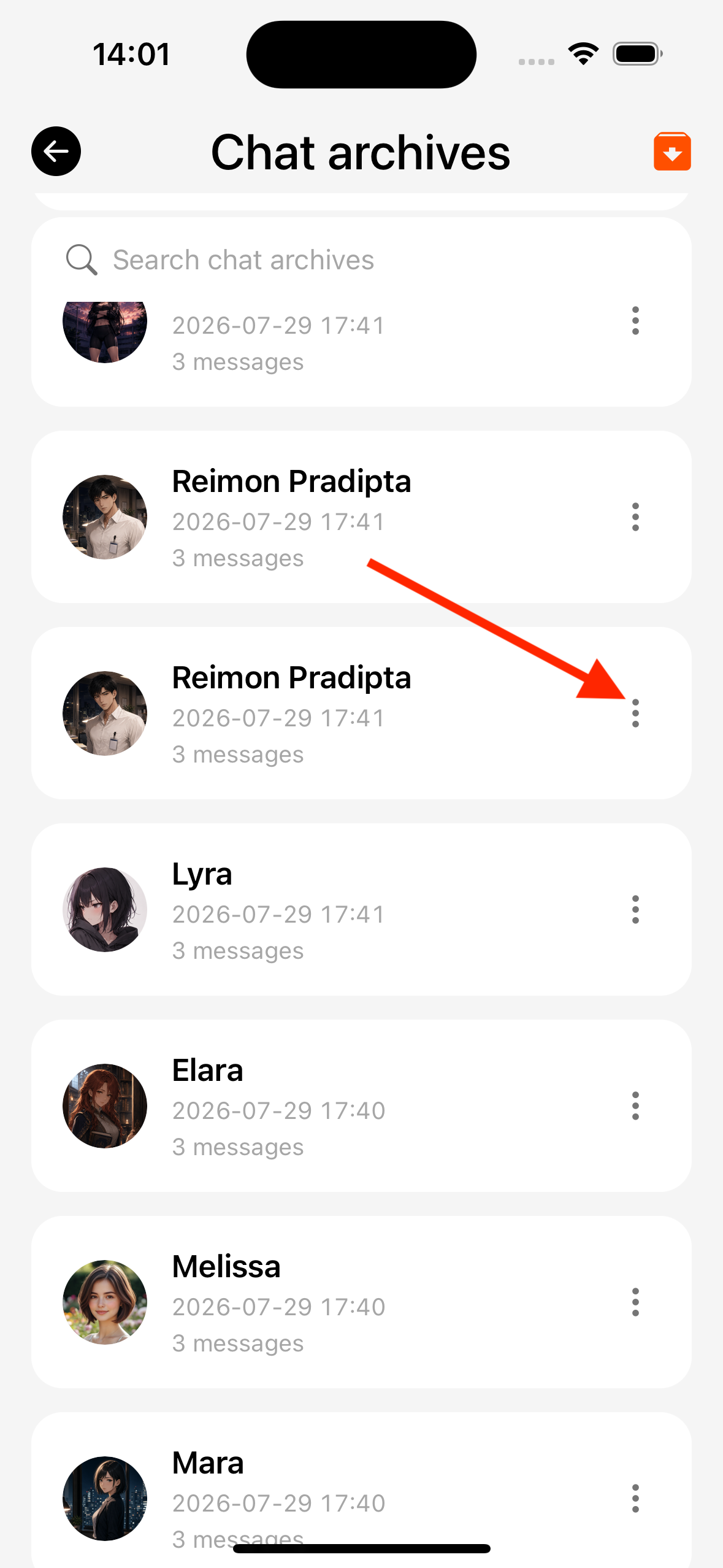
Chat archive list
Settings → Data management → Chat archives:
| Entry | Behavior |
|---|---|
| + → Import from file | Same as chat tab file import |
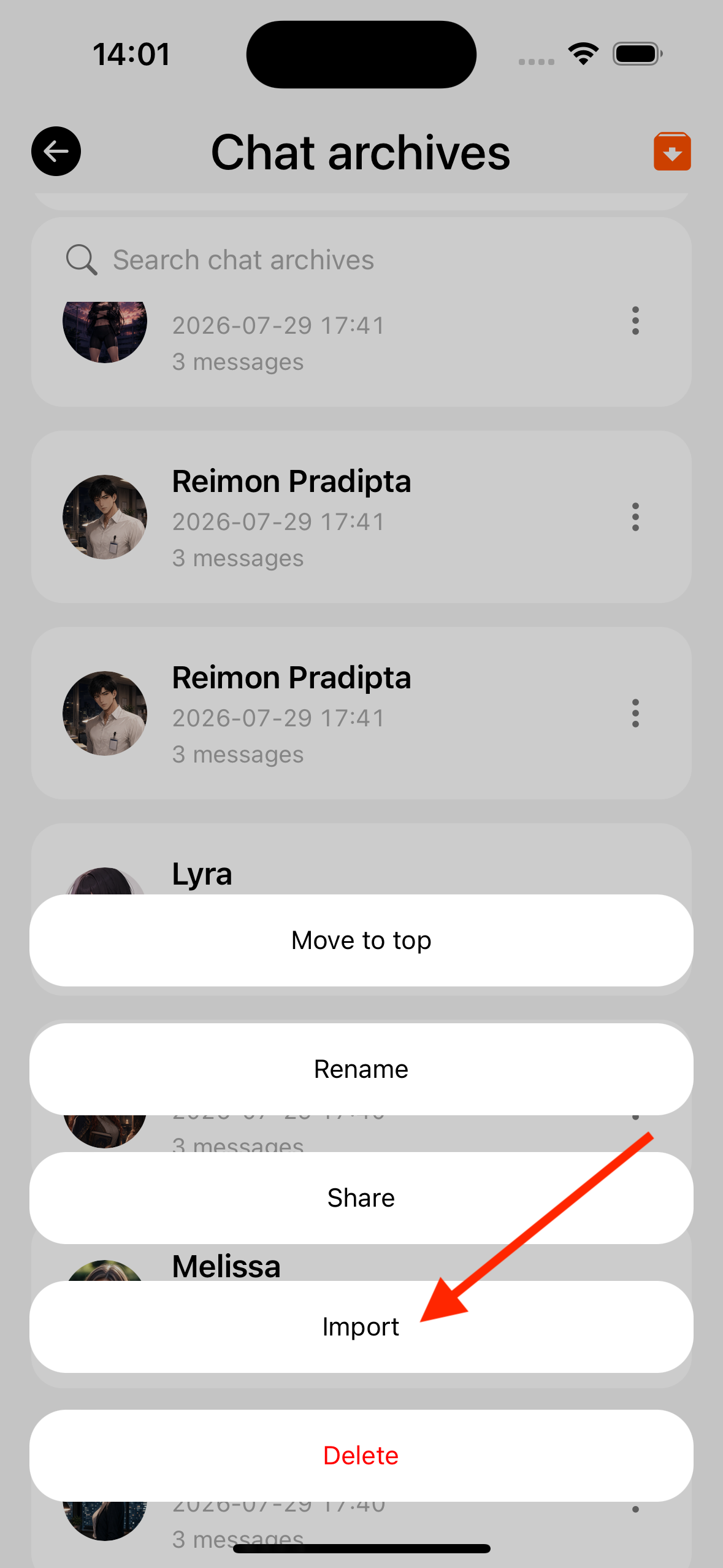
| Archive row menu → Import | Import that saved archive |
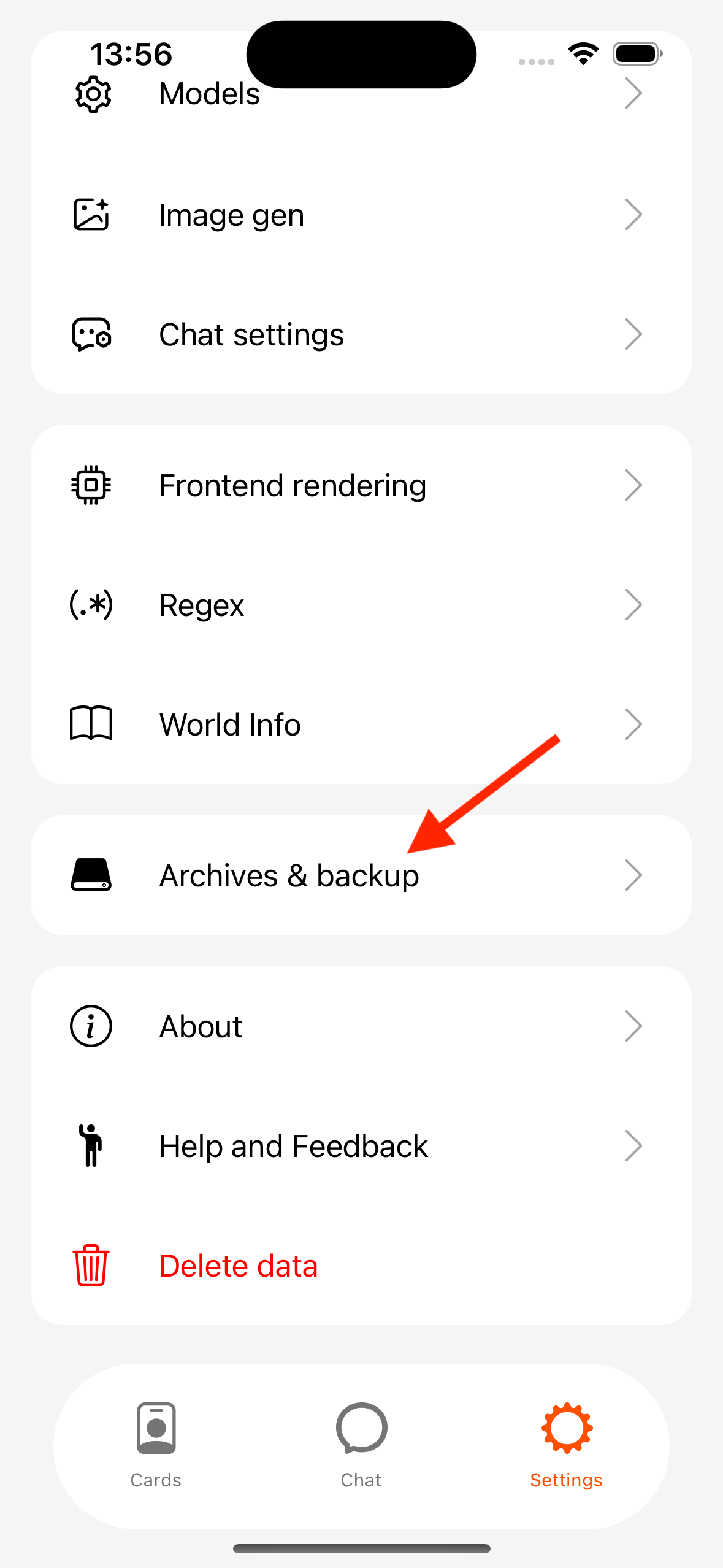
See Backup for full ZIP backups.
On errors
Check the progress dialog or Toast; common causes include wrong file type or low disk space. Bubble errors: Error codes.