Presets
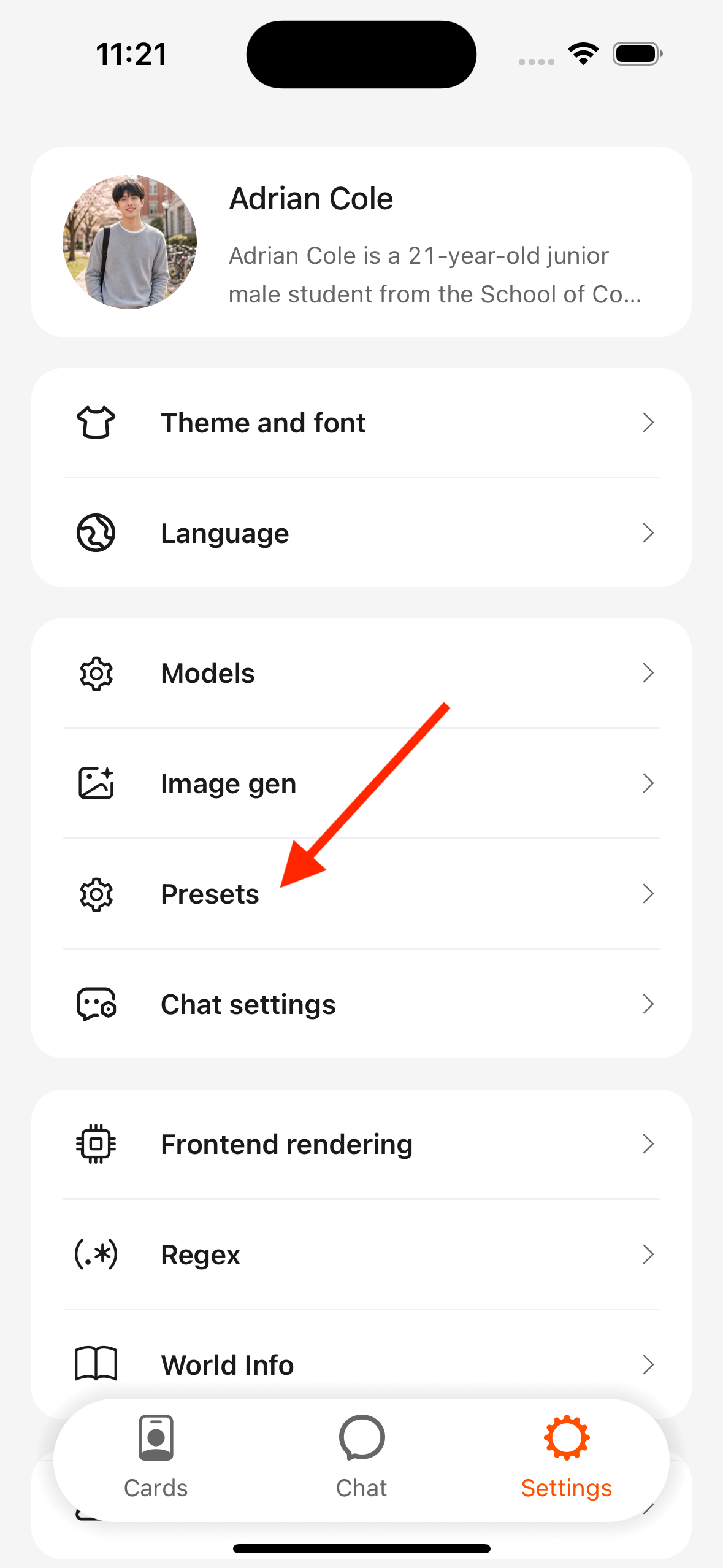
Path: bottom Settings → Presets.
A preset is a full prompt structure: it changes how roleplay is written and constrained. Temperature and other sampling stay under Model settings.
Steps
List
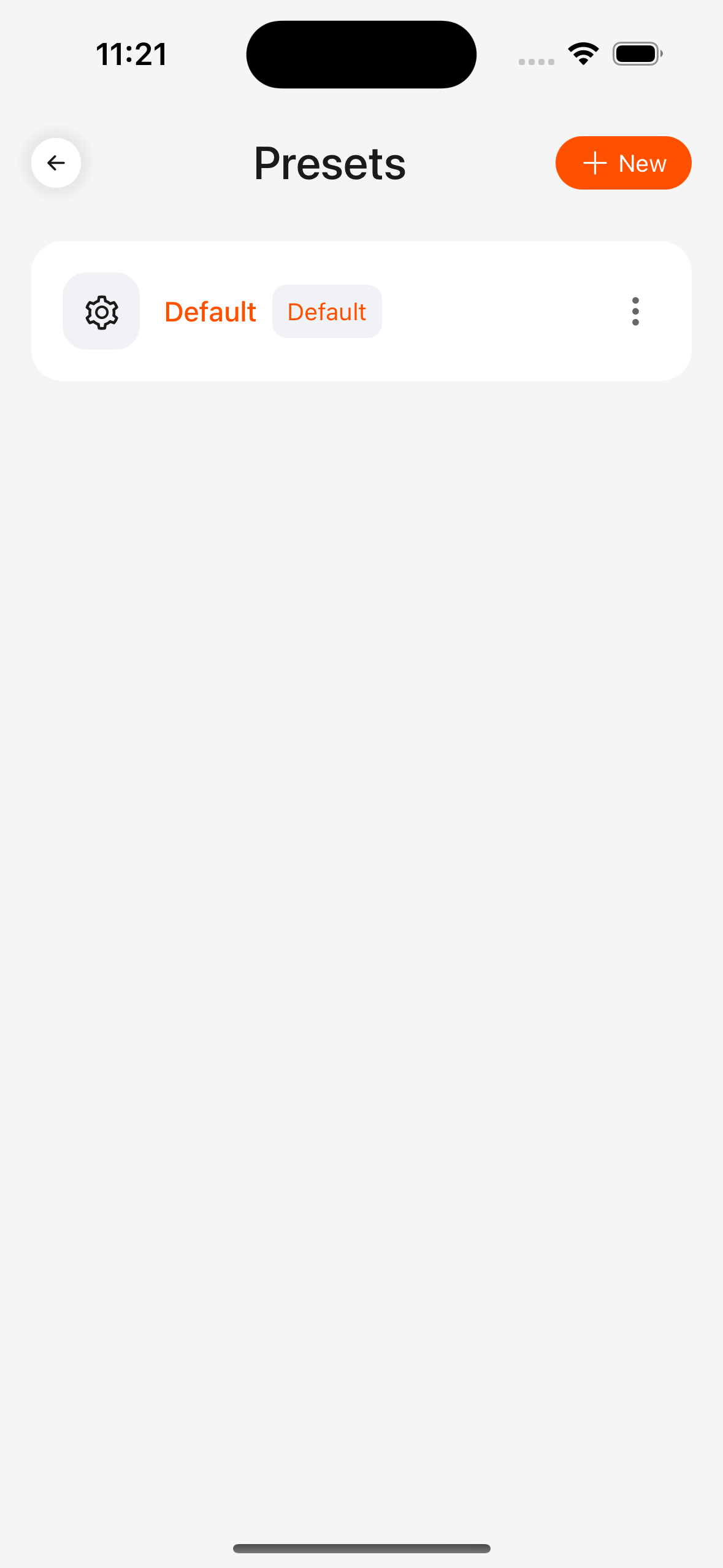
- New can create a preset or import a SillyTavern Chat Completion preset. Sampling keys are ignored, with a note to set them in Model settings.
- A fresh install has only the row tagged Default. It cannot be edited or deleted.
- The menu on a row can move it to the top, set it as default, edit, duplicate, export, or delete.
- Create and duplicate open the editor first. The row appears in the list only after Save.
Edit a preset
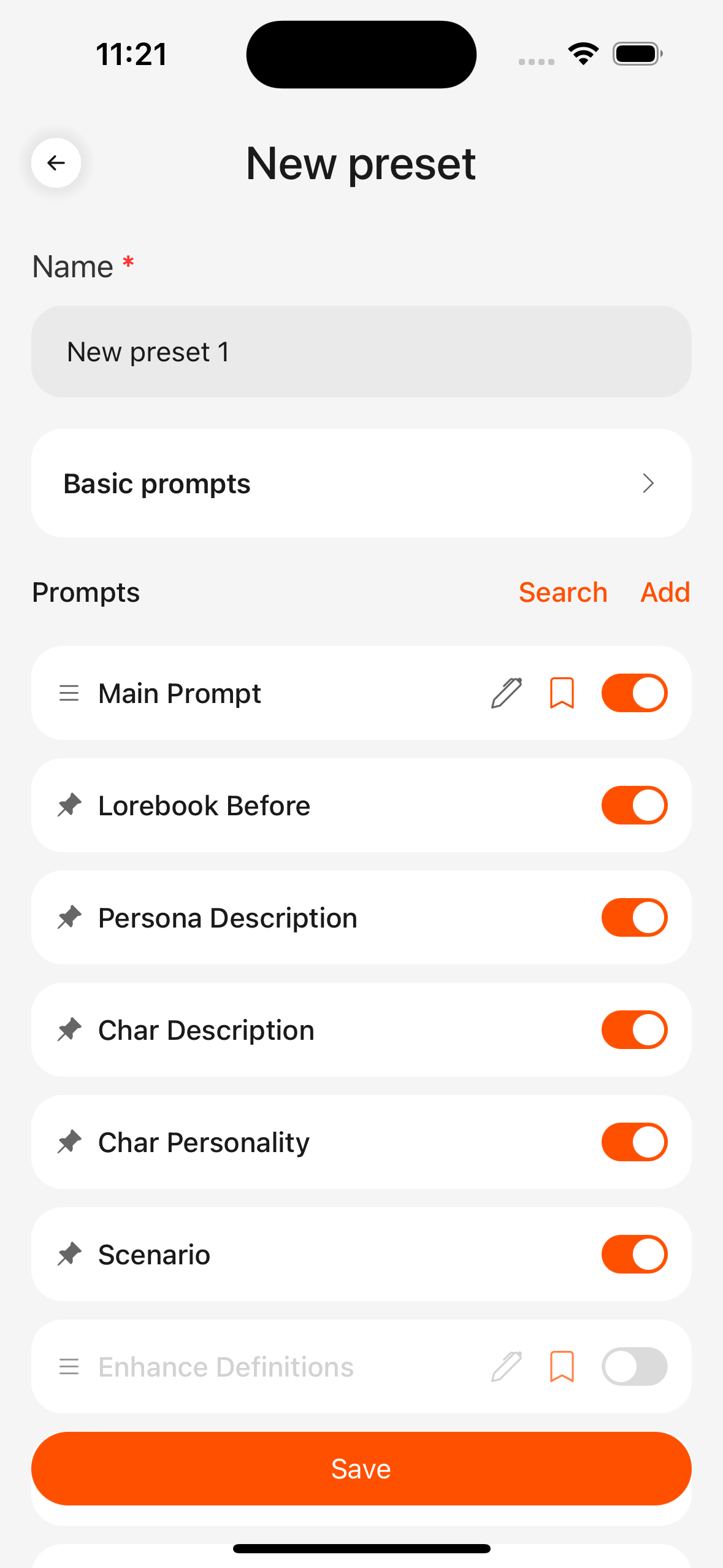
- Name is required.
- Basic prompts covers persona, character description, personality, scenario, example-chat start, new-chat start, and lorebook.
- The Prompts list can be searched. Long-press to reorder. Entries with the switch on are used for a normal send; switched-off entries stay inactive and are not injected.
- Add opens a new prompt. Custom entries can be edited, duplicated, and deleted. Built-in entries only allow name and content.
A character card’s main prompt and post-history instructions override the matching preset entries. Scenario text uses chat settings first, then the card, then plain text in the preset’s basic prompts.
Continue, regenerate, and smart reply do not read this preset. A normal send assembles prompts in list order.
New prompt
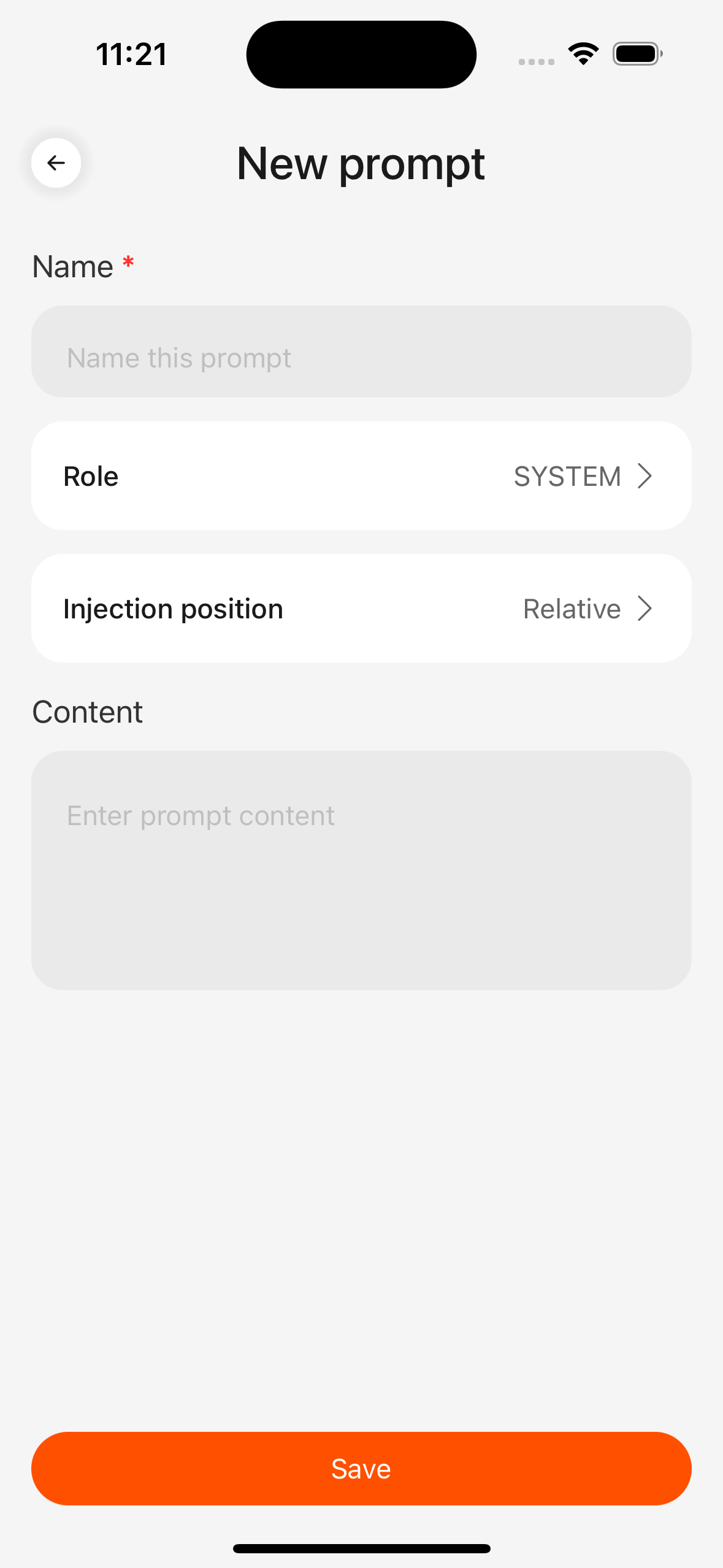
- Name is required.
- Role starts as SYSTEM and can be changed.
- Injection position Relative inserts the prompt at its place in the list. In-chat shows Injection depth and inserts it into history at that depth.
- Content is the prompt text. Macros work here.
- Save returns to the preset editor.
This chat only
Path: conversation → Chat settings → model → Presets.
Follow default preset is on by default. Turn it off to pick another preset for this chat only.
Related
- Model link: sampling stays in model settings
- Persona · Lorebook: basic prompts can pull them in